Anime Bedroom Guitar Album Cover
Full prompt
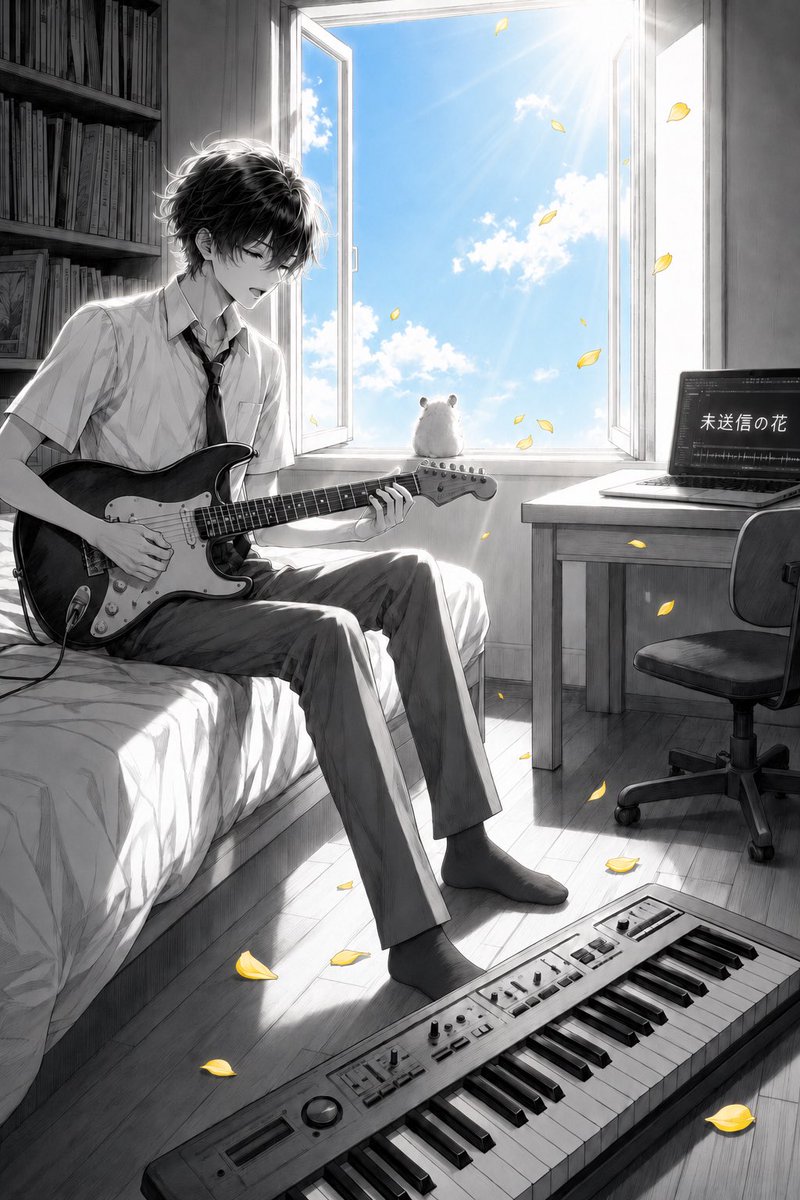
Create a cinematic vertical anime album-cover illustration in mostly monochrome pencil-and-ink grayscale with selective color accents. A slim teenage boy with messy black hair sits on the edge of a bed in a quiet bedroom, playing a black electric guitar with a white pickguard; he wears a short-sleeved white school shirt, loosened black tie, straight gray trousers, and dark socks, his head tilted down with a soft, absorbed expression. The room is rendered with delicate manga linework, realistic light and shadow, and a nostalgic indie-music mood. Behind him is a tall open window flooding the room with bright summer sunlight; outside the window is the only strongly colored area: vivid blue sky, white clouds, and sun rays. On the windowsill sits one small fluffy white hamster seen from behind, looking out at the sky. Yellow flower petals drift through the open window and scatter around the room, providing the second color accent. Include exactly these main visible objects: 1 teenage guitarist on the bed, 1 electric guitar, 1 open window, 1 white hamster on the sill, 1 laptop on a desk to the right, 1 office chair, 1 keyboard/synthesizer on the floor in the foreground, 1 bookshelf on the left, and many yellow petals floating and fallen. The laptop screen should show audio waveform/editing software and the Japanese title text {argument name="laptop title text" default="未送信の花"}. Composition: portrait 2:3 ratio, boy on the left third, open window centered upper background, desk and laptop on the right, keyboard diagonally across the bottom foreground. Style: highly detailed Japanese anime illustration, grayscale graphite texture, soft bloom, high-contrast backlighting, reflective wooden floor, emotional music-room atmosphere, no watermark, no extra text besides the laptop screen. Customize the character as {argument name="character description" default="slim teenage boy with messy black hair"}, the instrument as {argument name="instrument" default="black electric guitar with white pickguard"}, and the accent petals as {argument name="accent petals" default="yellow flower petals"}.
Use this prompt in the VdoBloom image editor.
Opens the image editor with this prompt — add your own photo to generate.