Character Outfit and Text Overlay Edit
Full prompt
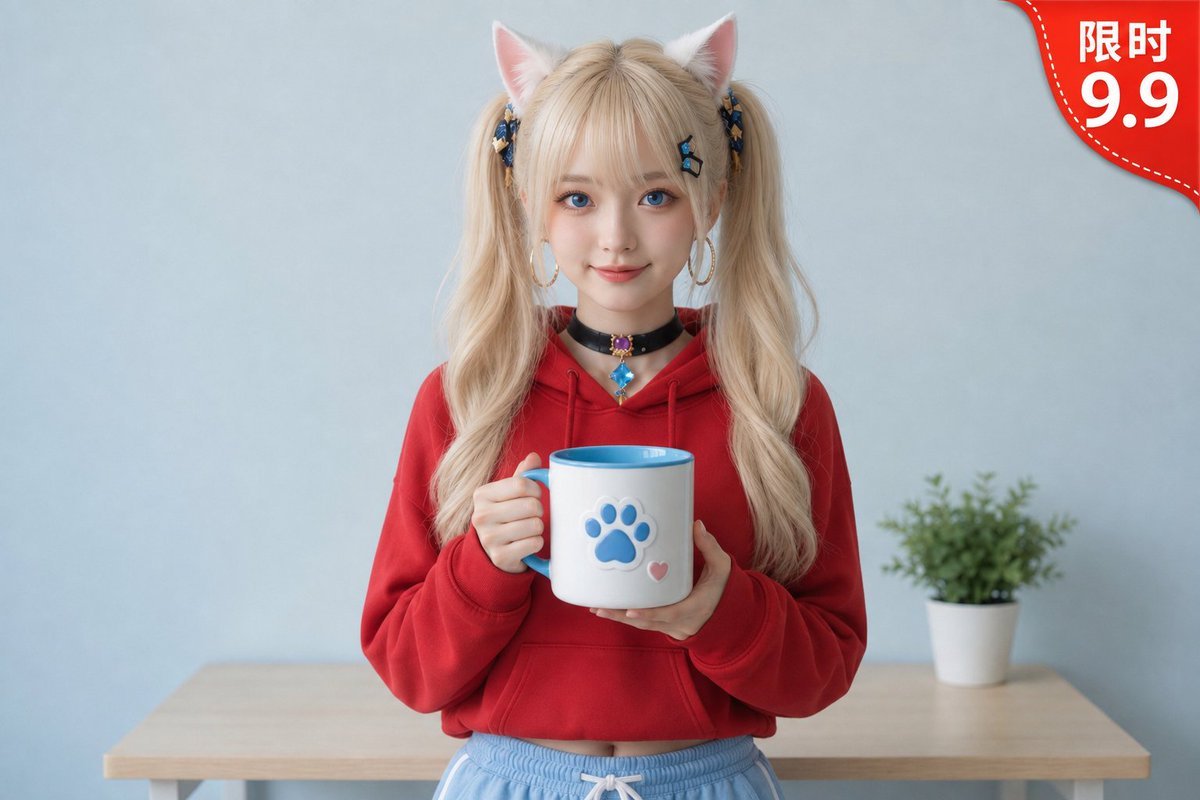
Change the character's top to a {argument name="outfit" default="red hoodie"}, keeping the face, hairstyle, cat ears, collar, pose, the cat paw cup in hand, and the background completely unchanged. Add a red corner label in the top right with the text "{argument name="label text" default="limited time 9.9"}"; do not modify any other existing content in the original image.
Original prompt
把人物上衣改成{argument name="服装" default="红色连帽衫"},脸、发型、猫耳、项圈、姿势、手里的猫爪杯、背景完全不变。\n在右上角加红色角标文字「{argument name="文字内容" default="限时 9.9"}」,原图已有内容不要改动。
Use this prompt in the VdoBloom image editor.
Opens the image editor with this prompt — add your own photo to generate.