Sunlit Riverside City Fantasy
Full prompt
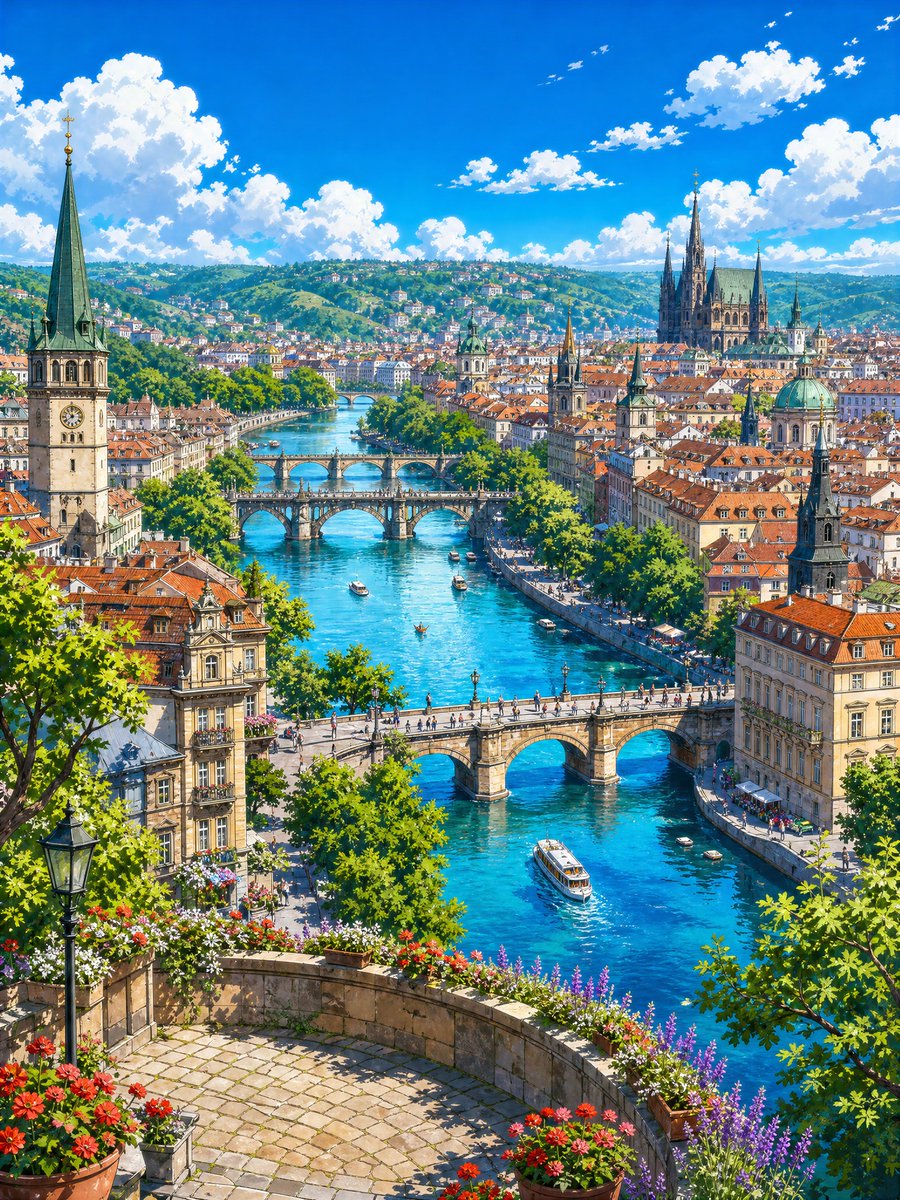
Create a vibrant 4k anime-style fantasy travel landscape of a sunlit European riverside city viewed from a high flower-filled terrace. The scene is a vertical composition looking down over a brilliant turquoise river winding through dense historic architecture with orange terracotta roofs, cream stone facades, tree-lined embankments, outdoor riverside cafés, and green hills covered with houses in the distance. Include exactly 5 visible stone bridges crossing the river at different depths: 1 large foreground bridge with pedestrians, 1 ornate central arched bridge, 2 smaller bridges farther upstream, and 1 faint distant bridge near the horizon. Add exactly 7 visible boats on the river, including 1 larger white sightseeing boat near the lower right, 3 small motorboats, 2 tiny rowboats, and 1 small boat centered in the river. In the foreground, show a curved stone terrace paved with light cobblestones, a black vintage streetlamp on the left, leafy green trees framing both sides, and abundant flower planters with red, white, pink, and purple blossoms along the railing. The city skyline should include a tall clock-tower church with a green copper spire on the left, a large Gothic cathedral with multiple dark spires on the upper right, several smaller church towers, and one domed building with a green patina roof. Use {argument name="season" default="summer"} atmosphere, a deep cobalt-blue sky with bright cumulus clouds, crisp sunlight, sparkling water reflections, soft painterly detail, clean linework, saturated colors, and an inviting whimsical travel-poster mood. No text, no people close-up, no modern skyscrapers, no cars dominating the scene. Style should feel like a highly detailed Studio Ghibli-inspired European city illustration of {argument name="city inspiration" default="Prague-like river city"} under {argument name="time of day" default="clear midday sun"}, with emphasis on {argument name="foreground flowers" default="red geraniums and purple lavender"} and {argument name="river color" default="bright turquoise blue"}.
Use this prompt in the VdoBloom image editor.
Opens the image editor with this prompt — add your own photo to generate.