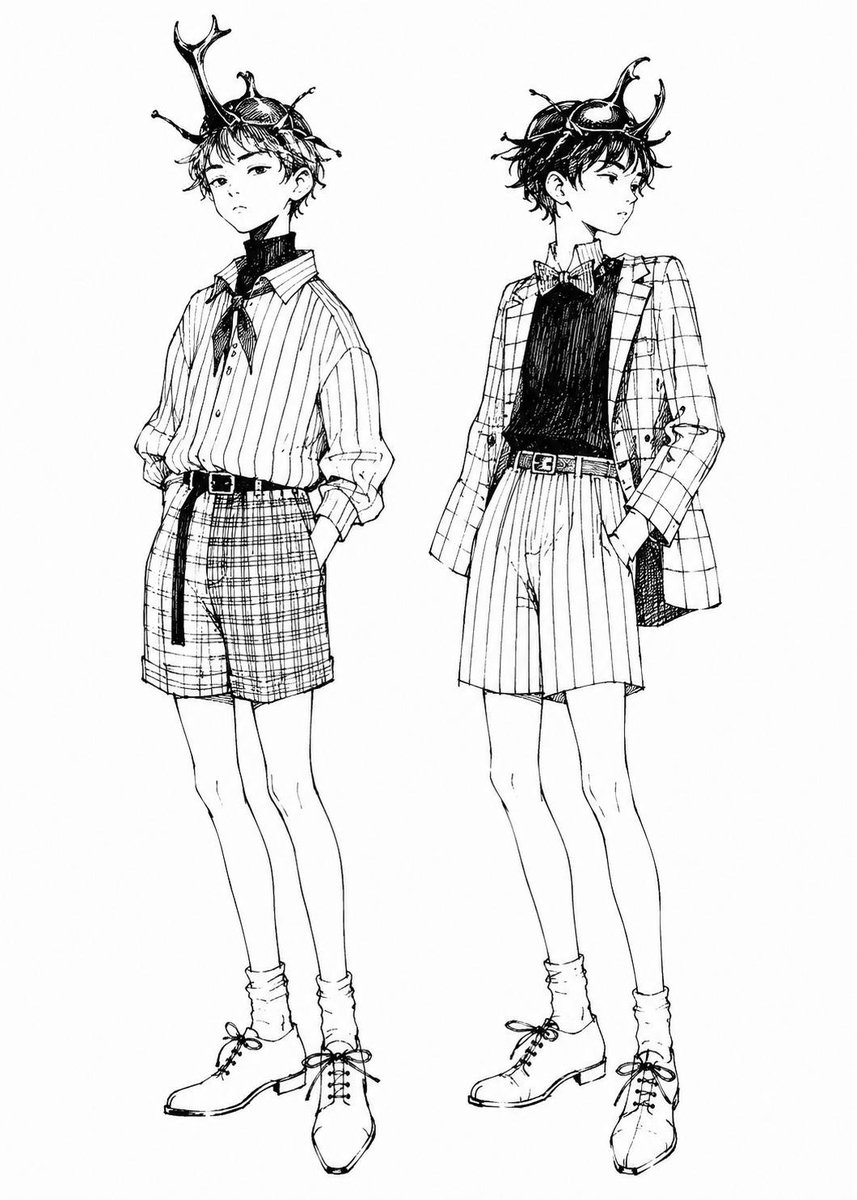
Rhinoceros Beetle Boy Fashion Sketch
Full prompt
Create a black-and-white manga fashion illustration on a clean white background featuring exactly 2 full-body slim teenage boys with delicate androgynous faces, long legs, tousled short dark hair, and rhinoceros beetle-inspired headpieces worn like masks or crowns. The style should look like fine ink pen line art from a fashion sketchbook: crisp contour lines, expressive cross-hatching, sparse shading, no color, no background objects, no text, no border. Subject 1 on the left: a relaxed boy facing slightly forward-left with one hand in his pocket, calm serious expression, wearing a large beetle horn mask on his head with one tall forked horn rising upward, small insect legs/antennae details, a loose vertically striped button-up shirt with rolled sleeves, a dark scarf or ribbon tied at the neck, high-waisted plaid shorts, a narrow belt with a long hanging strap, slouchy socks, and lace-up ankle boots. Subject 2 on the right: a similar boy standing in a fashion pose facing to the right with one hand in his pocket, wearing a beetle mask with two curved horns and glossy shell detail, a checkered blazer, a dark sleeveless knit vest or shirt, a small bow tie, high-waisted vertically striped shorts, a belt, slouchy socks, and lace-up ankle boots. Keep both figures elegant, youthful, and slightly aristocratic, with the beetle headpieces as the focal point. Use {argument name="character type" default="rhinoceros beetle boy"}, {argument name="art style" default="black-and-white manga ink fashion sketch"}, {argument name="left outfit pattern" default="vertical striped shirt and plaid shorts"}, {argument name="right outfit pattern" default="checkered blazer and vertical striped shorts"}, and {argument name="background" default="plain white background"}.
Use this prompt in the VdoBloom image editor.
Opens the image editor with this prompt — add your own photo to generate.