Black Brush Calligraphy Conversion
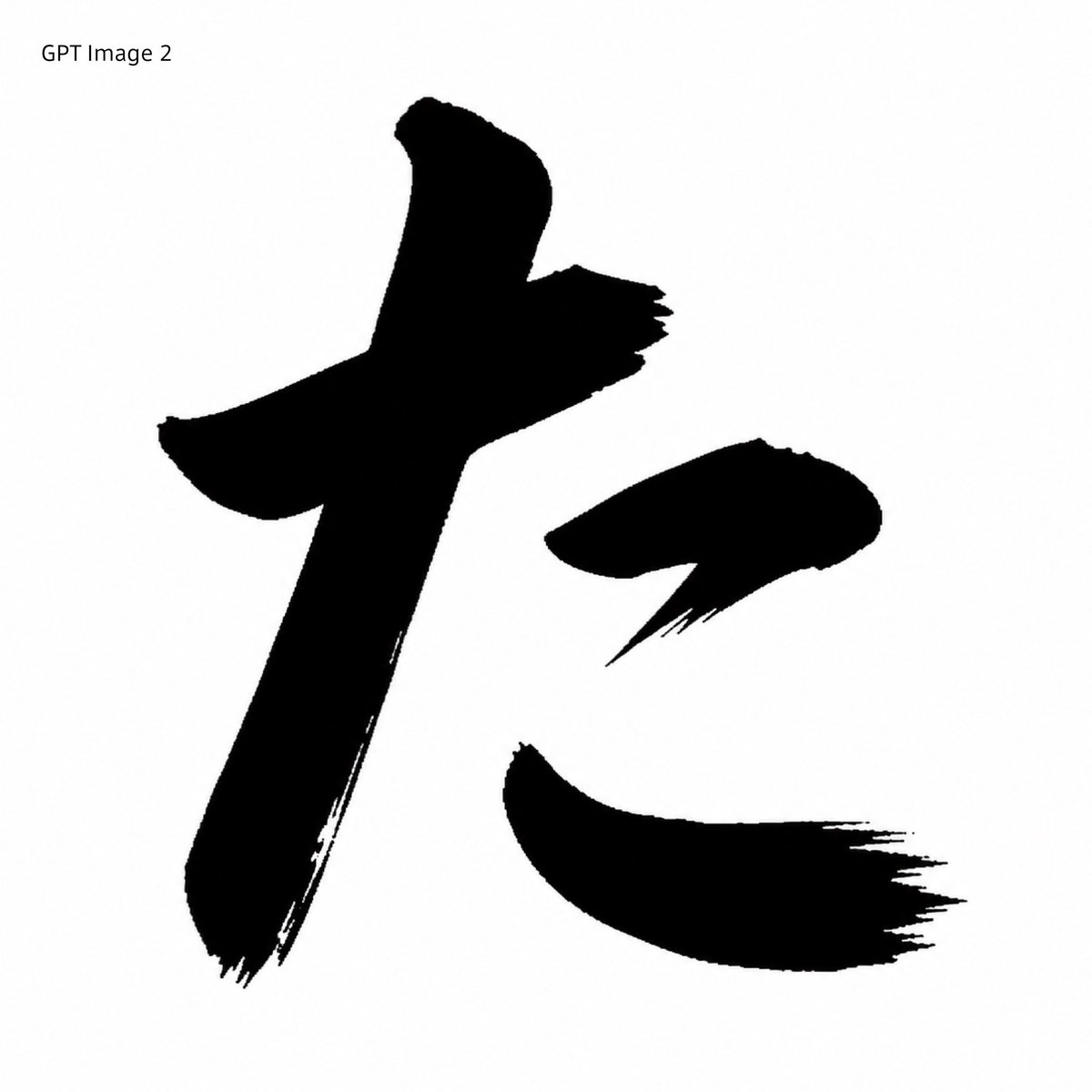
Full prompt
Using REFERENCE_0 as the character-shape source, transform the red printed kaisho glyph into a GPT Image 2-style black brush-calligraphy rendering. Preserve the same overall character, scale, placement, and white square canvas, but replace the clean red vector-like strokes with solid black ink strokes that have rough bristle texture, dry-brush fraying, uneven edges, and sharp sweeping hane/harai endings. Remove the original red Japanese font label at the top and instead add the plain black text label {argument name="top left label" default="GPT Image 2"} in the upper-left corner. Keep exactly 3 separated main stroke components matching the reference layout: the large left vertical/cross stroke, the small upper-right dot stroke, and the lower-right sweeping stroke. Minimal monochrome comparison-sample look, no extra decoration, no watermark.
Use this prompt in the VdoBloom image editor.
Opens the image editor with this prompt — add your own photo to generate.