AI Character Clothing Swap Instruction
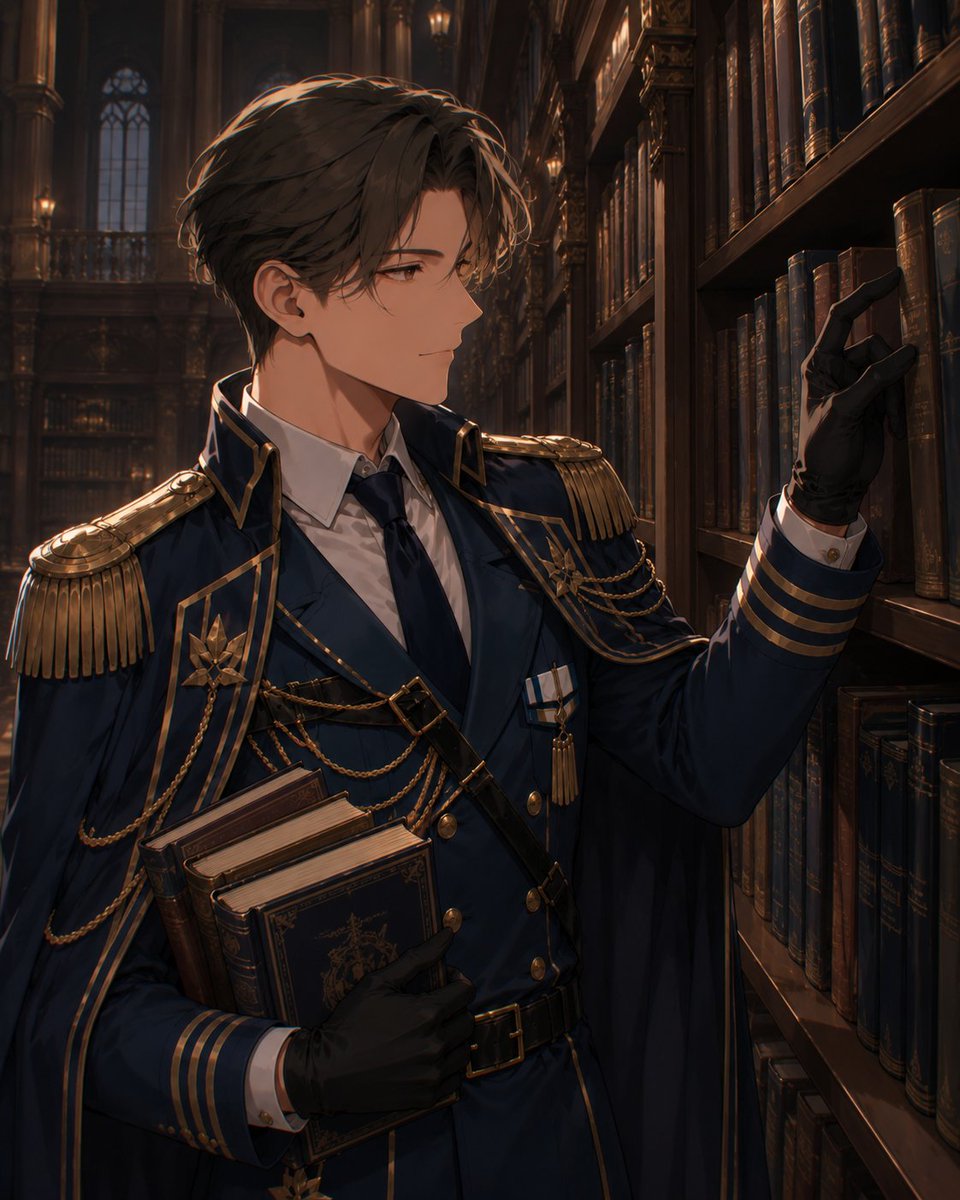
Full prompt
Treat {argument name="character image" default="the first image"} as the character image and {argument name="clothing image" default="the second image"} as the clothing image. Even if another character is in the {argument name="clothing image" default="second image"}, only use the clothes as a reference to change the outfit of the character in the {argument name="character image" default="first image"}. Create an illustration where only the outfit from the {argument name="character image" default="first image"} is changed.
Original prompt
{argument name="キャラクター画像" default="1枚目"}をキャラクター画像、{argument name="衣装画像" default="2枚目"}を衣装画像として扱います。{argument name="衣装画像" default="2枚目"}に別のキャラクターが写っていても、服だけを参考にして、{argument name="キャラクター画像" default="1枚目"}のキャラクターに着せ替えます。{argument name="キャラクター画像" default="1枚目"}の絵の衣装のみを変えたイラストをつくって
Use this prompt in the VdoBloom image editor.
Opens the image editor with this prompt — add your own photo to generate.