ChatGPT Transparent Background Preview
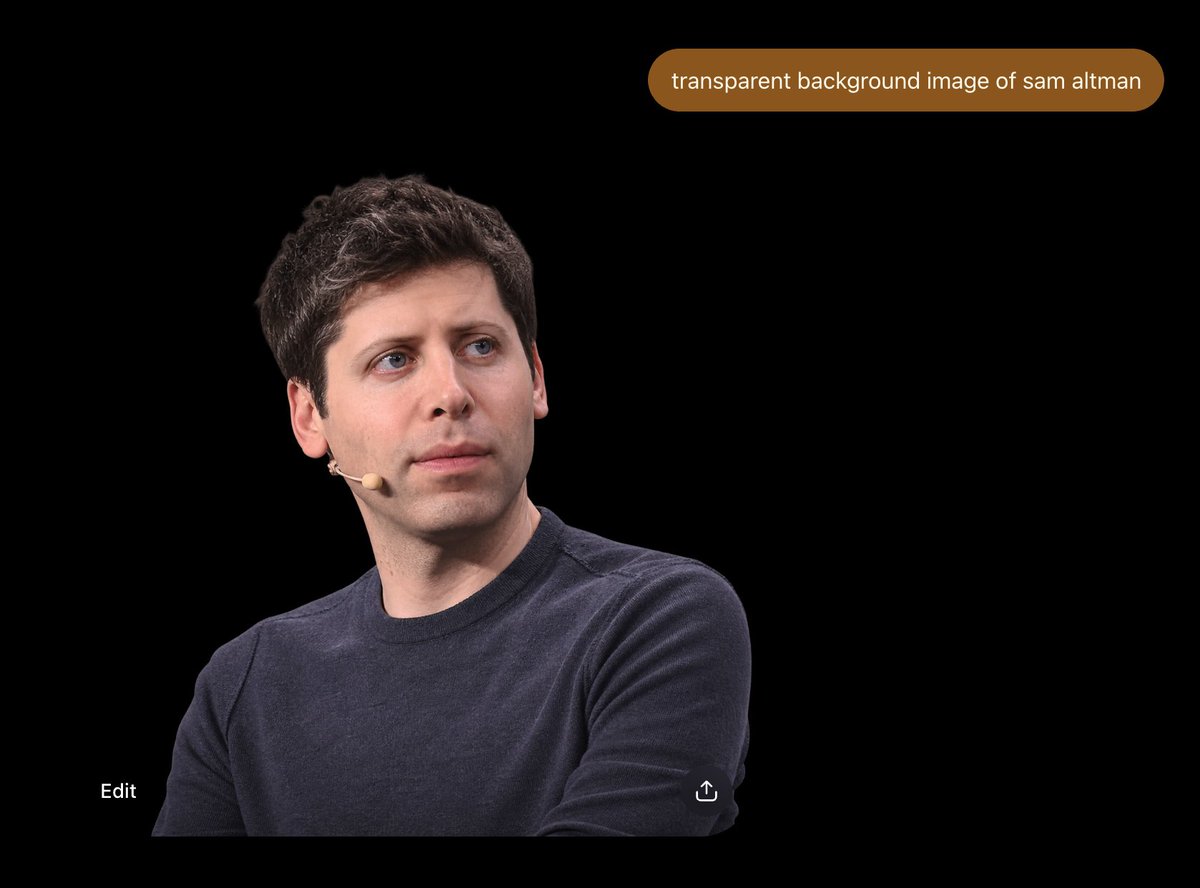
Full prompt
Create a dark ChatGPT-style image generation result screenshot on a wide 4:3 canvas. The background is solid black, making the subject appear like a transparent-background cutout preview. Place one realistic photographic cutout portrait of {argument name="person" default="Sam Altman"} in the lower-left to lower-center area: a seated upper-body crop, arms crossed low, wearing a dark navy crewneck sweater, short dark wavy hair, pale skin, neutral thoughtful expression, looking up and to the right, with a small beige headset microphone on his left cheek. Leave a large empty black area on the right and top. Add exactly one rounded brown prompt bubble near the top-right, containing the white lowercase text: {argument name="prompt text" default="transparent background image of sam altman"}. Add exactly two small UI elements near the bottom: the white word “Edit” at bottom-left and a small white share/upload icon near the lower center-right edge of the cutout. Make the composition look like a clean mobile or desktop ChatGPT image preview screenshot, with no borders, no extra captions, no watermark, and no additional people or objects.
Use this prompt in the VdoBloom image editor.
Opens the image editor with this prompt — add your own photo to generate.