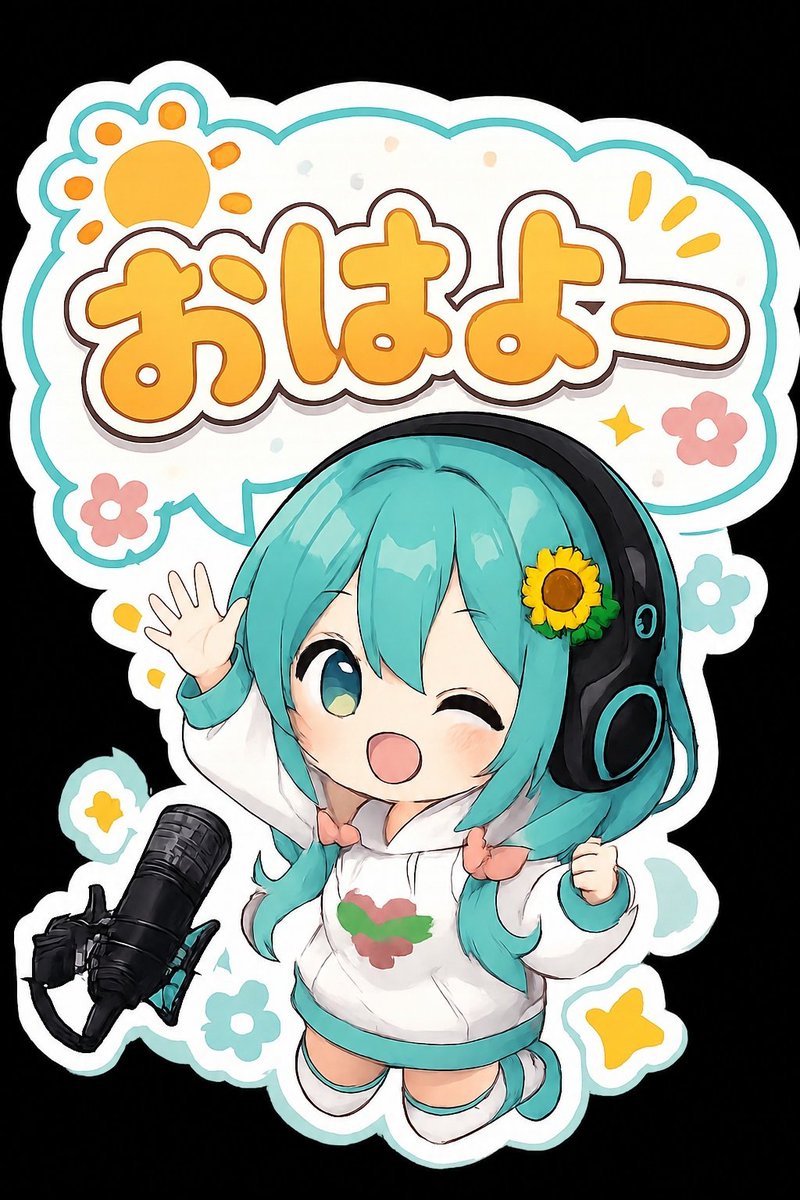
Chibi Anime Morning Greeting Sticker
Full prompt
Create a cute chibi anime sticker illustration on a black background, with a thick white die-cut sticker border and a teal outline. Center a tiny cheerful virtual idol girl, {argument name="character name" default="Hatsune Miku-inspired chibi mascot"}, with bright {argument name="hair color" default="turquoise twin-tail hair"}, one large teal-green eye open and the other eye winking, rosy cheeks, and an open smiling mouth. She wears oversized black headphones with teal accents and a yellow sunflower decoration on one side, a white hoodie with teal cuffs and hem, small peach bows tying the twin tails, short socks, and teal shoes; the hoodie has a simple red-and-green emblem on the chest. Pose her floating or bouncing forward, left hand raised in a friendly wave with five fingers visible, right hand clenched happily near her side. Place a large rounded speech-bubble sign above and behind her, filled white with teal trim, containing big playful Japanese text {argument name="greeting text" default="おはよー"} in thick rounded orange letters with cream highlights, dark brown shadow outline, and a white sticker-like stroke. Add a stylized orange sun paw-print icon in the upper left of the bubble, three yellow exclamation rays in the upper right, small pastel confetti dots, one yellow sparkle, and exactly 4 simple flowers around the sticker: two pink flowers with white centers and two teal flowers with white centers. Add exactly 3 yellow star-like accent shapes around the lower half. Include a black studio microphone on a boom/shock mount at the lower left, angled diagonally upward toward the character. Overall style: glossy kawaii anime art, clean bold outlines, soft cel shading, vibrant pastel palette, rounded sticker aesthetic, high detail but uncluttered, vertical composition.
Use this prompt in the VdoBloom image editor.
Opens the image editor with this prompt — add your own photo to generate.