Cinematic Anime Frame Brush-Up
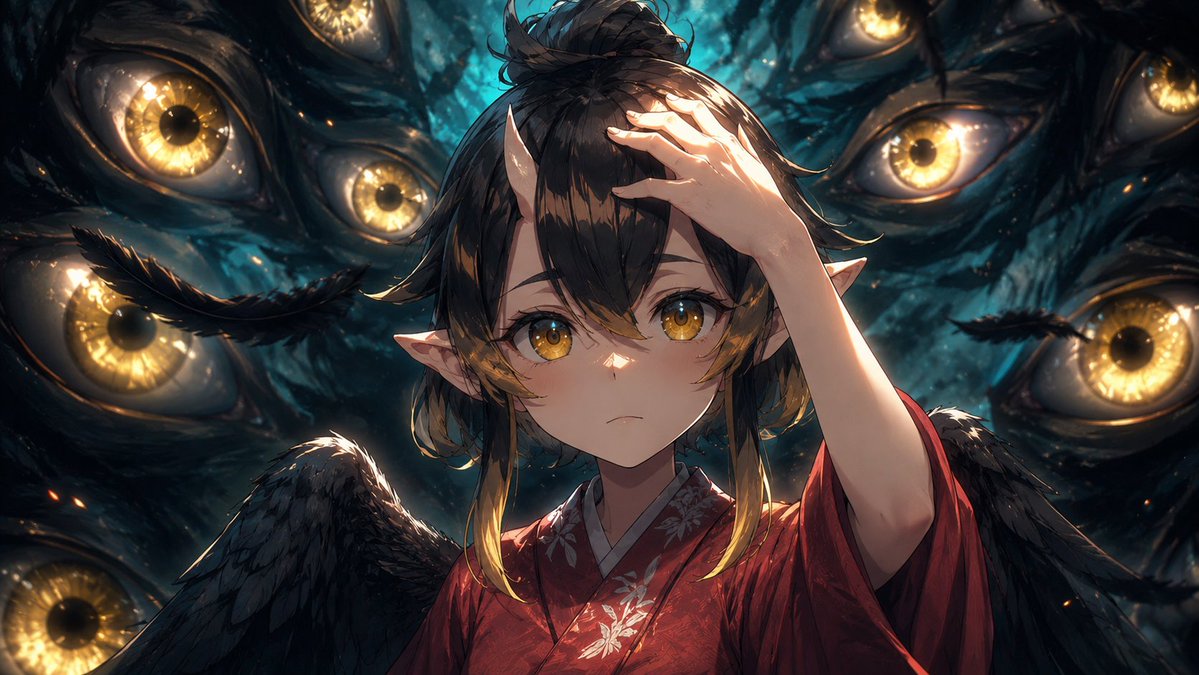
Full prompt
Using the provided reference image as the base frame, brush it up into a high-end cinematic anime key visual while preserving the original composition, character pose, outfit, wings, pointed ears, hand placement, and the central rectangular privacy mask over the face. Keep the same dark supernatural scene with exactly 8 visible surrounding golden eyes, but greatly increase the drawing density, shadow detail, rim lighting, depth, texture, and contrast. Make the background eyes sharper and more luminous, with wet organic texture, teal-black darkness, glowing amber irises, subtle sparks, and layered depth of field. Refine the hair strands, feathers, kimono fabric, floral embroidery, skin shading, and highlights so the frame feels like a polished production still rather than a rough anime cut. Maintain the same widescreen crop and overall framing. Style target: {argument name="visual style" default="premium cinematic anime illustration"}. Enhancement strength: {argument name="enhancement strength" default="strong brush-up with more detail, shadows, and depth"}. Lighting mood: {argument name="lighting mood" default="dramatic teal-and-gold supernatural lighting"}. Privacy mask: {argument name="privacy mask" default="keep the opaque rectangular block covering the face"}.
Use this prompt in the VdoBloom image editor.
Opens the image editor with this prompt — add your own photo to generate.