Cinematic Anime Winter Photo Transformation
Full prompt
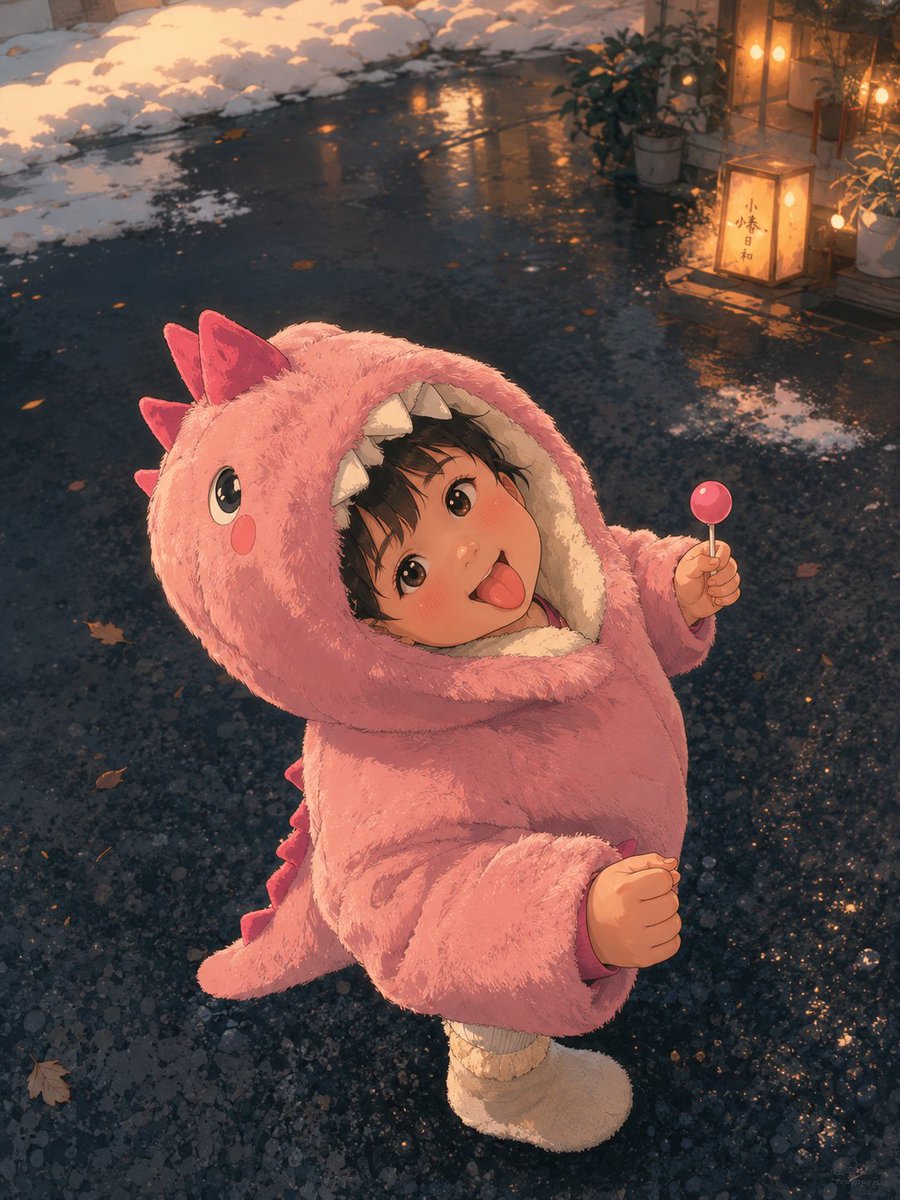
Using REFERENCE_0 as the exact base image, transform it into a premium cinematic Japanese anime frame. Preserve the original composition, pose, camera angle, character placement, facial expression, body language, framing, perspective, environment layout, lighting direction, and the visible privacy censor block over the face. Convert the photo into a richly detailed hand-painted anime look with clean linework, soft cel-shading, textured plush fur, expressive highlights, and a polished film-still finish.

Enhance the scene into a warm winter evening atmosphere: keep the wet dark pavement and snow along the edges, but make the ground more reflective and painterly with small puddles, scattered fallen leaves, and subtle snow patches. Add warm cinematic lantern glow in the upper-right background, including potted plants and a small illuminated sign/lantern with Japanese characters, while keeping these background additions softly integrated and slightly out of focus. Use golden-orange rim light and reflections contrasting with cool blue-gray pavement, gentle depth of field, atmospheric bokeh, and high-detail anime rendering. Do not change the child’s dinosaur costume, lollipop, stance, or overall framing; only stylize and enrich the image.
Use this prompt in the VdoBloom image editor.
Opens the image editor with this prompt — add your own photo to generate.