Classroom Chalkboard Lesson
Full prompt
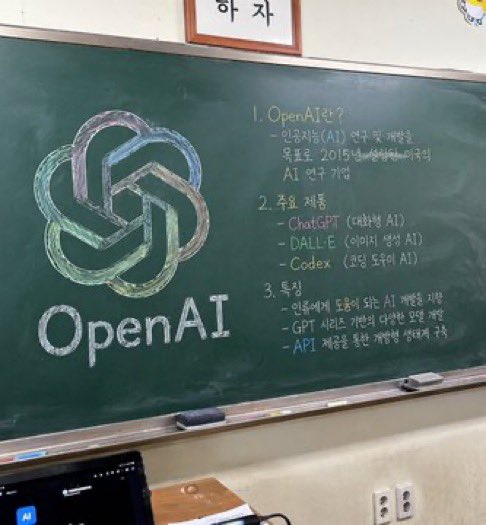
A photorealistic, slightly angled snapshot of a green classroom chalkboard. On the left side of the board is a large, meticulously drawn chalk illustration of the {argument name="company name" default="OpenAI"} logo, rendered in blended pastel colors like green, blue, and purple, with the word "{argument name="logo text" default="OpenAI"}" written in neat white chalk beneath it. The right side of the board features handwritten text organized into exactly 3 numbered sections. Section 1 is titled "{argument name="section one title" default="1. OpenAI란?"}" followed by a brief explanatory paragraph. Section 2 is titled "{argument name="section two title" default="2. 주요 제품"}" and lists 3 bullet points including ChatGPT, DALL-E, and Codex. Section 3 is titled "{argument name="section three title" default="3. 특징"}" and contains 3 bullet points describing features. The chalkboard has a silver metal frame and a chalk ledge holding 2 rectangular erasers and scattered pieces of chalk. Below the board is an off-white wall with a double electrical outlet. In the bottom left foreground, the top edge of a dark laptop screen is partially visible, and above the chalkboard, the bottom edge of a framed sign is cut off by the frame.
Use this prompt in the VdoBloom image editor.
Opens the image editor with this prompt — add your own photo to generate.