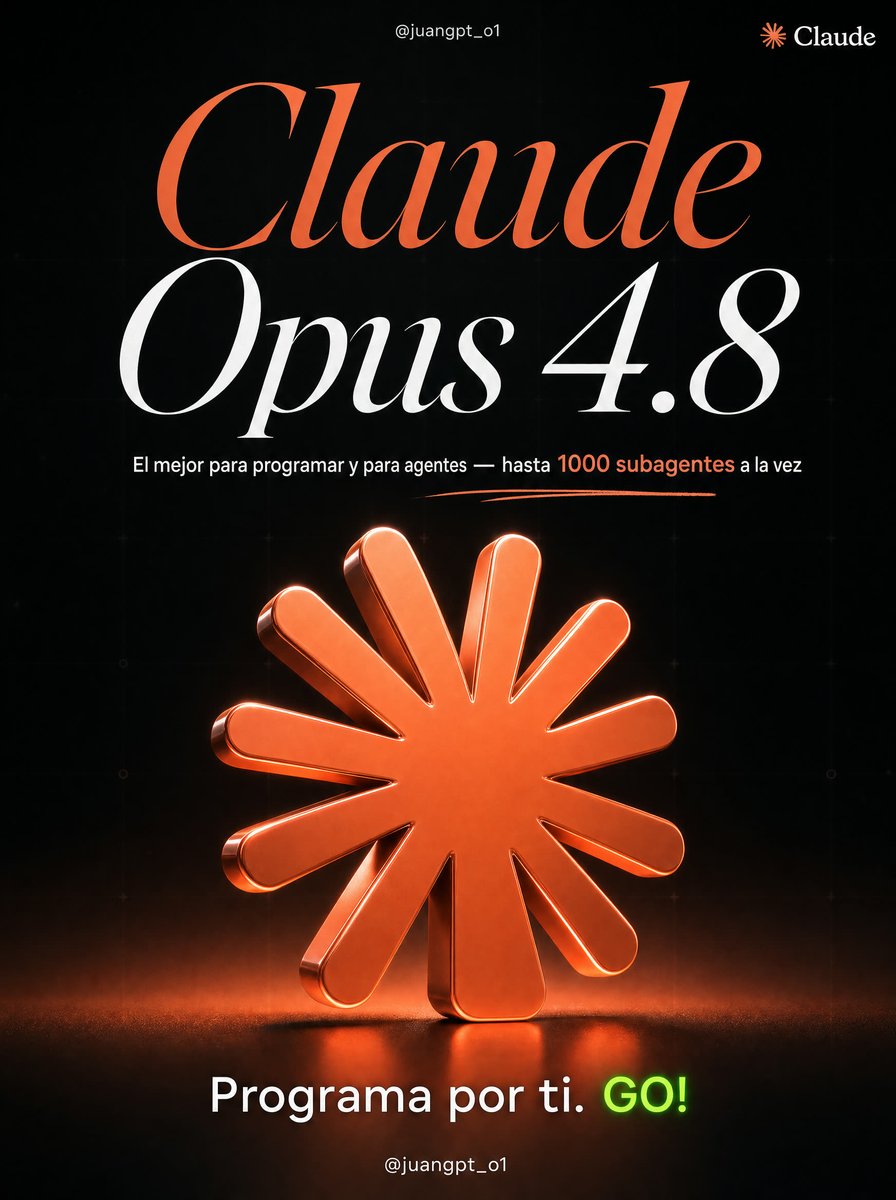
Claude Opus 4.8 Hero Slide
Full prompt
Using REFERENCE_0 as the visual style and layout inspiration, create a single focused carousel slide for {argument name="AI tool" default="Claude Opus 4.8"} instead of the six-tool overview. Keep the same premium black background, subtle technical grid texture, glossy 3D icon rendering, dramatic studio lighting, elegant high-contrast serif typography, neon accent color, handwritten underline flourish, and bottom social-handle placement.

Transform the composition into one hero page: place the handle “@juangpt_o1” centered at the top, add a small Claude logo mark and wordmark in the top-right corner, and replace the original headline with a huge two-line title reading “Claude” in orange and “Opus 4.8” in white. Under the title, add one concise Spanish subtitle: {argument name="subtitle text" default="El mejor para programar y para agentes — hasta 1000 subagentes a la vez"}, with “1000 subagentes” emphasized in orange. Add a thin orange hand-drawn underline beneath the subtitle.

Replace the six-icon grid with exactly 1 large central glossy 3D icon: the orange Claude sunburst/asterisk logo, enlarged as the main object, standing on a dark reflective floor with orange glow, rim light, shadow, and subtle volumetric haze. Remove all other tool icons and labels from the reference.

Bottom call to action: replace the original bottom CTA with {argument name="bottom call to action" default="Programa por ti. GO!"}, keeping “GO!” in bright neon green and the rest in white. Keep “@juangpt_o1” centered at the very bottom. Use a vertical 4:5 social media poster format, crisp 4K detail, no extra logos, no added text beyond the specified items.
Use this prompt in the VdoBloom image editor.
Opens the image editor with this prompt — add your own photo to generate.