Cybernetic Demon Head UI Concept
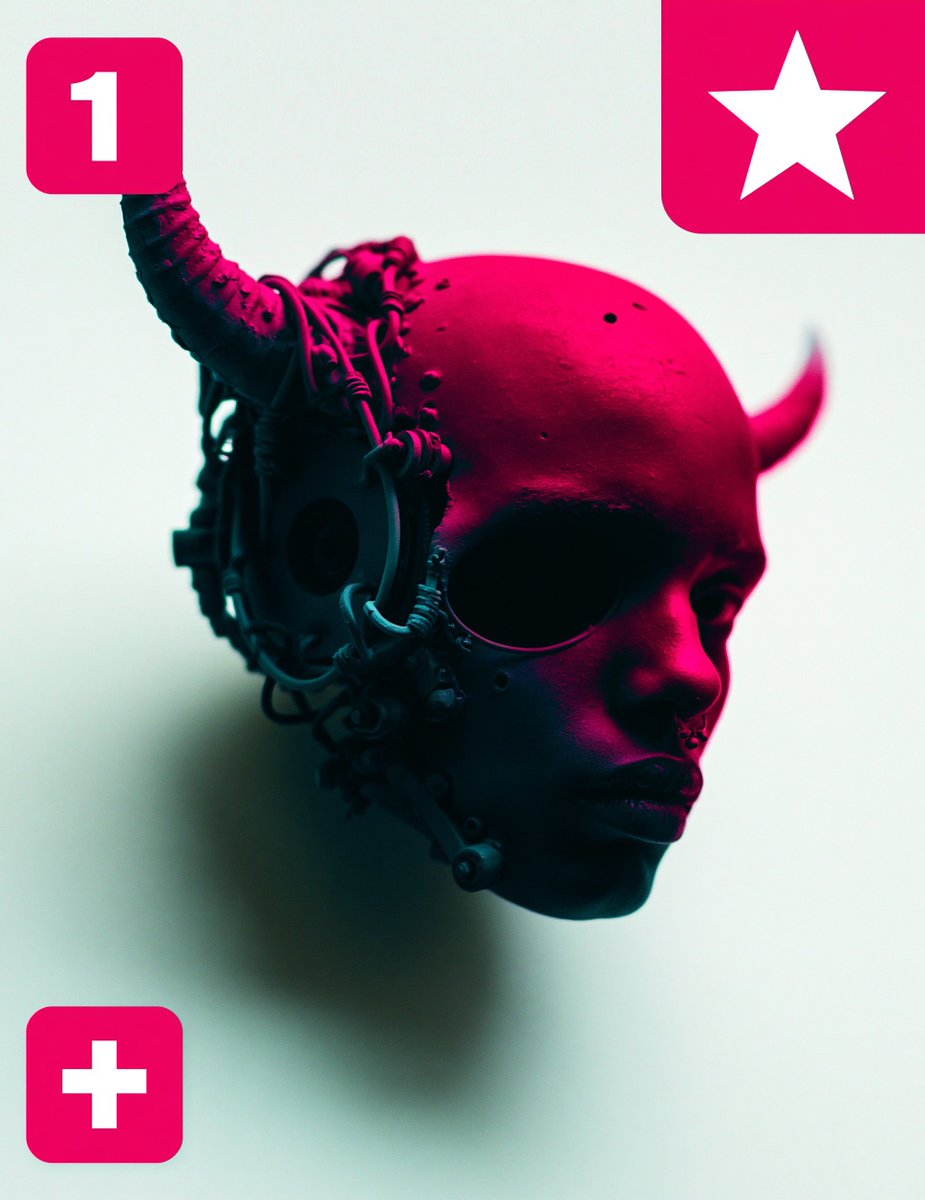
Full prompt
Create a square editorial sci-fi character concept image with a floating cybernetic demon-child head in a minimalist studio setting. The subject is a dark-skinned, bald humanoid head in three-quarter view facing right, suspended in midair with no neck or body, expression calm and severe, lips slightly pursed, large shadowed eye socket area, small nose piercing or septum detail, and smooth skin marked by tiny pores and small dark speckles. Add two horn-like protrusions: 1 large curved organic-mechanical horn rising from the left side of the skull and curling upward, and 1 smaller horn on the right rear side pointing upward. The left side of the head is covered with dense cybernetic hardware: circular ear module, cables, tubes, rings, small joints, mechanical plates, and dangling connectors wrapping around the skull and cheek. Use dramatic neon magenta lighting from the upper right across the scalp and face, with deep teal-black shadows on the left mechanical side, against a pale mint-white background. The head casts a soft blurred shadow behind and below it, emphasizing that it floats. Overlay exactly 3 bright hot-pink rounded-square UI badges: top left badge contains a large white number “1”, top right partially cropped badge contains a large white five-point star, and bottom left badge contains a large white plus sign. Compose with the head centered slightly right and low enough that the top badges remain visible, high contrast, glossy cinematic 3D render, shallow depth of field, futuristic cyberpunk mood, clean negative space, no extra text, no watermark. Optional customizations: subject style {argument name="character style" default="cybernetic demon-child head"}, main lighting color {argument name="lighting color" default="neon magenta"}, background color {argument name="background color" default="pale mint-white"}, top left badge text {argument name="badge number" default="1"}, badge color {argument name="badge color" default="hot pink"}.
Use this prompt in the VdoBloom image editor.
Opens the image editor with this prompt — add your own photo to generate.