Eternal Flower Cyberpunk Portrait
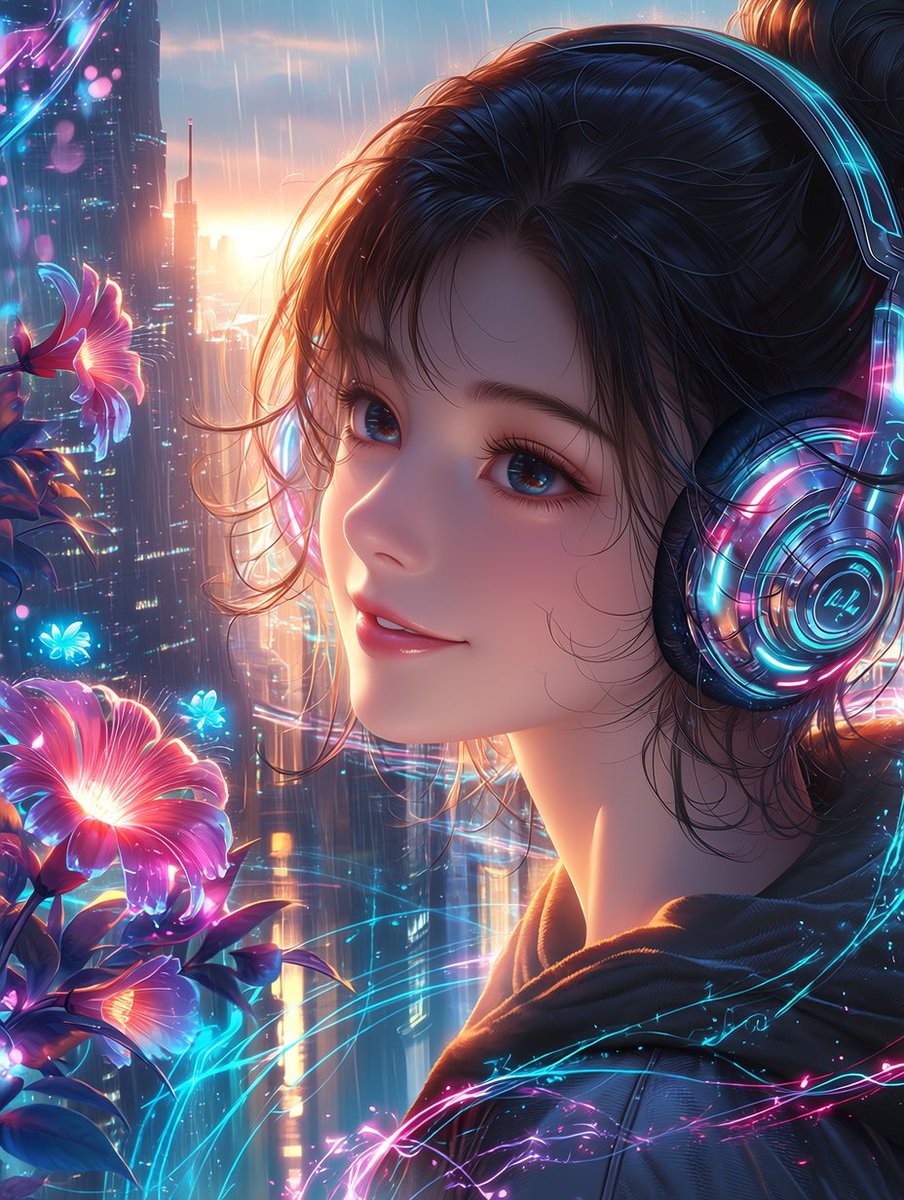
Full prompt
Create a highly polished anime-style cyberpunk portrait titled {argument name="title" default="Eternal Flower"}: a serene young woman in close-up three-quarter profile, facing left and looking gently toward the viewer with a soft peaceful smile, large glossy blue eyes, long lashes, dewy skin, and loose wisps of dark hair framing her face, her hair tied up in a casual bun. She wears oversized futuristic headphones with transparent circular ear cups, glowing cyan and magenta neon rings, tiny circuit-like details, and reflective chrome surfaces, plus a dark hoodie with subtle luminous blue-pink energy traces across the fabric. The setting is a rainy futuristic city at sunset, with towering skyscrapers, vertical light strips, blurred windows, wet atmospheric haze, and glowing rain streaks falling through warm golden backlight. On the left side, place exactly 3 prominent luminous flowers: one large pink-magenta flower near the lower left foreground, one smaller pink flower at mid-left, and one small cyan-blue glowing flower near the center-left; surround them with dark leaves and a few tiny blue light petals. Add flowing neon filaments and holographic arcs in cyan, pink, and violet weaving around the flowers, headphones, and hoodie, suggesting fragile calm within a cyberpunk world. Use a vertical portrait canvas, cinematic composition, shallow depth of field, ultra-detailed hair strands, radiant rim lighting, soft bokeh, rain sparkle, vibrant neon palette, delicate romantic mood, high-resolution digital illustration, niji/anime aesthetic. Avoid text, logos, watermarks, extra characters, distorted facial features, or additional flowers beyond the 3 prominent blossoms. Optional customization: make the main character {argument name="character gender and age" default="young woman in her early twenties"}, use {argument name="hair color" default="deep black with blue highlights"}, set the flower glow color palette to {argument name="flower glow colors" default="magenta, cyan, and violet"}, and set the background mood to {argument name="city mood" default="rainy cyberpunk sunset"}.
Use this prompt in the VdoBloom image editor.
Opens the image editor with this prompt — add your own photo to generate.