Darwin and Brahms in 1859
Full prompt
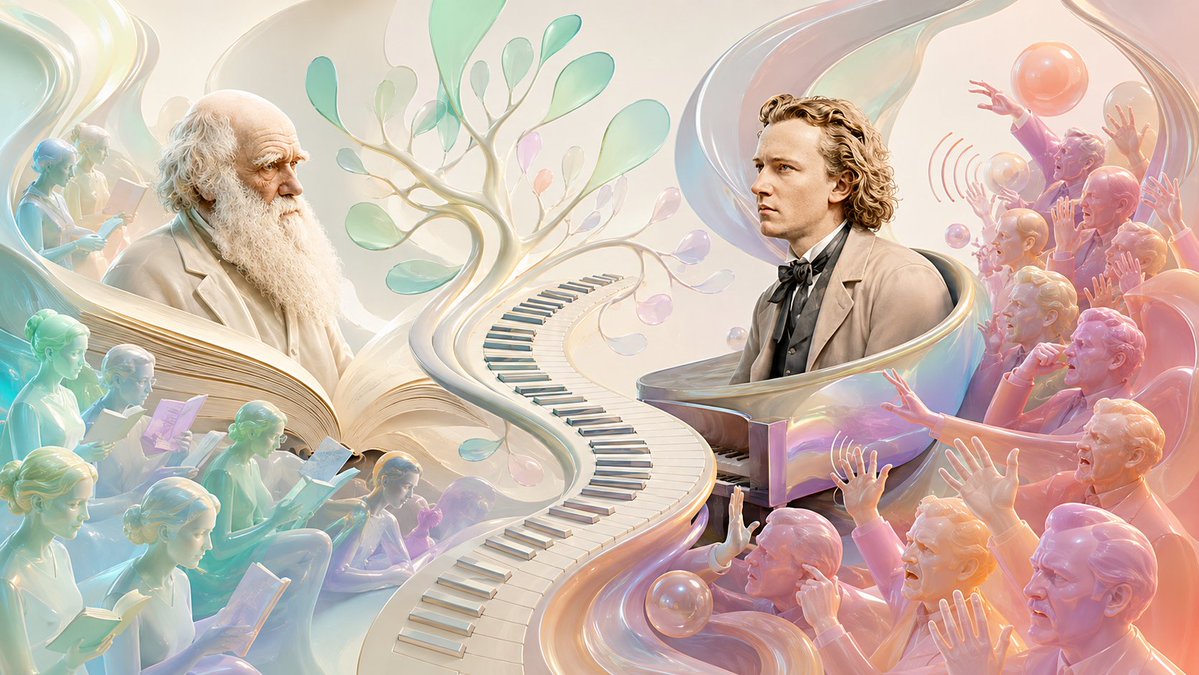
Create a wide cinematic surreal illustration comparing {argument name="scientist" default="Charles Darwin"} and {argument name="composer" default="Johannes Brahms"} in the year {argument name="year" default="1859"}. Use a luminous pastel, pearlescent 3D digital-painting style with translucent glass ribbons, soft ivory light, mint, aqua, peach, rose, and lavender gradients, highly detailed faces, and a dreamy museum-poster composition. The canvas is a 16:9 horizontal scene. Place exactly 2 main historical figures: on the left, an elderly Darwin with a bald head, thick white beard, thoughtful expression, and cream Victorian coat, surrounded by calm readers; on the right, a young Brahms with wavy blond-brown hair, formal 19th-century suit, bow tie, and serious profile, seated at a glossy grand piano. Between them, create a dramatic S-shaped pathway made from piano keys that begins in the foreground center and curves upward into a branching evolutionary tree with translucent leaf-like forms, visually merging music and biology. Include exactly 9 quiet reader figures on the left side, rendered like semi-transparent pastel sculptures, each holding or reading a book or paper; arrange them in layered rows around Darwin to imply that his ideas are being studied. Include exactly 12 audience figures on the right side, rendered in warm pink, orange, and violet glassy tones, reacting negatively to the music with raised hands, open mouths, pointing, and booing gestures; add subtle curved sound-wave marks near the upper-right crowd. Add floating iridescent spheres and flowing ribbon shapes around the scene, with a large translucent swirl framing Brahms and another sweeping ribbon behind Darwin. The mood should contrast contemplation and reception: left side calm, scholarly, cool-toned; right side theatrical, heated, chaotic. No written text, no captions, no logos, no watermark.
Use this prompt in the VdoBloom image editor.
Opens the image editor with this prompt — add your own photo to generate.