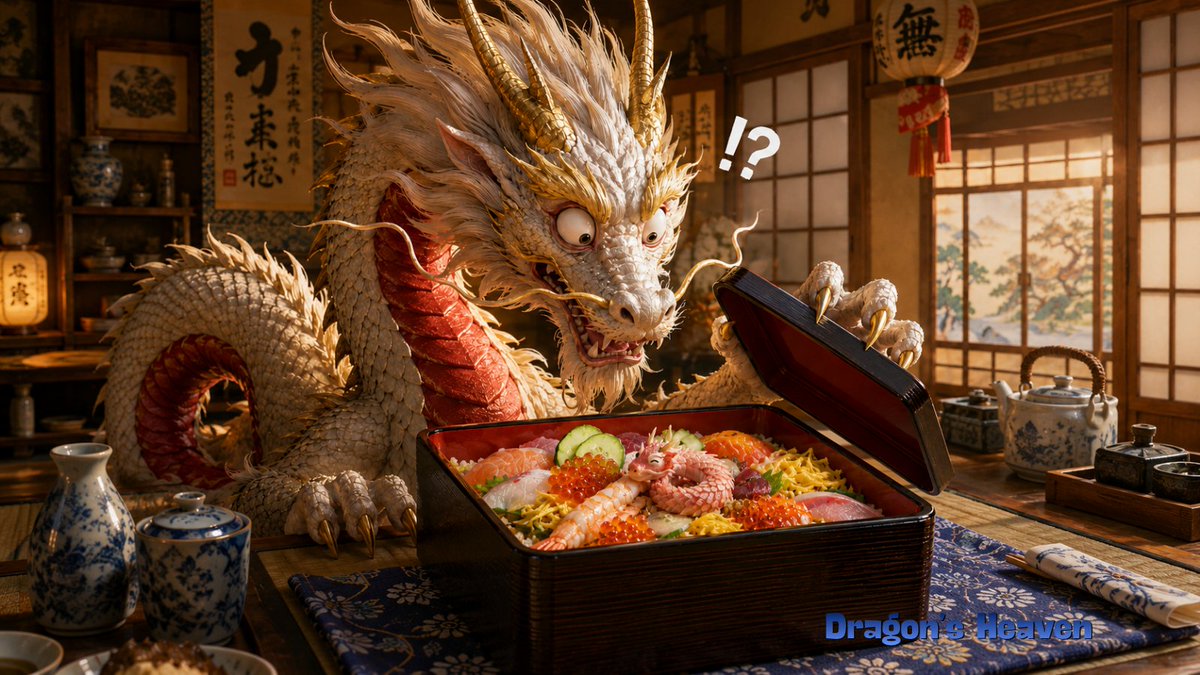
Shocked Dragon Opens Chirashi Sushi
Full prompt
Create a cinematic, highly detailed fantasy-realistic image of {argument name="character name" default="an elderly Ryugu dragon manager"} in a warm traditional Japanese restaurant or Dragon Palace lunch room, shocked while opening a premium chirashi sushi lacquer box. The main subject is a large ivory-white Eastern dragon with a long serpentine body, shaggy white mane, gold horns, gold whiskers, red underside scales, sharp claws, bulging startled eyes, and an open anxious mouth, leaning over a low wooden table. The dragon holds up the black-and-red lacquer bento lid with one claw, frozen in disbelief. Inside the square lacquer box is abundant chirashi-zushi: exactly 9 prominent toppings or food elements visible, including sliced salmon, white fish, shrimp, red tuna, cucumber slices, orange salmon roe, shredded yellow egg, rice, and a tiny curled pink baby dragon/octopus-like creature sitting in the center as the unexpected mystery item. Add one large white comic punctuation mark above the box reading {argument name="reaction text" default="!?"}. The setting should include shoji windows with warm sunset light, wooden shelves with ceramics, hanging Japanese calligraphy scrolls and lanterns in the background, a blue patterned table runner, a porcelain sake bottle and cup on the left, a ceramic teapot and condiment tray on the right, and chopsticks wrapped in a patterned sleeve. Use rich amber lighting, shallow depth of field, realistic textures, detailed scales, appetizing glossy food, whimsical surprise, and a wide 16:9 composition. Add a small blue watermark-style title at the bottom right reading {argument name="watermark text" default="Dragon's Heaven"}. Avoid extra characters, avoid modern objects, and keep the scene focused on the dragon's stunned reaction to the tiny creature in the sushi box.
Use this prompt in the VdoBloom image editor.
Opens the image editor with this prompt — add your own photo to generate.