Editable PSD Layer Generation
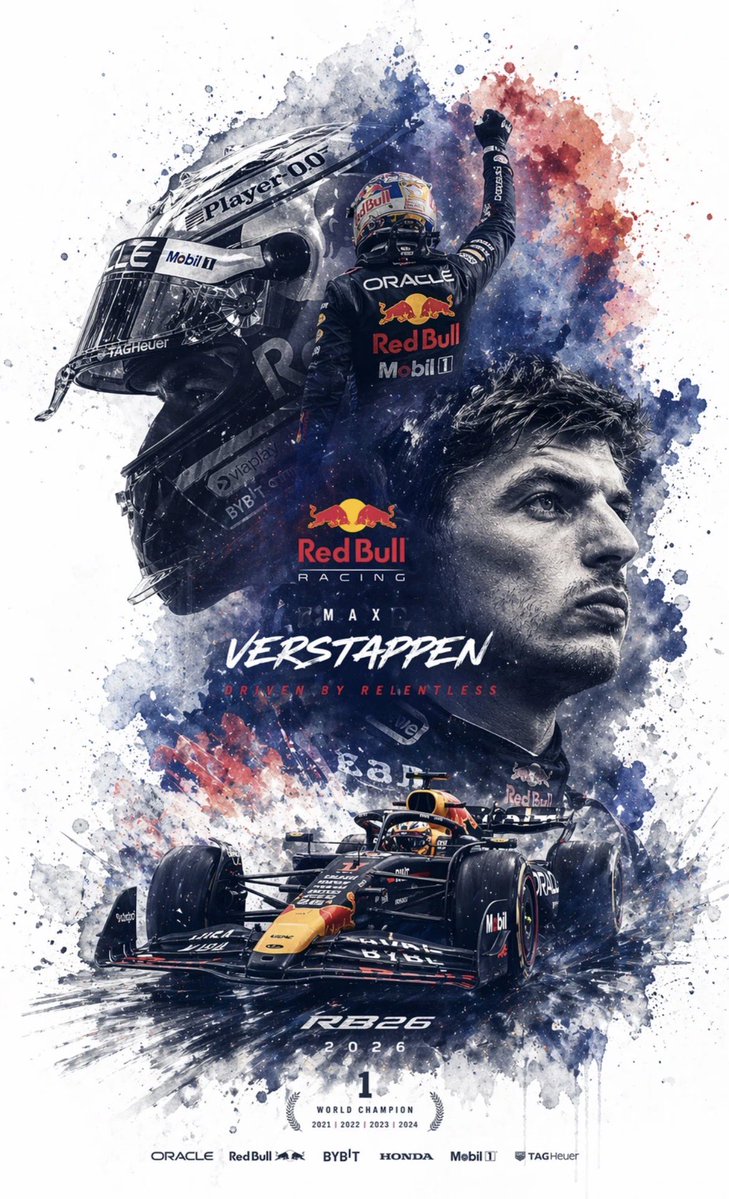
Full prompt
Generate an {argument name="file format" default="editable PSD layered file for Photoshop"} based on the reference image. Please decompose the image into several independent elements without changing their original positions and generate corresponding layers in Photoshop: 1. Main Subject: Use an image generation tool to create a PNG without a background, then copy it to the corresponding Photoshop layer. 2. Special Effects: Such as lighting, decorations, or atmospheric elements; also generate background-less PNGs and copy them to layers. 3. Text: Prioritize using Photoshop's native text tools to adjust font, size, color, and style; if the font cannot be replicated, generate background-less PNG text images and place them correctly. 4. All elements should maintain consistent position, size, and hierarchy with the reference image. 5. Finally, output a PSD file that can be opened and edited in Photoshop.
Original prompt
根据参考图生成一个 {argument name="文件格式" default="PS 可以编辑的 PSD 分层文件"}

请将图像拆解成若干个独立元素每一个元素都不要改变原始位置,并在Photoshop 中生成对应图层

1. 图像主体:使用生图工具生成不带背景的 PNG 图片后,再复制到 PS 对应图层中

2.特效元素:例如光效、装饰、氛围元素等,也使用生图工具生成不带背景s的 PNG 图片后,再复制到 PS 对应图层中

3.文字部分:优先使用 Photoshop 自带文本工具生成,并调整字体、字号、颜色和样式;如果无法还原字体,则使用生图工具生成不带背景的 PNG 文字图片,再放入对应位置

4.所有元素都要尽量保持与参考图一致的位置、大小和层级关系

5.最终输出一个可在 Photoshop 中打开并编辑的 PSD 分层文件
Use this prompt in the VdoBloom image editor.
Opens the image editor with this prompt — add your own photo to generate.