Flat Color to Rendered Anime Shading
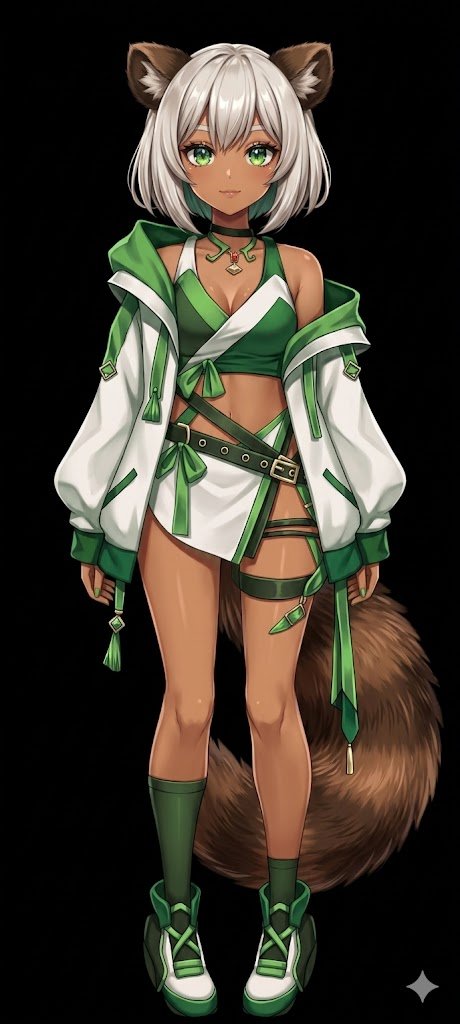
Full prompt
Using REFERENCE_0, transform the flat-colored character into a {argument name="art style" default="fully rendered, high-quality anime illustration"}. Apply detailed {argument name="lighting effect" default="shading, glossy highlights, and depth"} to the skin, hair, eyes, clothing, and tail to give the 2D design a polished, three-dimensional feel. Add a metallic sheen to the buckles and jewelry. Change the background to {argument name="background color" default="solid black"}. Preserve the character's original design, outfit, and neutral pose exactly as they appear in the reference.
Use this prompt in the VdoBloom image editor.
Opens the image editor with this prompt — add your own photo to generate.