Gold Two-Tone Anime Witch Poster
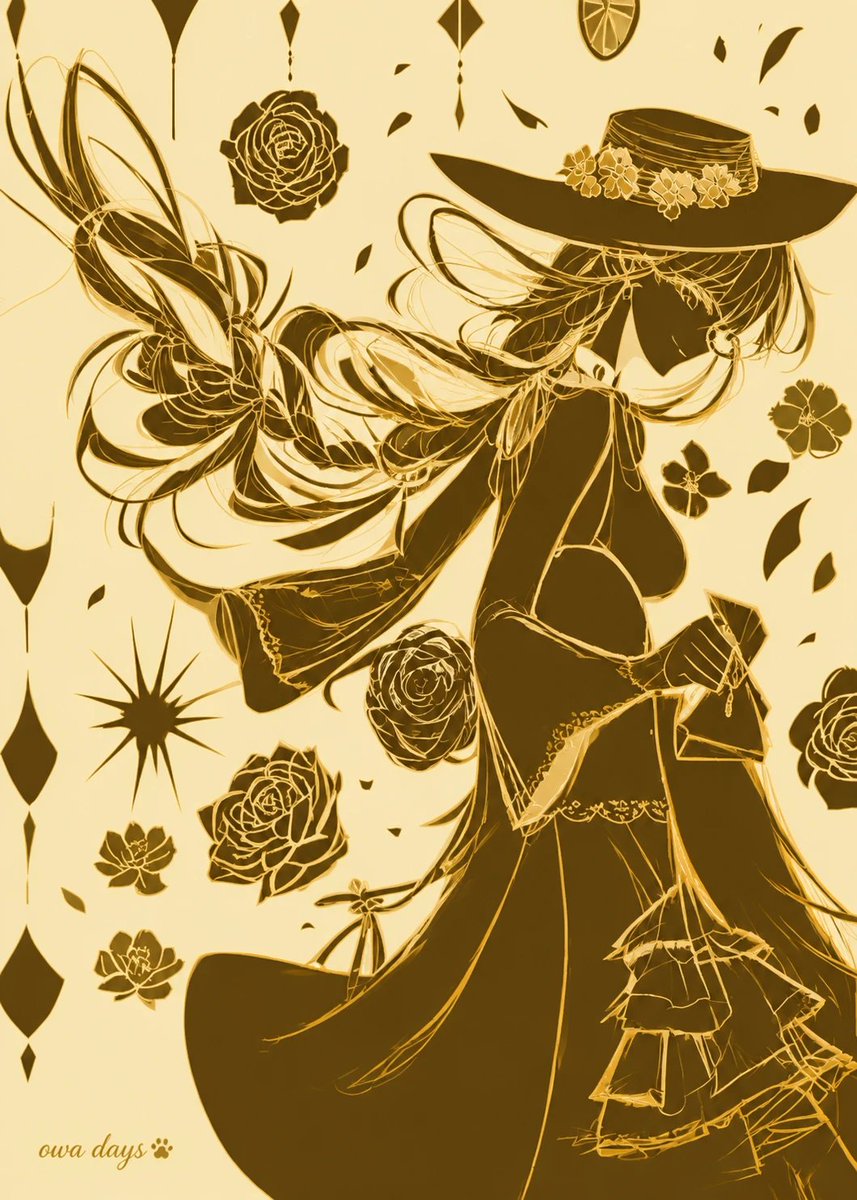
Full prompt
Create a vertical 2:3 anime-style illustration in elegant two-color printing, using only pale warm cream paper and deep metallic {argument name="ink color" default="gold-brown"} ink, with no gradients except subtle ink-density variation. Show a graceful faceless witch-like young woman in profile facing right, her head slightly bowed, wearing an oversized wide-brim hat decorated with a ribbon band and exactly 5 small blossoms. She has very long flowing {argument name="hair color" default="gold-brown"} hair rendered as sweeping ribbon-like strands that arc dramatically leftward across the page, mixed with thin sketch lines and solid silhouette shapes. Her outfit is an ornate dark Victorian fantasy dress with an open back, corset-like waist, lace trim, layered skirt ruffles, long trailing fabric, and fine golden linework over large filled shadow areas. Behind her left side, add a large abstract butterfly-wing or ribbon flourish made of looping hair-like curves and translucent line shapes. Surround the figure with exactly 8 separate floral motifs: 3 large roses, 1 medium rose, 2 small five-petal flowers on the right, and 2 small lotus-like flowers near the lower left; also add about 18 scattered leaf-shaped petals. Add exactly 9 hanging geometric ornaments along the top and left edges, including diamonds, drops, long spear shapes, and one circular citrus-slice medallion near the top right, plus one black starburst ornament on the lower left. Composition should feel like a decorative art nouveau poster, high contrast, intricate golden line art, asymmetrical negative space, no visible eyes or facial features, no background scenery. Put a small handwritten signature reading {argument name="signature text" default="oura days 🐾"} in the lower-left corner.
Use this prompt in the VdoBloom image editor.
Opens the image editor with this prompt — add your own photo to generate.