iPhone Portrait with Phone Frame Effect
Full prompt
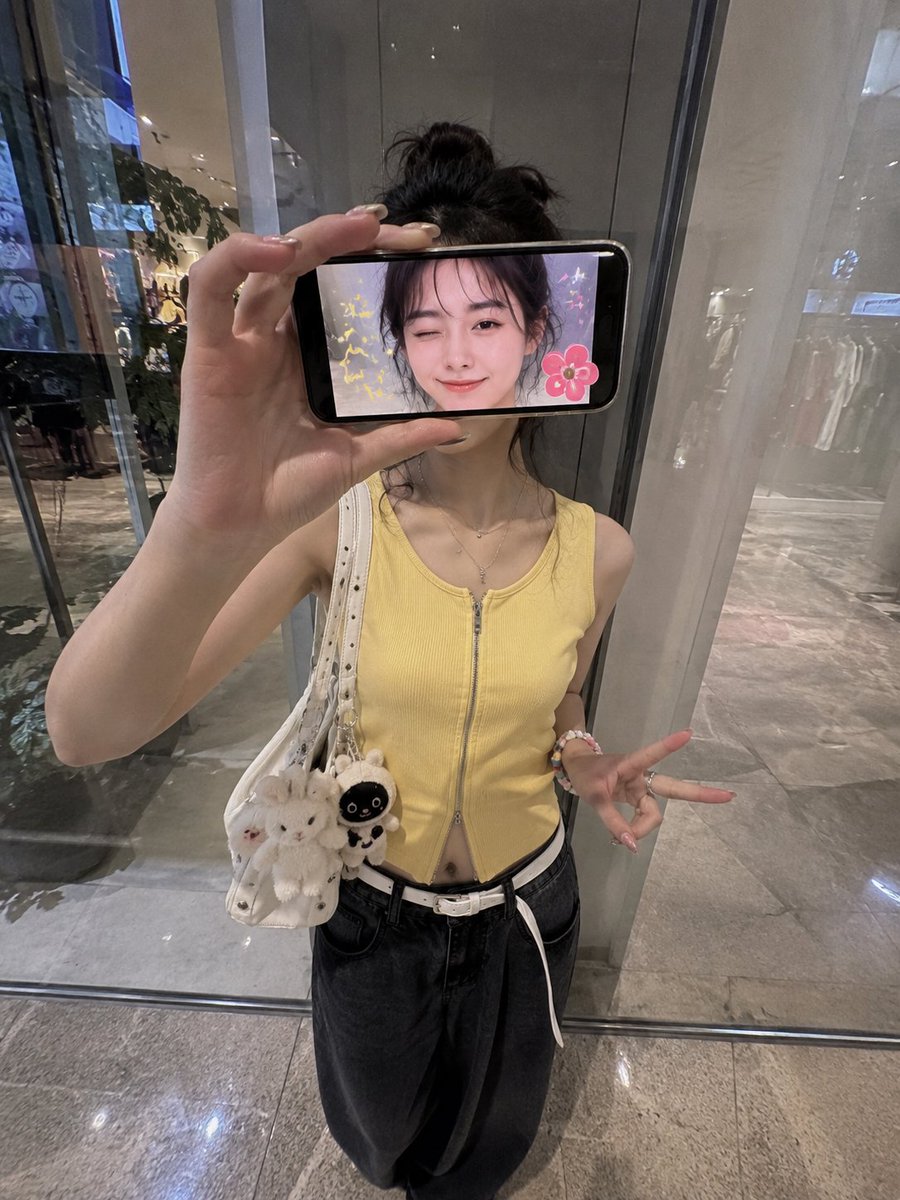
Ultra-realistic creative iPhone portrait of a stylish {argument name="subject" default="Japanese woman"} standing inside a {argument name="setting" default="modern shopping mall"} in front of a reflective glass wall, photographed from a slightly elevated frontal angle with a 0.5x iPhone wide lens aesthetic. She holds a smartphone horizontally in front of her face, covering her eyes and upper face completely. The phone screen faces the camera and displays a live image of her face with a playful wink and a soft smile. Cute sticker-style decorations appear only on the phone screen, including colorful sparkles, tiny stars, doodles, and a flower sticker beside her face. She wears a {argument name="clothing" default="fitted sleeveless yellow zip-up top, loose black wide-leg jeans, a white belt, rings, bracelets, and a white shoulder bag"}. Pose variation: she stands casually with one leg bent backward, body slightly tilted, holding the phone with one hand while the other hand hangs naturally at her side making a relaxed peace sign near her thigh. Comfortable, candid social-media pose. Composition focuses on the phone acting as a frame-within-a-frame. The real woman is visible behind the phone but her face remains mostly hidden by the device. Fingers grip the edge of the phone naturally. Realistic screen reflections and subtle hand distortion from the wide-angle lens. Background features a contemporary storefront with glass panels, soft reflections, polished floors, ambient mall lighting, and a clean urban atmosphere. Natural skin texture, realistic lighting, authentic iPhone photography, no beauty filters, no skin smoothing, subtle reflections, spontaneous snapshot feeling, ultra-detailed, cinematic realism, lifestyle fashion photography, 4K quality, portrait orientation, 3:4 aspect ratio.
Use this prompt in the VdoBloom image editor.
Opens the image editor with this prompt — add your own photo to generate.