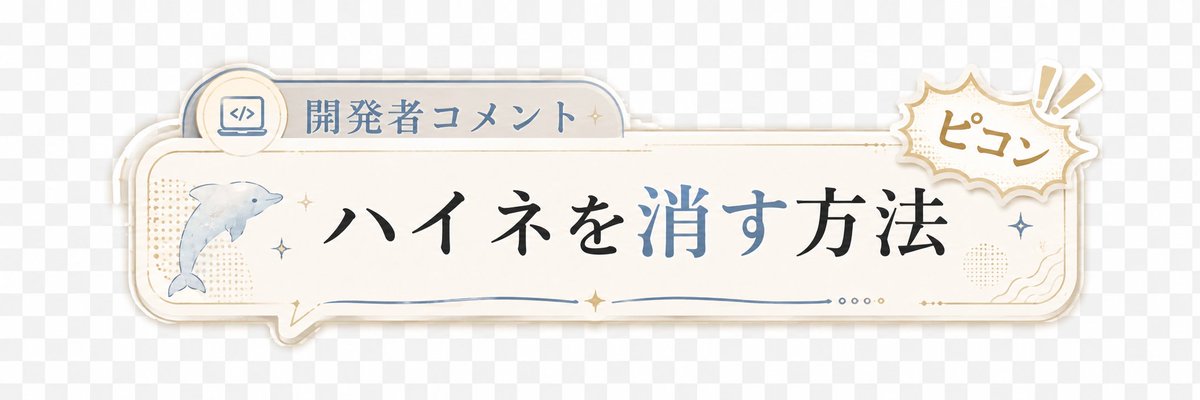
Japanese Developer Comment Banner
Full prompt
Create a transparent-background decorative Japanese lower-third banner for a short video overlay. Canvas: wide horizontal 3:1 ratio, about 1200×400 px, with a light gray checkerboard transparency preview behind the artwork. Main object: a cream-white rounded rectangular speech-bubble plaque spanning most of the width, with layered offset shadows and thin gold and pale blue outline strokes, slightly vintage stationery style. Layout: place a small tab on the upper left of the plaque containing a circular icon of a laptop with code brackets and the label {argument name="category label" default="開発者コメント"}; place the main headline centered in large elegant Japanese Mincho-style calligraphy reading {argument name="headline text" default="ハイネを消す方法"}, with the characters for “消す” colored muted blue while the rest is black. On the left side inside the plaque, include exactly 1 watercolor-style dolphin illustration facing right, pale blue-gray. On the upper right, overlapping the plaque, add exactly 1 comic burst sticker with scalloped edges, beige outline, and handwritten text {argument name="sound effect text" default="ピコン"}, plus exactly 2 exclamation mark rays. Decorative details: include exactly 6 small sparkle stars distributed around the dolphin, headline, and right edge; exactly 1 thin blue wavy underline beneath the headline; exactly 4 tiny dots near the lower right center; subtle beige halftone dot patches on the left and right; small gold ornamental corner flourishes. Visual style: soft pastel cream, dusty blue, muted gold, clean Japanese YouTube Shorts caption graphic, gentle drop shadows, crisp vector edges mixed with light watercolor texture. Constraints: no characters or people, no extra text, keep the banner readable with generous empty space, preserve a transparent PNG overlay feel.
Use this prompt in the VdoBloom image editor.
Opens the image editor with this prompt — add your own photo to generate.