Knight Versus Ancient Stone Golem
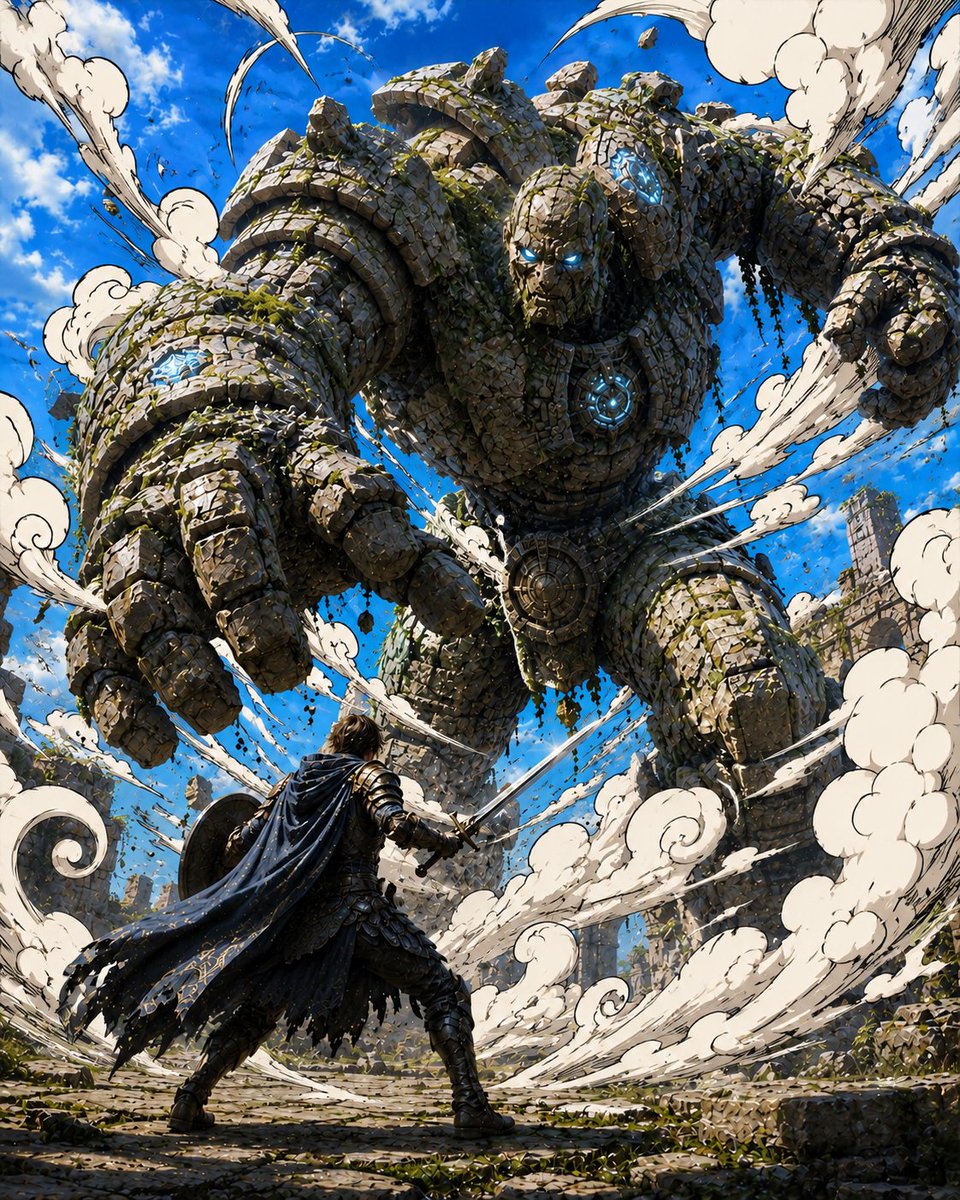
Full prompt
Create an epic vertical fantasy battle illustration in a highly detailed anime manga style: a lone armored knight, {argument name="hero name" default="unnamed dark-caped swordsman"}, stands in the lower foreground with his back to the viewer, legs braced wide, holding one sword forward and a round shield to the side, facing a colossal ancient stone golem that fills most of the frame. The golem is made of thousands of cracked masonry blocks, carved ruins, moss, vines, and hanging greenery, with a massive reaching left hand in extreme foreground perspective, a clenched right fist, broad shoulders, and a stern skull-like face. Add exactly two main characters: one human warrior and one giant stone golem. Add exactly four visible cyan-blue magical energy features on the golem: two glowing eyes, one glowing forehead/temple crystal cluster, one circular glowing chest core, and one glowing rune cluster on the extended forearm. The setting is a ruined ancient stone courtyard with broken columns and scattered rubble under a vivid blue sky with small white clouds. Surround the action with exactly twelve large cream-white manga dust and impact-cloud plumes, drawn with bold black ink outlines and spiral curls, plus small flying rock fragments and debris. Use dynamic low-angle composition, the golem towering overhead, the hero small but defiant at the bottom center, intense perspective, motion lines, dramatic sunlight, crisp cel-shaded highlights, intricate linework, high contrast, and cinematic detail. The hero wears dark layered plate armor, boots, gloves, and a tattered navy-black cape with subtle gold embroidery; the golem color is {argument name="golem stone color" default="weathered gray-beige"}, the magic glow is {argument name="magic glow color" default="electric cyan blue"}, and the sky is {argument name="sky color" default="bright saturated blue"}. No text, no watermark, no UI, no border.
Use this prompt in the VdoBloom image editor.
Opens the image editor with this prompt — add your own photo to generate.