Limit Reset Chibi Sticker
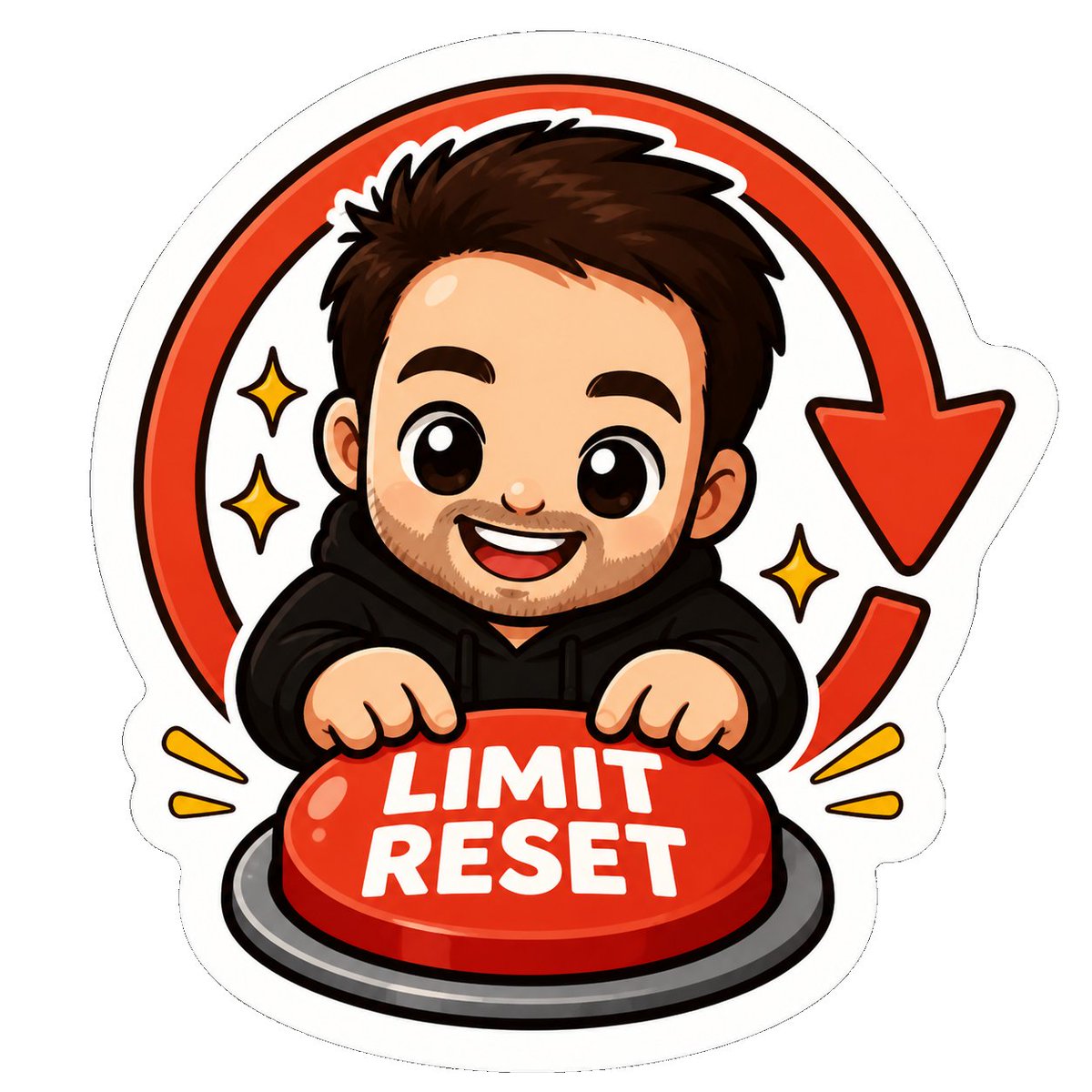
Full prompt
Create a cute die-cut laptop sticker illustration on a clean white background, in glossy kawaii chibi mascot style with thick black outlines and a bold white sticker border. Center a smiling chibi adult man with {argument name="hair color" default="dark brown"} messy short hair, big shiny brown eyes, thick eyebrows, light stubble beard, rosy cheeks, and an excited open-mouth smile, wearing a {argument name="hoodie color" default="black"} hoodie. He leans forward with both hands pressing down on a large glossy red emergency-style button at the bottom center, mounted on a dark gray circular base; the button has bold white uppercase text reading {argument name="button text" default="LIMIT RESET"}. Behind the character, draw one large red circular reset arrow forming an almost complete loop, ending in a downward arrowhead on the upper right. Add exactly 3 yellow sparkle icons: 2 on the left side of the character and 1 on the right side, plus exactly 4 small yellow burst rays near the lower sides, 2 on the left and 2 on the right. Use vibrant red, black, white, and yellow colors, smooth vector-like shading, glossy highlights on the button and face, playful sticker proportions, centered composition, no extra text, no watermark.
Use this prompt in the VdoBloom image editor.
Opens the image editor with this prompt — add your own photo to generate.