Logo Integration and Marker Overlay
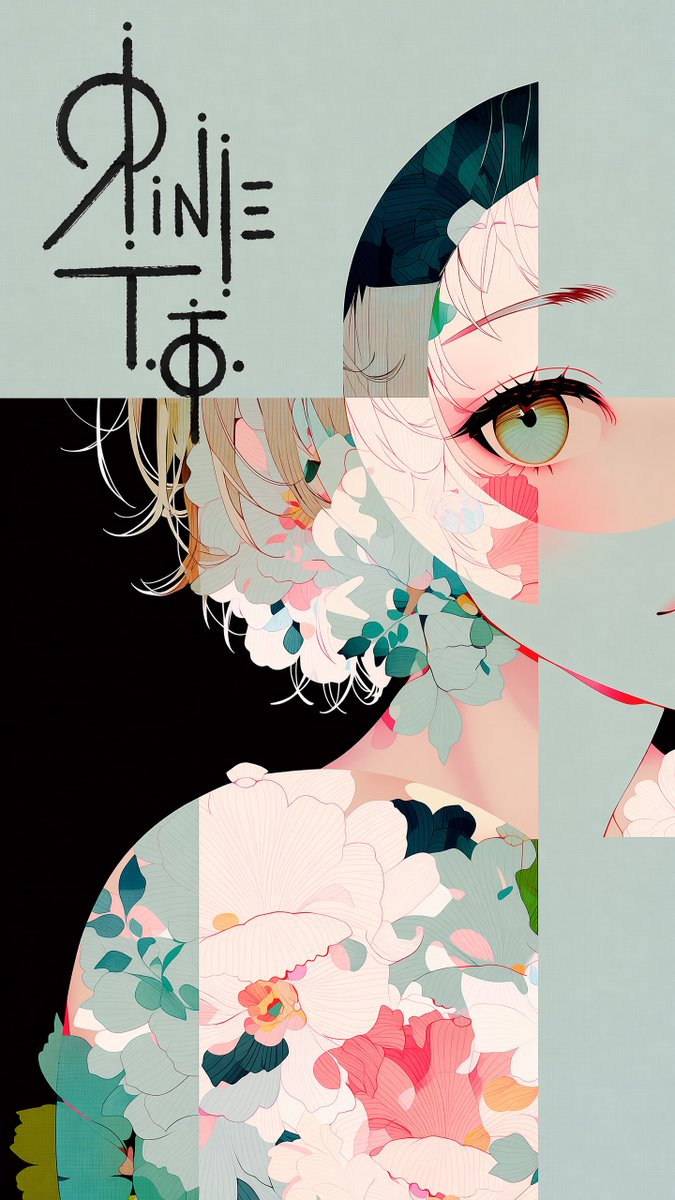
Full prompt
The first image is an illustration. The second image contains a logo design on a black background.

Place the logo in the largest open, uncluttered area of the illustration — the zone with the fewest lines, shapes, and visual elements. {argument name="placement note" default="[Add a brief note about the placement here]"}

Reproduce the exact logo design from the second image. Render it bold and large, with rough hand-drawn strokes — as if signed directly onto the surface with a thick marker. Allow it to overflow slightly beyond the open area into adjacent illustrated content.

Color rule: The logo color must always contrast against the background directly beneath it. Use dark lines over light backgrounds, light lines over dark backgrounds. Shift color mid-stroke if the logo crosses multiple background tones. Never let the logo blend into the surrounding color.

Do not alter the illustration in any other way. Preserve all original colors, lines, and composition exactly.
Original prompt
The first image is an illustration. The second image contains a logo design on a black background.

Place the logo in the largest open, uncluttered area of the illustration — the zone with the fewest lines, shapes, and visual elements. {argument name="placement note" default="[※ここに配置場所を一言追記]"}

Reproduce the exact logo design from the second image. Render it bold and large, with rough hand-drawn strokes — as if signed directly onto the surface with a thick marker. Allow it to overflow slightly beyond the open area into adjacent illustrated content.

Color rule: The logo color must always contrast against the background directly beneath it. Use dark lines over light backgrounds, light lines over dark backgrounds. Shift color mid-stroke if the logo crosses multiple background tones. Never let the logo blend into the surrounding color.

Do not alter the illustration in any other way. Preserve all original colors, lines, and composition exactly.
Use this prompt in the VdoBloom image editor.
Opens the image editor with this prompt — add your own photo to generate.