Mecha Cockpit Pilot Scene
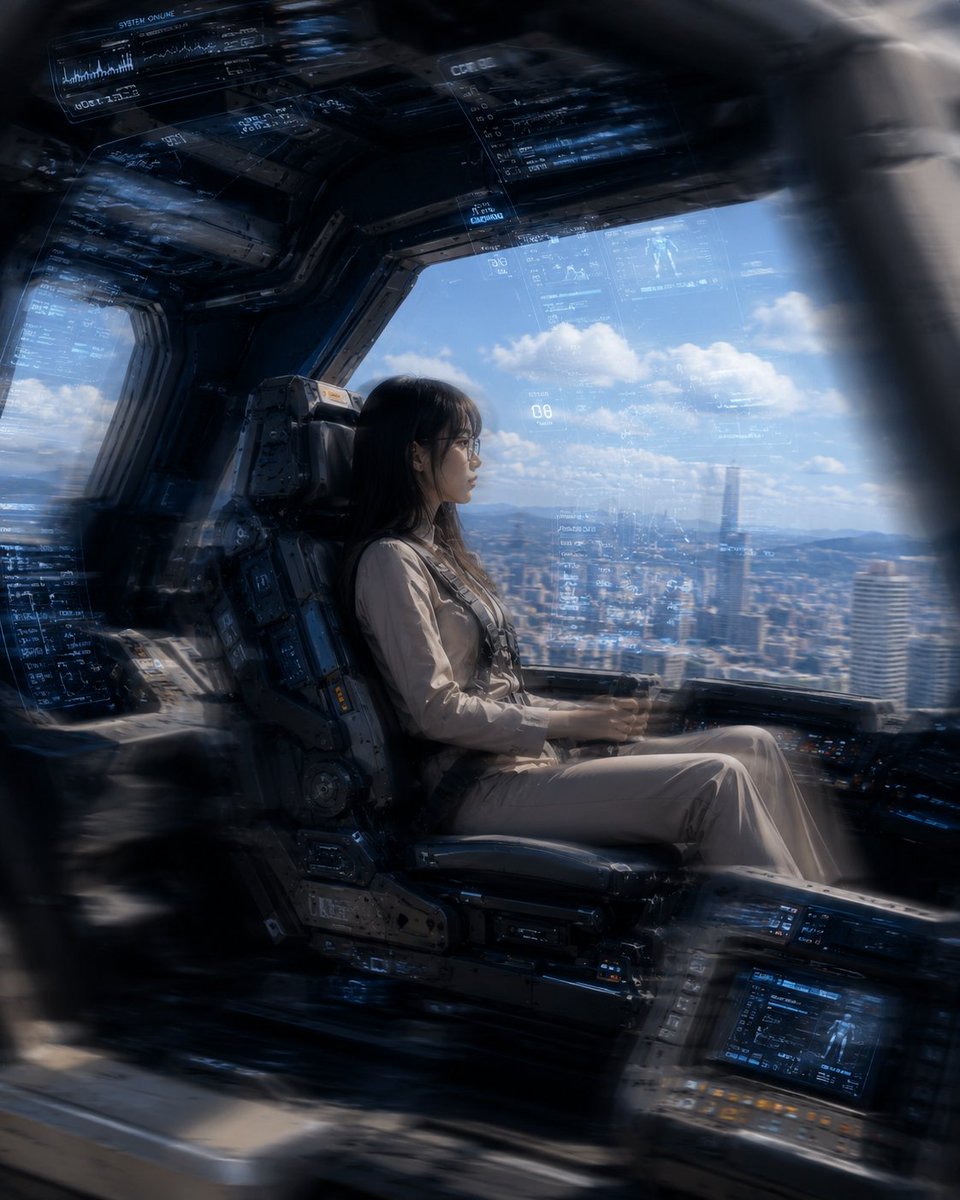
Full prompt
Create a cinematic photorealistic science-fiction cockpit scene from inside a giant robot or advanced mecha, showing {argument name="pilot description" default="a young East Asian woman with long black hair and thin glasses"} seated in profile in a heavy armored pilot chair. She wears {argument name="pilot outfit" default="a beige futuristic flight suit with subtle harness straps"}, sitting calmly with hands on low cockpit controls, looking out through a large panoramic window. The cockpit is dark, metallic, industrial, and densely detailed, with thick black-gray structural frames, worn mechanical panels, bolts, rails, embedded control consoles, and blue glowing holographic HUD overlays floating across the windshield and ceiling. Include exactly 5 visible major HUD/interface areas: 1 large translucent blue diagnostic panel along the upper left ceiling, 1 narrow data column near the top center, 1 broad transparent navigation overlay across the main window, 1 dense blue data panel on the left side wall, and 1 illuminated console screen at the lower right. Outside the window is {argument name="outside view" default="a bright daytime futuristic city skyline with tall towers, distant mountains, blue sky, and scattered white clouds"}. Use a strong contrast between the shadowy cockpit interior and bright daylight outside, with realistic reflections on glass, atmospheric haze, volumetric light, shallow depth of field, and slight motion blur or radial blur around the edges as if the viewer is looking through a curved cockpit frame. Composition is horizontal-to-square cinematic framing, pilot centered slightly left, window view filling the right half, ultra-detailed, high realism, dramatic scale, no extra characters, no logos, no readable brand text.
Use this prompt in the VdoBloom image editor.
Opens the image editor with this prompt — add your own photo to generate.