Epic Medieval Battlefield Panorama
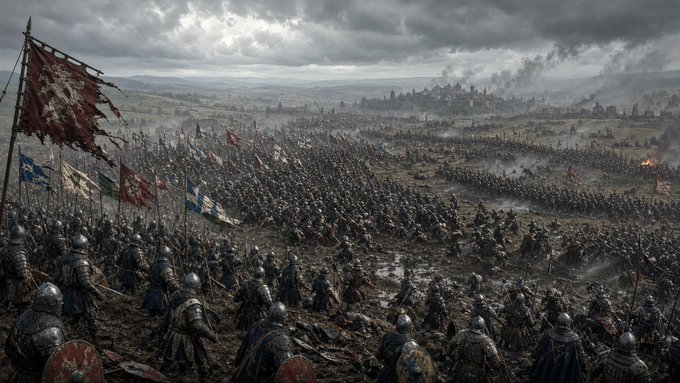
Full prompt
Create a dark, cinematic medieval battlefield panorama in ultra-wide 16:9 format. The scene shows a vast army of {argument name="army size" default="thousands of armored soldiers"} spread across a muddy, trampled plain under heavy storm clouds. Viewpoint is from a slightly elevated hill behind the front ranks, looking out over dense formations of infantry, cavalry, pikes, spears, shields, and banners stretching toward a distant walled city on the horizon. In the foreground, place armored medieval soldiers with steel helmets, chainmail, round shields, polearms, and worn cloaks, their backs and profiles visible as they descend into battle. Include exactly 5 prominent foreground banners: 1 large torn crimson standard on the far left, 1 blue-and-white flag below it, 1 green-and-white flag near the left-center, 1 red battle flag in the mid-left distance, and 1 blue-and-white cross flag near the center-left. The middle ground should be packed with marching formations, raised spears, scattered cavalry groups, smoke plumes, and small fires. In the far distance, show a fortified city or castle silhouette with towers on a ridge, partially obscured by mist and battlefield smoke. Use a grim desaturated color palette of {argument name="color palette" default="cold grays, muddy browns, muted steel, and faded crimson"}, with dramatic overcast lighting, volumetric haze, rain-darkened earth, and a brutal historical war atmosphere. Style should be realistic dark fantasy concept art, highly detailed, gritty, epic scale, no modern objects, no text, no watermark.
Use this prompt in the VdoBloom image editor.
Opens the image editor with this prompt — add your own photo to generate.