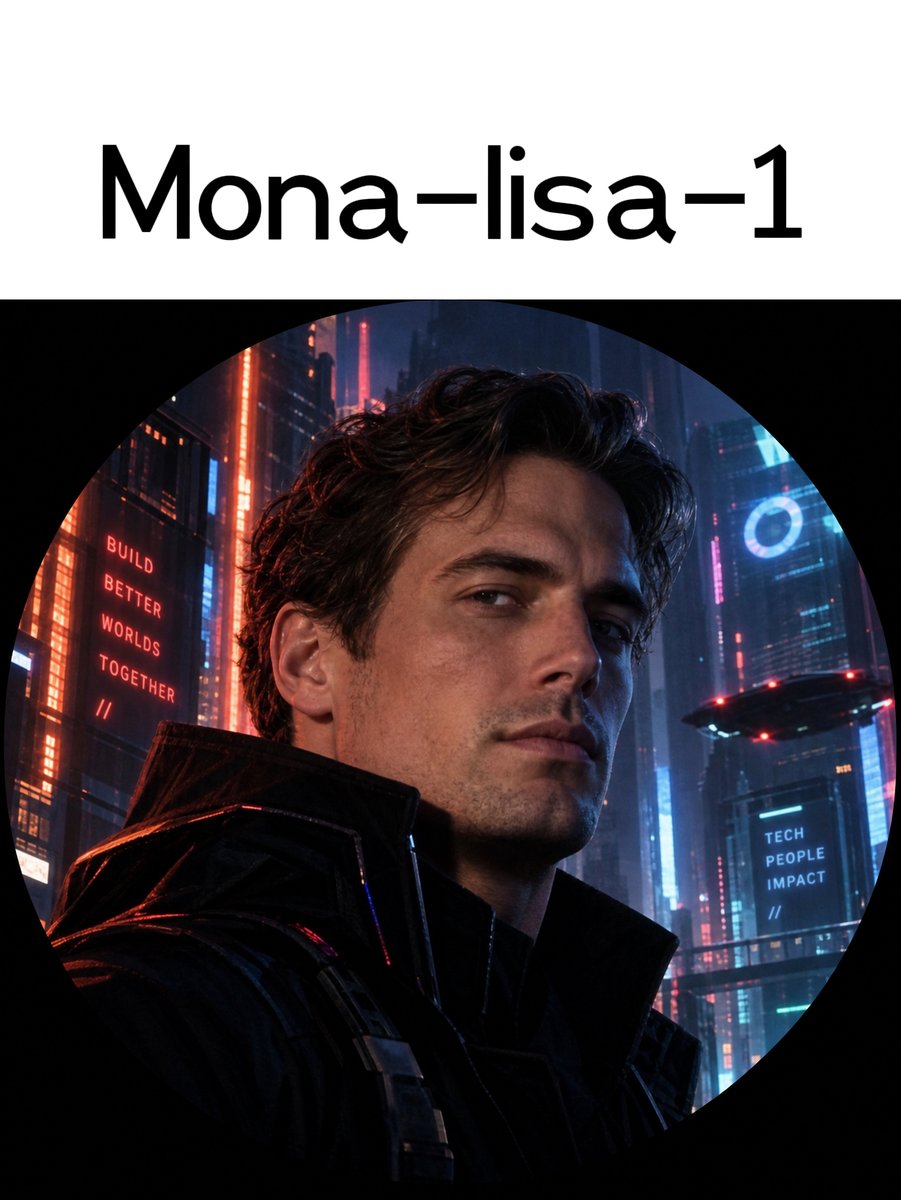
Mona-lisa-1 Cyberpunk Profile Avatar
Full prompt
Create a clean social-media profile style image on a vertical 3:4 canvas with a white header band at the top and a large circular avatar image below. In the header, center the large black sans-serif title text {argument name="title text" default="Mona-lisa-1"}, using a modern rounded font, with generous white space. Below it, place one perfectly circular image crop against a black surrounding background, like a Twitter/X profile picture preview. Inside the circle, show a cinematic photorealistic cyberpunk portrait of {argument name="character description" default="a handsome young man with wavy dark brown hair, light stubble, sharp cheekbones, and a calm confident expression"}, framed from chest to head, slightly turned toward the viewer, wearing {argument name="outfit" default="a black futuristic high-collar leather jacket with subtle tactical straps"}. The background inside the circle is a dense rainy neon megacity at night with tall skyscrapers, blue and red lighting, glowing windows, atmospheric haze, and a small hovering futuristic vehicle on the right. Include exactly 3 visible text elements: 1) the top header title “Mona-lisa-1”, 2) a red vertical building sign on the left reading {argument name="left sign text" default="BUILD BETTER WORLDS TOGETHER //"}, and 3) a blue sign on the right reading {argument name="right sign text" default="TECH PEOPLE IMPACT //"}. Use high-detail realistic lighting, dramatic rim light, red highlights on the left side of the jacket, cool blue light on the right side of the face, shallow depth of field, and a premium sci-fi movie-poster aesthetic. Keep the circle crop obvious and accurate, with the portrait and city fully contained inside the circular mask; avoid extra logos, watermarks, or additional text.
Use this prompt in the VdoBloom image editor.
Opens the image editor with this prompt — add your own photo to generate.