Neon Kitsune Shrine Maiden
Full prompt
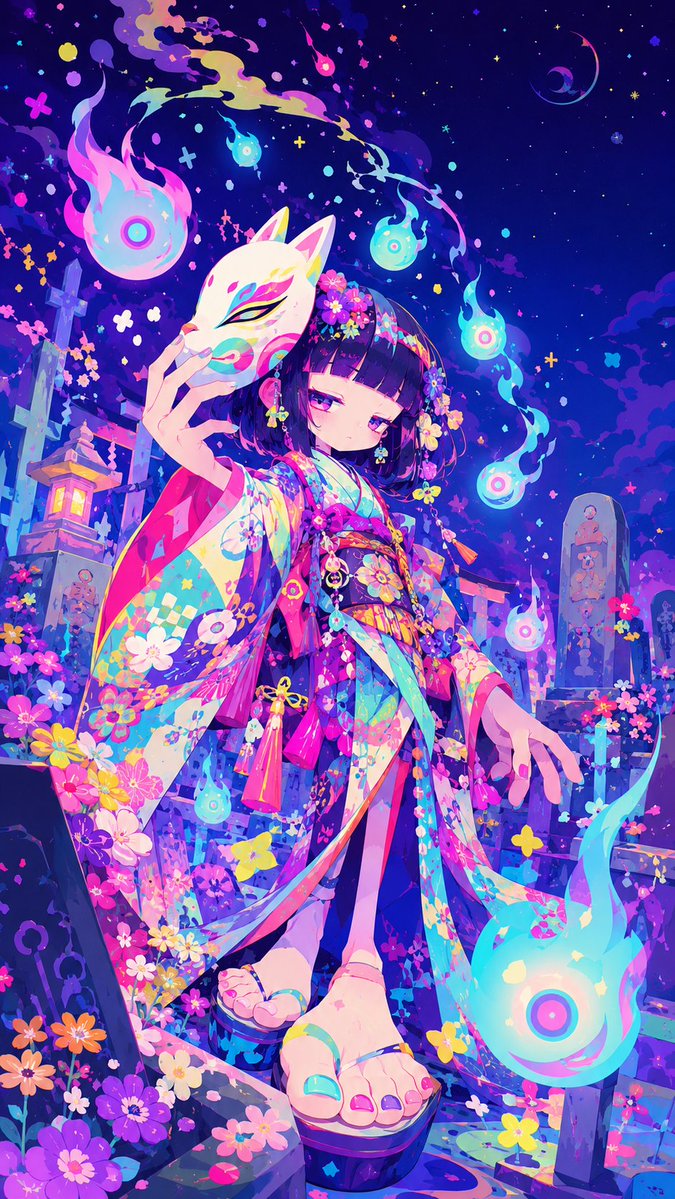
Create a vibrant niji-style anime illustration in a vertical 9:16 canvas of {argument name="character name" default="a mysterious shrine maiden"} standing in a fantastical Japanese graveyard at night. She is a young girl with a short blunt bob haircut in {argument name="hair color" default="deep black with violet highlights"}, pale skin, sleepy magenta eyes, and a calm, slightly melancholic expression. She wears an extremely ornate multicolored kimono in {argument name="kimono palette" default="neon cyan, hot pink, violet, yellow, and white"}, covered with floral prints, checker patterns, ribbons, tassels, and layered flowing sleeves; add flower hair ornaments and dangling charms. Her left hand holds a white kitsune mask with colorful painted eye markings partly in front of her face, while her right hand reaches downward with delicate fingers. Show her feet in traditional geta sandals in the foreground, using a dramatic low-angle perspective so the sandals and hem of the kimono feel close to the viewer. Surround her with exactly 7 glowing will-o'-wisp spirit flames: 1 large flame at upper left, 1 small flame near the top center, 1 small cyan flame above her head, 1 small flame in the upper right sky, 1 medium flame at mid-right, 1 small flame near her lower left sleeve, and 1 very large flame at bottom right. The background is a magical cemetery-shrine setting with stone grave markers, a torii gate, a glowing stone lantern on the left, flowers growing everywhere, and a deep indigo starry sky with crescent moon shapes, tiny crosses, dots, confetti-like petals, and colorful sparkles. Use intense saturated neon colors, luminous cyan and pink rim lighting, painterly anime rendering, crisp linework, elaborate decorative detail, dreamy supernatural atmosphere, high contrast, dynamic composition, and no text or watermark.
Use this prompt in the VdoBloom image editor.
Opens the image editor with this prompt — add your own photo to generate.