Orbital Station Zero-G Kick
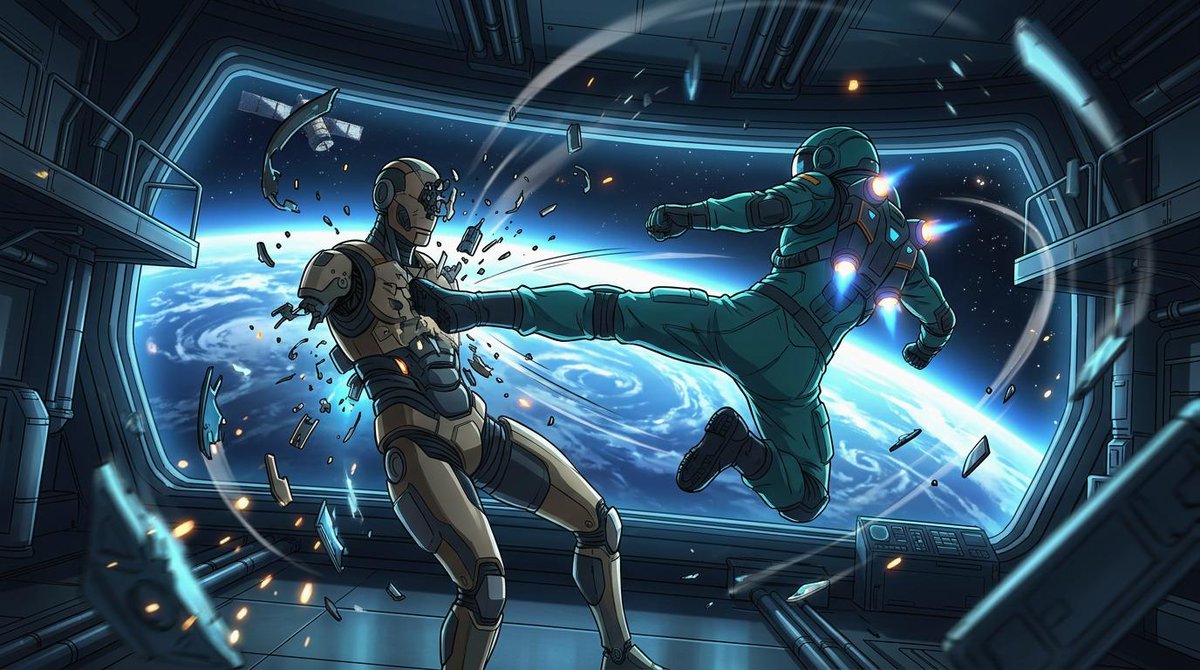
Full prompt
Create a cinematic widescreen sci-fi anime action illustration inside a damaged orbital space station corridor, with Earth and deep space visible through a huge panoramic window. The scene shows exactly two armored figures in zero gravity: on the right, {argument name="attacking astronaut suit color" default="teal green"} powered astronaut armor with glowing blue-white jet thrusters on the back, shoulders, and boots, flying horizontally from right to left and delivering a full-force side kick; on the left, {argument name="defender armor color" default="beige and dark gray"} humanoid combat android or armored astronaut recoils from the kick, chest shattered with fragments and sparks bursting outward. The attacker’s leg is fully extended into the defender’s torso, one arm punched forward and the other pulled back, body tilted dynamically as if propelled by suit jets. Count the major visible subjects and effects precisely: 2 armored figures, 1 enormous curved observation window, 1 view of Earth’s blue horizon with swirling clouds, 1 small satellite outside the window, 2 side balcony platforms, 1 control console at lower right, many floating metal shards and glass fragments, and multiple orange sparks and blue energy streaks arcing through the room. Use a polished Japanese anime / graphic novel style with crisp ink outlines, dramatic perspective, high contrast cel shading, detailed mechanical panels, pipes, rails, and sci-fi wall seams. Lighting should be cold cyan from Earth and the window, accented by orange impact sparks and vivid blue thruster glows. Make the composition dynamic and diagonal, with debris trails and motion arcs emphasizing weightless movement. Canvas: {argument name="aspect ratio" default="16:9 widescreen"}. Mood: {argument name="mood" default="intense orbital combat"}. No text, no logos, no watermark.
Use this prompt in the VdoBloom image editor.
Opens the image editor with this prompt — add your own photo to generate.