Photo to Sunlit Anime Character
Full prompt
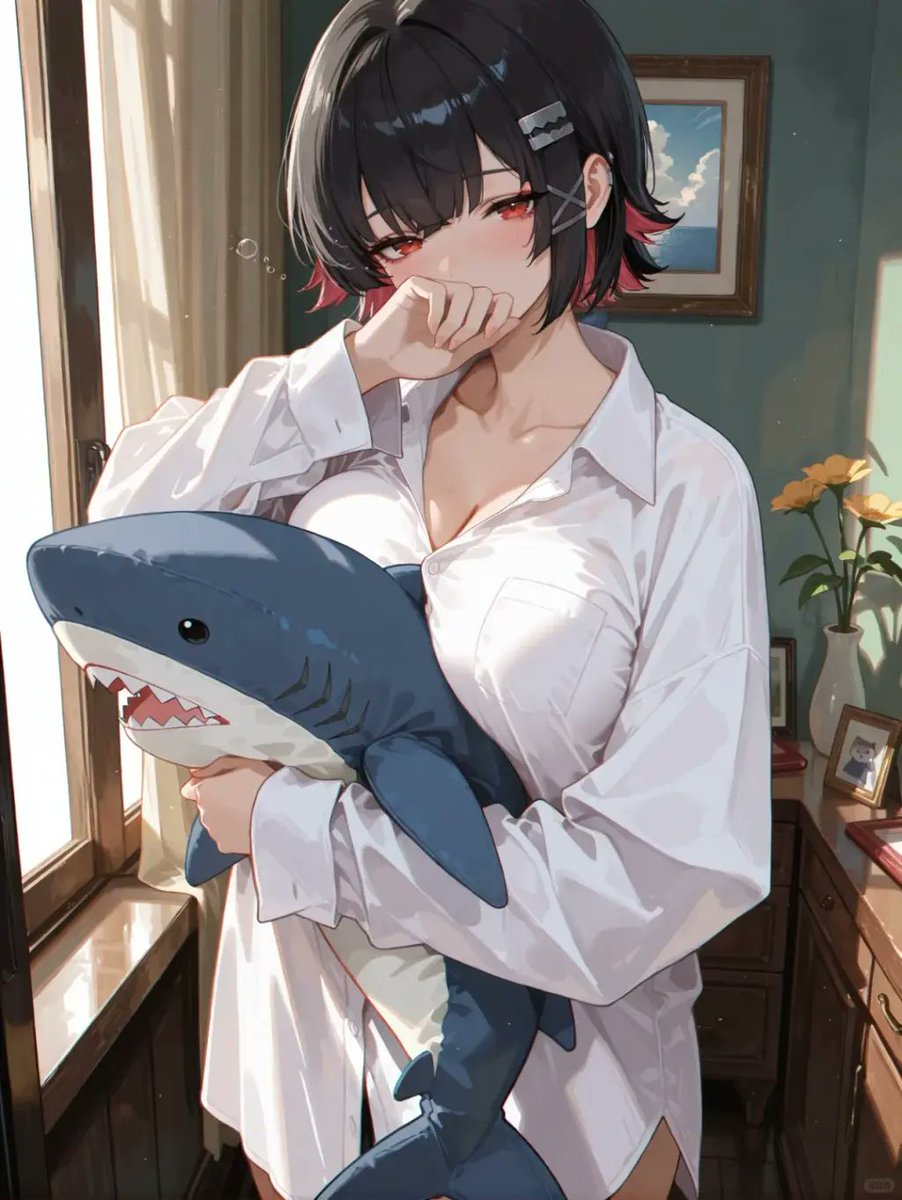
Using REFERENCE_0 as the base, transform the photo into a polished anime-style illustration while preserving the same overall pose, camera angle, white oversized shirt, shark plush being hugged, window-side indoor setting, and warm backlit mood. Replace the obscured face with a cute expressive anime face: soft blush, slightly shy eyes, and the hand still raised near the mouth. Keep the short black bob silhouette but make it glossy and stylized, with red-tinted hair tips and 3 visible hair accessories: 2 silver rectangular hair clips and 1 gray X-shaped pin. Render the scene with clean line art, detailed painterly shading, luminous sunlight, soft highlights on fabric, and a high-quality visual-novel/anime key art finish.

Add and clarify the room details that were only vague in the reference: a teal-green wall, a framed ocean-and-cloud picture on the wall, a wooden dresser on the right, a white vase with exactly 3 yellow flowers, and 1 small framed photo on the dresser. Add a few subtle floating dust motes/bubbles in the sunlight. Make the shark plush more cute and crisp, with a blue top, white belly, black eye, gill marks, fin, tail, and open mouth with triangular teeth.

Customizable details: anime character with {argument name="eye color" default="red"}, {argument name="hair accent color" default="red"}, wearing {argument name="shirt style" default="oversized white button-up shirt"}, holding {argument name="plush toy" default="blue shark plush"}, in a {argument name="background mood" default="warm sunlit bedroom by a window"}.

Constraints: do not crop out the plush, keep the composition vertical, keep the pose and outfit close to the reference, avoid photorealism, avoid extra characters, avoid text or watermarks.
Use this prompt in the VdoBloom image editor.
Opens the image editor with this prompt — add your own photo to generate.