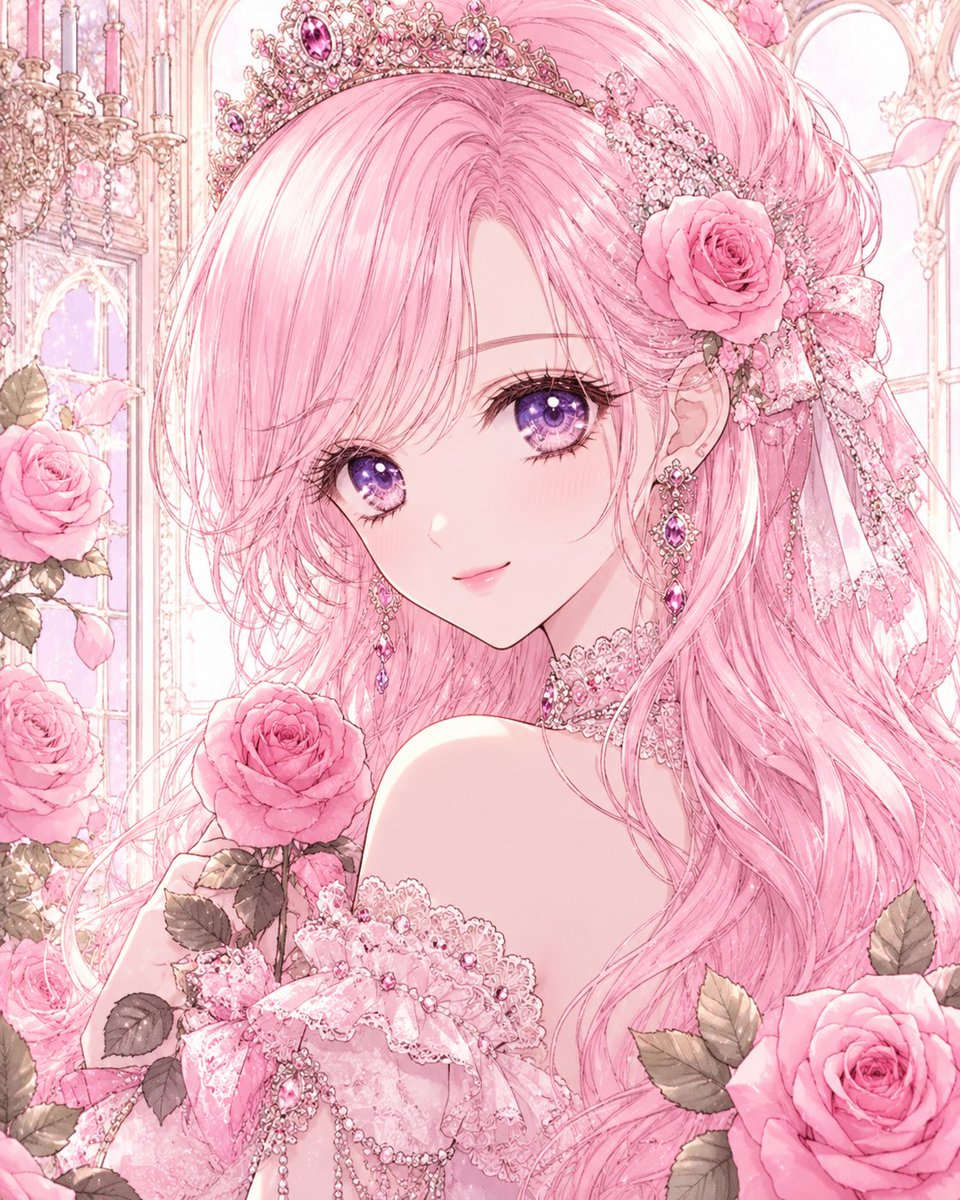
Pastel Pink Rose Princess Portrait
Full prompt
Create a highly detailed shoujo anime portrait of a beautiful princess-like young woman in an ornate pastel rose palace. She has {argument name="hair color" default="long flowing pastel pink hair"} with airy, precisely drawn side-swept bangs covering part of her forehead, soft loose waves cascading over one shoulder, and a half-up hairstyle decorated with a large pink rose, lace ribbons, pearl chains, and floral ornaments. Her face is delicate and symmetrical with porcelain skin, a small gentle smile, faint blush, long eyelashes, and large sparkling {argument name="eye color" default="violet-purple eyes"} with glossy star-like highlights. She wears an elaborate jeweled tiara crown with pink and purple gemstones, matching dangling gemstone earrings, and a lace choker. Her off-shoulder {argument name="dress style" default="pink lace princess dress"} is covered in frills, bows, pearls, embroidery, dangling bead chains, and gem accents, revealing elegant shoulders in a romantic bridal-princess pose. Surround her with exactly 4 prominent pink roses: one large rose in her hair near the right side of the image, one rose she holds near the lower center-left, one rose at the lower right foreground, and one rose along the left side foreground, with muted green-gray leaves and extra pale petals around them. The background is a luminous Rococo palace conservatory with tall arched windows, ornate white-and-gold trim, crystal chandeliers on the upper left, soft pink curtains or vertical decorative lines, and dreamy sunlight. Use a square vertical portrait composition, close-up from chest upward, face slightly turned toward the viewer, head near the upper center, hair filling much of the frame. Visual style: ultra-detailed Japanese manga illustration, delicate linework, watercolor-like pastel pink palette, luminous skin, intricate jewelry and lace, romantic fantasy, soft glow, high resolution, no text, no watermark, no extra characters, avoid realism or 3D rendering.
Use this prompt in the VdoBloom image editor.
Opens the image editor with this prompt — add your own photo to generate.