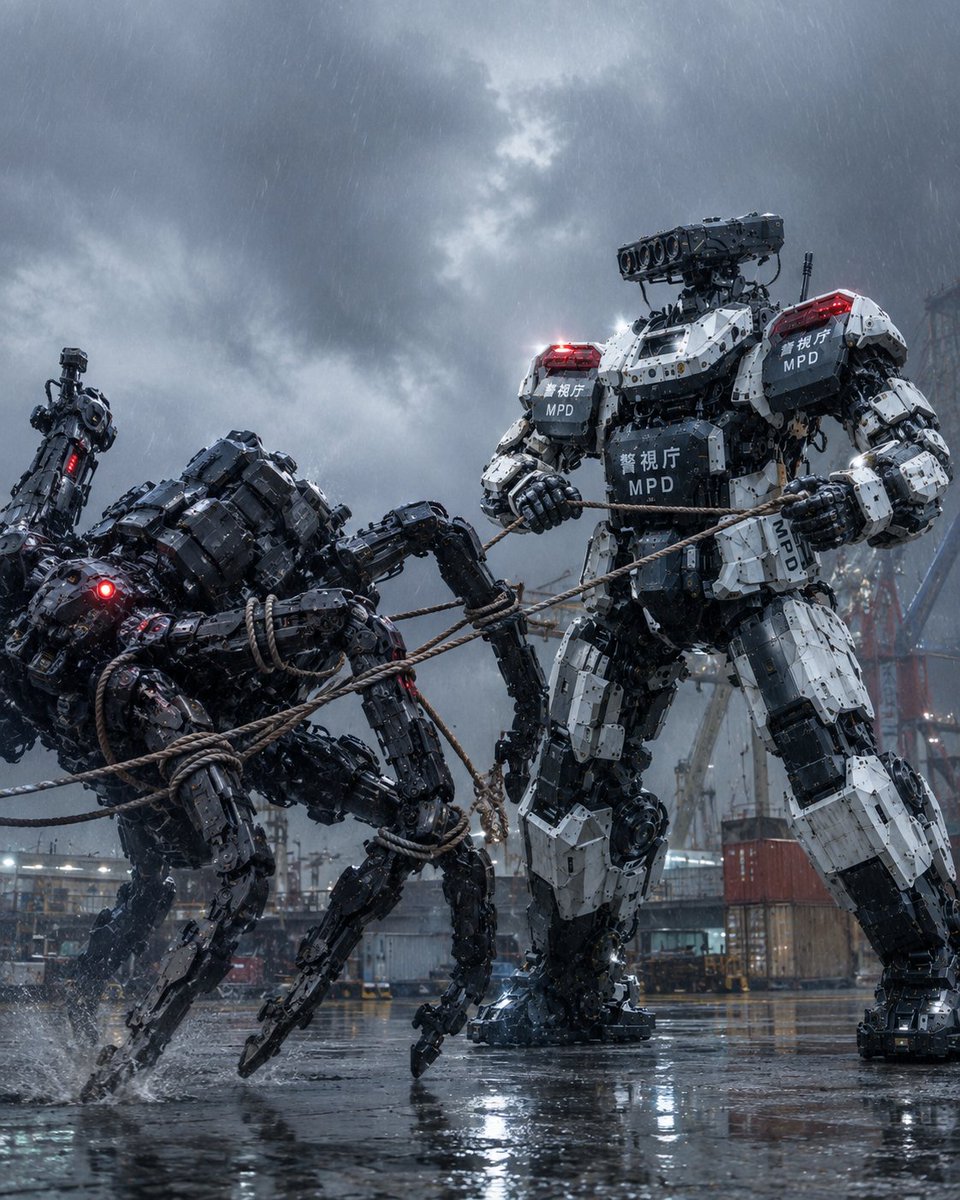
MPD Mech Captures Spider Robot
Full prompt
Create a cinematic vertical sci-fi action scene in a rainy industrial harbor at night: a massive white-and-black police humanoid mech from the Tokyo Metropolitan Police Department, labeled with Japanese text 「警視庁」 and “MPD,” is capturing a hostile black multi-legged robot using thick tan restraint ropes. The image contains exactly 2 main robots: 1 towering bipedal police robot on the right, bulky armored body, white segmented plates over black mechanical joints, red emergency lights glowing on both shoulders, large launcher/sensor pod mounted on top of its head, gripping multiple ropes with both hands; and 1 dark spider-like quadruped robot on the left, low aggressive posture, glossy black armor, four visible articulated legs, red glowing optical sensor, partially toppled and being pulled back by the ropes wrapped around its body and legs. Set the scene on wet reflective pavement with splashing water around the robot feet, shipping containers, cranes, scaffolding, and distant industrial structures in the background. Use heavy rain streaks, storm clouds, mist, dramatic cold blue-gray lighting, bright red warning LEDs, realistic water reflections, high-detail hard-surface mechanical design, gritty photorealism, cinematic composition, low camera angle, tense motion, shallow atmospheric haze, no people visible, no extra robots, no watermark. Customize the agency marking as {argument name="police label" default="警視庁 MPD"}, the setting as {argument name="location" default="rainy industrial harbor"}, the captured machine as {argument name="enemy robot type" default="black multi-legged robot"}, the weather as {argument name="weather" default="heavy rainstorm"}, and the mood as {argument name="mood" default="cinematic tactical confrontation"}.
Use this prompt in the VdoBloom image editor.
Opens the image editor with this prompt — add your own photo to generate.