Die-cut Sticker Illustration
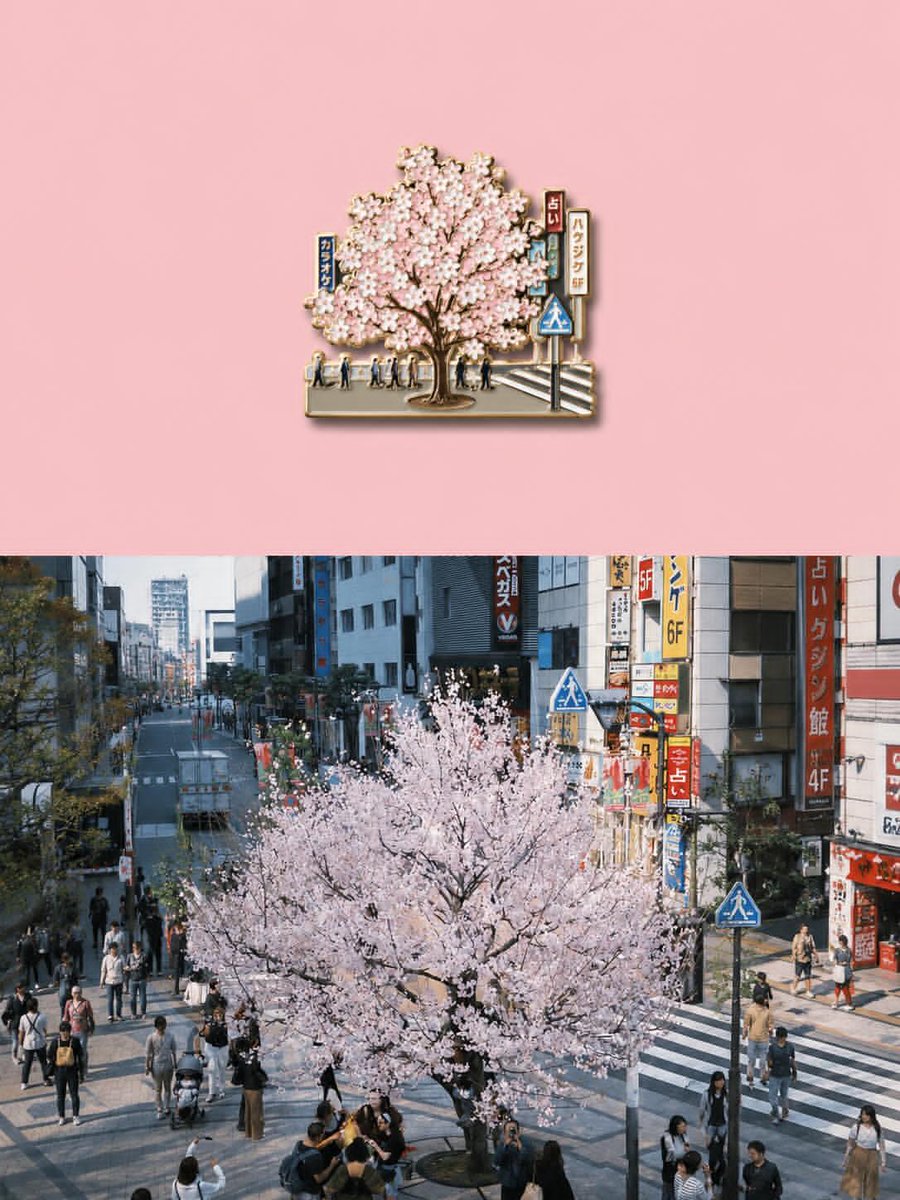
Full prompt
Transform the uploaded image into a premium die-cut sticker illustration while keeping the {argument name="subject" default="main subject"} fully recognizable. Remove or simplify the original background and cleanly isolate the primary subject. Add a thick {argument name="border color" default="soft cream or beige"} sticker border around the entire silhouette with a subtle realistic drop shadow to create a floating sticker effect. Preserve important textures and details while slightly stylizing the image with enhanced colors, cinematic contrast, and a polished editorial look. Refine the edges to create smooth, crisp sticker contours while maintaining realistic proportions and perspective. Place the final sticker composition centered on a {argument name="background color" default="clean pastel background"} with generous negative space, making it feel like a high-quality collectible vinyl sticker. The final image should feel minimal, modern, slightly nostalgic, and professionally designed, with no added text or extra objects.
Use this prompt in the VdoBloom image editor.
Opens the image editor with this prompt — add your own photo to generate.