Purple Gown Fashion Contact Sheet
Full prompt
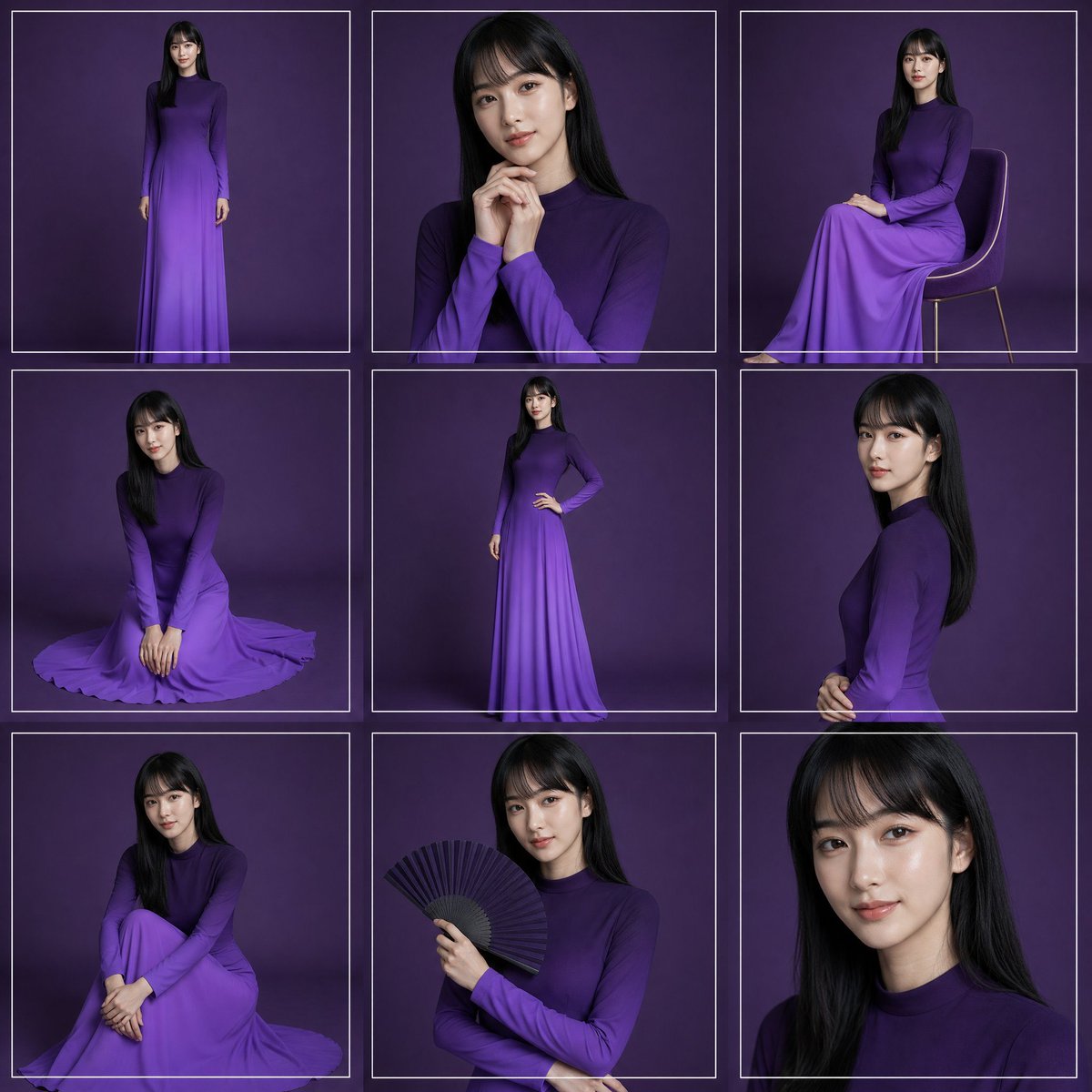
Create a high-fashion studio portrait contact sheet featuring {argument name="model description" default="a young woman with long straight black hair"} wearing {argument name="dress color and style" default="a long-sleeved, high-neck, floor-length ombré purple gown"}. Canvas: square 1:1 image, arranged as an exact 3 by 3 grid of 9 separate portrait frames, each frame outlined with thin white rectangular borders and narrow gutters. Background: seamless dark plum-purple studio backdrop with soft vignette lighting and subtle floor shadows. Visual style: elegant editorial fashion photography, realistic lighting, 4K detail, softbox illumination, refined posing, no visible logos or text.

Grid contents, exactly 9 panels:
1. Top-left: full-body standing pose facing forward, arms relaxed, full gown visible.
2. Top-center: medium close-up portrait, hands clasped near chin, long hair over shoulders.
3. Top-right: seated side pose on a simple modern chair with thin legs, gown draped over knees.
4. Middle-left: kneeling floor pose, hands together in front, skirt spread in a circular pool around her.
5. Middle-center: full-body standing pose with one hand on hip, showing the slim silhouette and gradient skirt.
6. Middle-right: side-profile upper-body portrait, hands gently clasped at waist, hair falling down the back.
7. Bottom-left: seated floor pose with knees drawn up and arms folded around legs, skirt pooled around her.
8. Bottom-center: half-body portrait holding an open black folding fan in one hand across the chest.
9. Bottom-right: tight close-up portrait of face and hair, cropped at shoulders.

Constraints: maintain the same model, hairstyle, dress, and purple background across all panels; use thin white borders around every panel; keep the composition clean and symmetrical; make the face softly anonymized/blurred rather than sharply identifiable; avoid extra props except the chair in panel 3 and the fan in panel 8.
Use this prompt in the VdoBloom image editor.
Opens the image editor with this prompt — add your own photo to generate.