Rainy Anime Schoolgirl Greeting
Full prompt
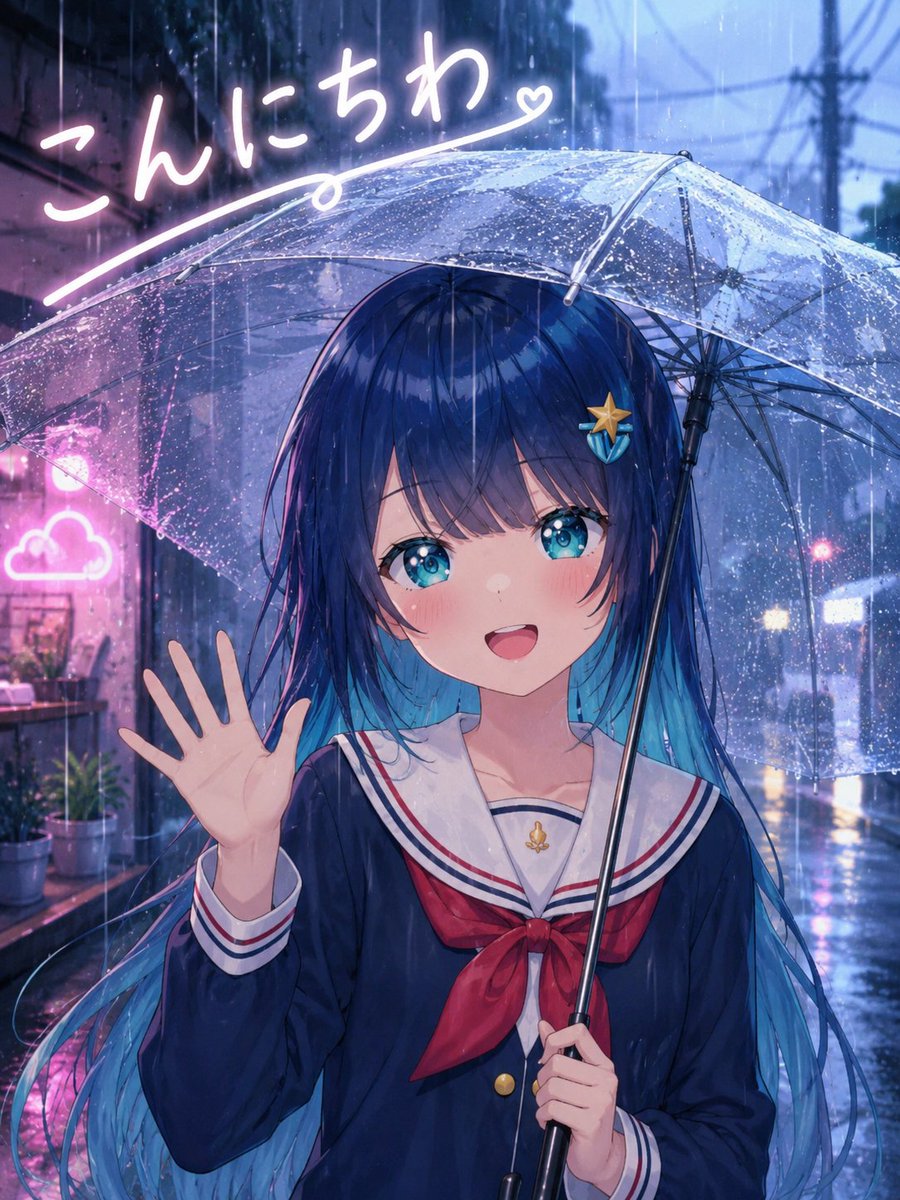
Create a polished anime-style portrait illustration of a cheerful schoolgirl saying hello in the rain. The main subject is {argument name="character name" default="an original anime girl"}, shown from about mid-thigh up, centered slightly right, smiling warmly with her mouth open and waving with her left hand while holding a clear transparent umbrella in her right hand. She has long flowing {argument name="hair color" default="deep navy blue hair with bright cyan tips"}, straight bangs, large sparkling turquoise-blue eyes, soft blush, and a small starfish-shaped hair clip on the right side of her hair. She wears a Japanese sailor school uniform: dark navy long-sleeve top, white sailor collar with red and navy stripes, red neckerchief bow, gold buttons, and a small gold anchor charm at the chest. The umbrella is large, dome-shaped, transparent plastic with visible metal ribs, a black central shaft, and many raindrops beading across the surface.

Set the scene in a narrow rainy city alley at dusk or night, with cool blue ambient lighting, wet pavement, vertical rain streaks, reflections on the ground, blurred utility poles and overhead wires in the distance, and soft bokeh lights from shops and traffic. Add pink neon accents on the left side, including a glowing cloud-shaped sign and handwritten Japanese greeting text in bright white-pink neon at the top left reading {argument name="greeting text" default="こんにちわ"}, with a sweeping underline ending in a small heart. The mood should be friendly, cute, and cinematic, like a high-quality modern anime key visual. Use rich detail, glossy rain effects, soft bloom, luminous reflections, shallow depth of field, and vibrant blue-and-pink color contrast. Vertical composition, 3:4 aspect ratio. Avoid extra characters, avoid watermark, avoid distorted hands, keep exactly one girl, one umbrella, one waving hand, one starfish hair clip, one neon cloud sign, and one handwritten greeting line.
Use this prompt in the VdoBloom image editor.
Opens the image editor with this prompt — add your own photo to generate.