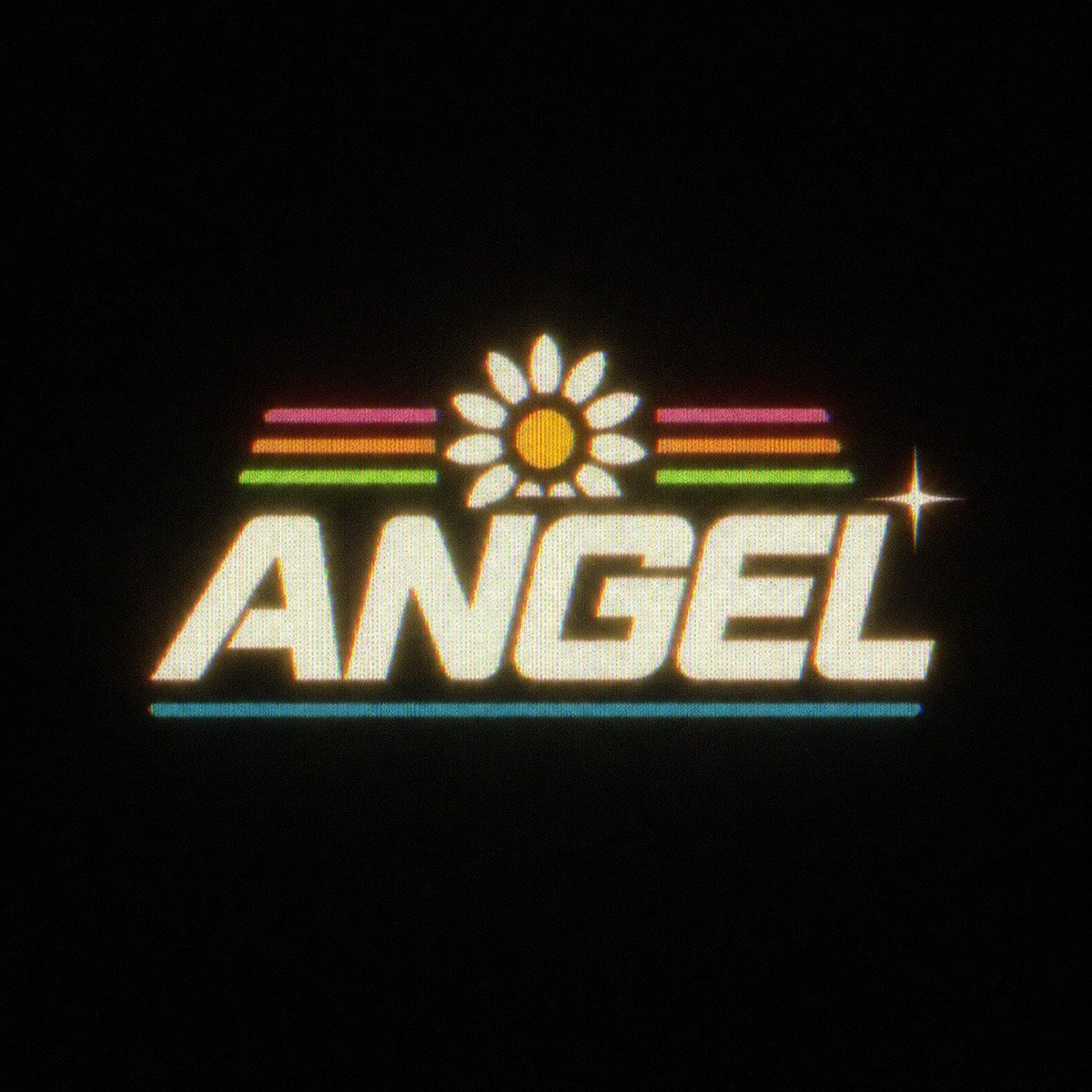
Retro Neon Angel Logo
Full prompt
Create a centered retro 1980s neon logo on a pure black background. The main word is {argument name="logo text" default="ANGEL"} in huge bold italic all-caps block lettering, creamy off-white with a warm yellow glow, slightly rounded edges, and a subtle halftone/CRT scanline texture. Above the word, place one daisy icon centered over the middle letters: exactly 1 orange circular center and exactly 12 white oval petals, all glowing softly. On both sides of the daisy, add exactly 6 short horizontal neon stripes total: 3 on the left and 3 on the right, stacked in magenta, orange, and green from top to bottom. Beneath the word, add exactly 1 thin cyan horizontal underline spanning most of the logo width. Add exactly 1 bright four-point star sparkle to the right of the logo near the upper-right edge of the final letters. Use chromatic aberration with red/cyan fringe, bloom, slight grain, fuzzy VHS softness, and a dark vignette, as if photographed from an old glowing arcade sign. Keep the composition minimal with lots of empty black space, square canvas, no extra text, no mockup frame, no watermark.
Use this prompt in the VdoBloom image editor.
Opens the image editor with this prompt — add your own photo to generate.