Fireworks at a Shrine Festival
Full prompt
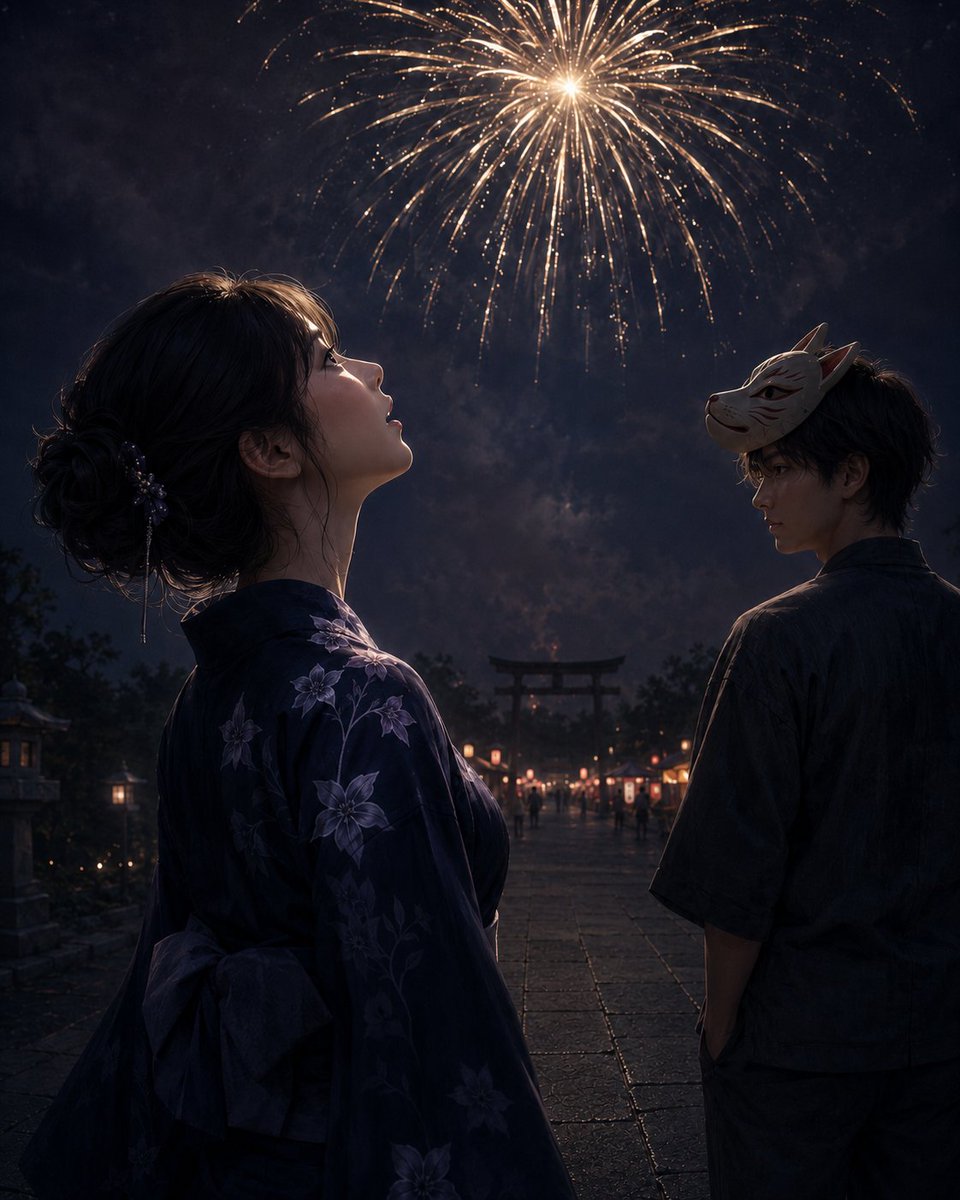
Create a cinematic, realistic anime-style night scene at a Japanese summer festival shrine approach. In the foreground left, show a young woman in side profile from the waist up, gazing upward with parted lips at a large golden firework blooming high in the dark smoky sky; she wears a deep navy yukata patterned with pale purple bellflower blossoms, with an obi bow visible at her back, and her dark hair is gathered in a loose low bun with delicate hair ornaments. In the foreground right, slightly farther back, show a young man turned partly away but glancing back over his shoulder, wearing a dark casual yukata or festival shirt, with a pale fox mask tilted on the side of his head. The wet stone-paved shrine path recedes between them toward a distant torii gate at center, lined with warm glowing festival lanterns and small stalls, with tiny blurred figures in the background. The atmosphere should feel quiet and bittersweet after leaving the crowded festival, with lantern reflections on damp stones, deep blue-black shadows, rim lighting from the fireworks, soft smoke, and highly detailed painterly realism. Use a vertical 4:5 composition, dramatic low-light contrast, shallow depth of field, no text, no watermark. Customize the woman as {argument name="woman appearance" default="young Japanese woman with dark hair in a loose low bun"}, the man as {argument name="man appearance" default="young Japanese man with tousled dark hair and a fox mask"}, the yukata pattern as {argument name="yukata flower pattern" default="pale purple bellflower blossoms"}, the setting as {argument name="festival setting" default="wet stone shrine approach with lanterns and a distant torii gate"}, and the sky feature as {argument name="firework color" default="large golden firework"}.
Use this prompt in the VdoBloom image editor.
Opens the image editor with this prompt — add your own photo to generate.