Layered Papercraft Image Transformation
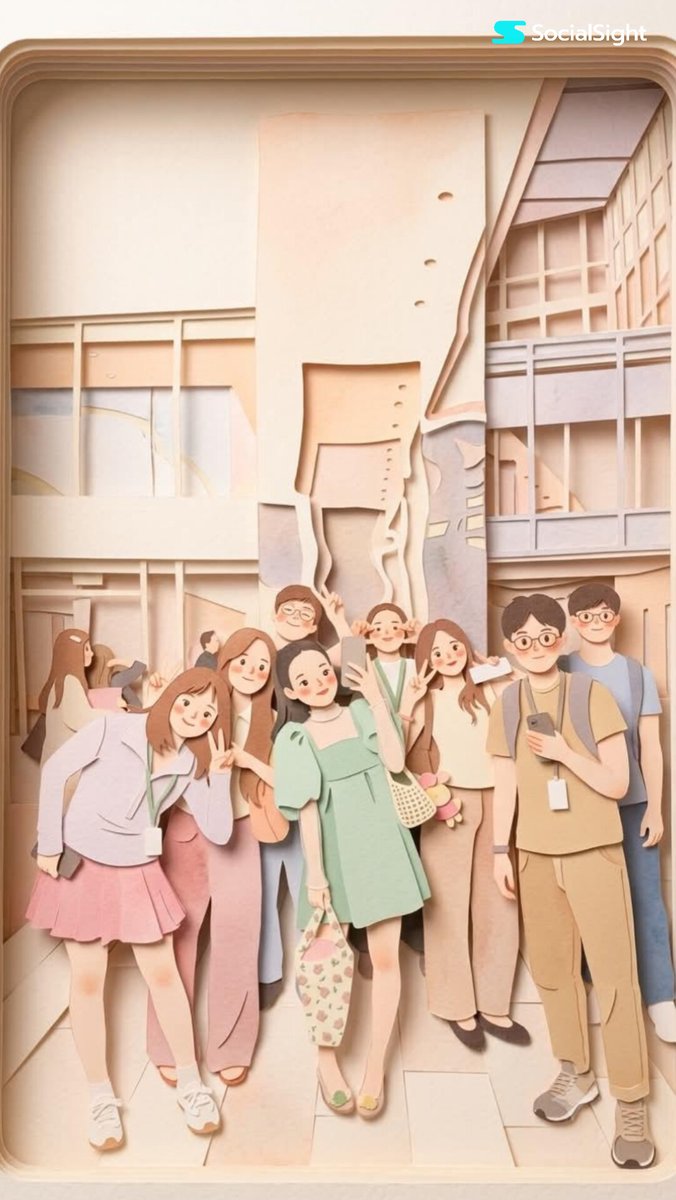
Full prompt
Transform this image into a {argument name="aesthetic" default="soft, layered papercraft illustration inspired by the aesthetic of a handcrafted papercraft diorama"}. Use smooth, rounded shapes, {argument name="proportions" default="simplified cute character proportions"}, and minimal facial features (such as dot eyes and subtle blush) to create a warm, charming, and inviting appearance.

Build the scene using stacked paper layers with a strong sense of depth and dimension. Include delicate shadows between layers to emphasize the layered construction, while keeping all cut edges clean and precise, resembling laser-cut cardstock.

Add a solid white outline around each main character, similar to a thick sticker border or a white paper backing. This outline should clearly separate the characters from the background and feel like an intentional layered paper element rather than a glow effect.

Use a {argument name="color palette" default="calming pastel color palette featuring muted blues, soft greens, and warm neutral tones"}. Maintain an overall balanced and soothing atmosphere. Lighting should be soft, diffused, and evenly distributed, enhancing the three-dimensional paper-layer effect while avoiding harsh contrast or dramatic shadows.
Use this prompt in the VdoBloom image editor.
Opens the image editor with this prompt — add your own photo to generate.