Technical Blueprint Infographic Style
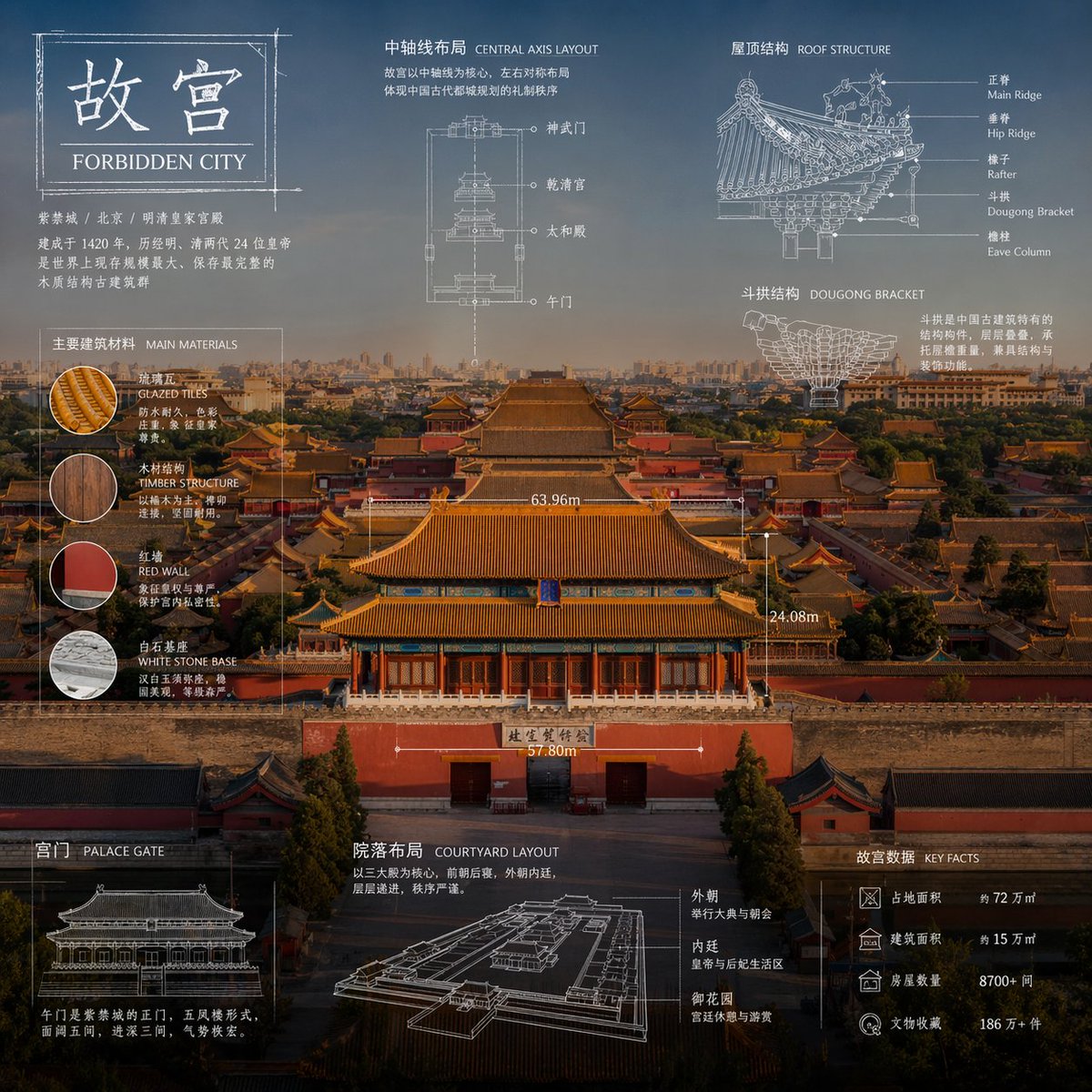
Full prompt
"Advanced technical infographic of {argument name="subject" default="subject"}. Reinterpret the subject in a professional and realistic new photograph that is clean and bright, with a more appropriate and aesthetic background. Keep the items as real photos rather than illustrations. Add a technical blueprint style overlay with white lines, arrows, dimensions, labels, and small schematics of parts, materials, dimensions, and functions. A clear, elegant, and informative piece. Place a sketch box in the top left corner with the word '{argument name="label" default="OBJECT"}'. 1:1 dimensions."
Original prompt
"{argument name="主题" default="[对象]"}的高级技术信息图。在一张专业且逼真的新照片中重新诠释主题,照片干净明亮,背景更合适且更具美感。保持物品作为真实照片,而非插图。添加一个技术蓝图风格的叠加图,包含白线、箭头、尺寸、标签以及零件、材料、尺寸 and 功能的小型示意图。清晰、优雅且信息丰富的文章。在左上角放置一个写有“{argument name="标签内容" default="OBJECT"}”的草图框。1:1 维度。"
Use this prompt in the VdoBloom image editor.
Opens the image editor with this prompt — add your own photo to generate.