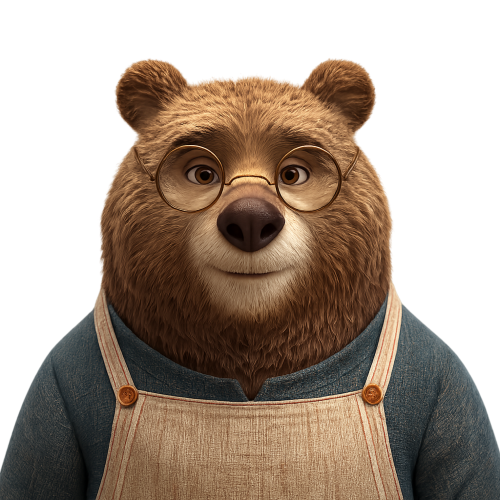
Transparent Bear Character Cutout
Full prompt
Using the provided reference image, isolate the bear character as a clean cutout and remove the entire background, changing it to {argument name="background type" default="transparent background"}. Preserve the character's pose, facial expression, glasses, clothing, fur texture, lighting, and overall scale as much as possible. Keep the edges precise and natural, especially around the ears and fine fur, with no halo, shadow, extra objects, text, or added background elements. Output as a square image suitable for reuse in thumbnails, cards, product mockups, or compositing.
Use this prompt in the VdoBloom image editor.
Opens the image editor with this prompt — add your own photo to generate.