Vintage Monchhichi Doll Conversion
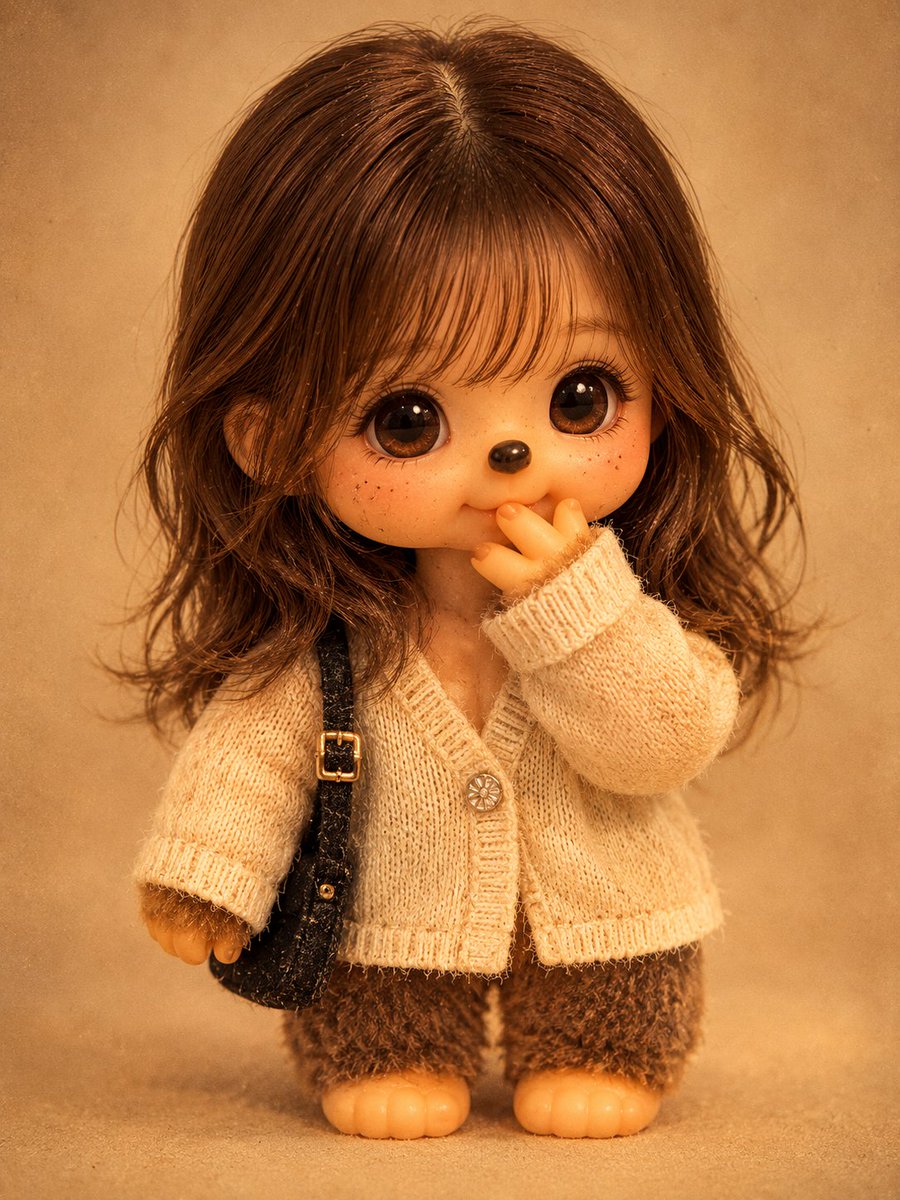
Full prompt
Please transform the person in the photo into a realistic vintage Monchhichi doll in the {argument name="doll style" default="1970-80s Sekiguchi style"}. Maintain the original's facial structure, hairstyle, hair color, expression, pose, composition, and camera angle accurately so the person remains identifiable even in doll form. Follow the classic Monchhichi design with a large head and a short, stout plush body (approx. 1:1 ratio) with simplified limbs. The face should be a matte vinyl material showing signs of age like fine scratches and discoloration, with small shiny dark eyes, a glossy nose, and a soft smile. The body is covered in dense, faded {argument name="fur color" default="brown synthetic fur"}. Recreate the original outfit using {argument name="outfit material" default="faded simple sewn cotton"}. Set the scene under warm indoor lighting with a vintage film grain and yellowish tint, presented as a centered full-body collector's doll photo against a clean background. No text.
Original prompt
사진 속 인물을 {argument name="인형 스타일" default="1970-80년대 Sekiguchi 스타일"}의 현실적인 빈티지 몬치치 인형으로 변환해 주세요. 원본의 얼굴 구조, 헤어스타일, 머리 색상, 표정, 포즈, 구도, 카메라 앵글을 정확히 유지하여 몬치치 형태여도 인물 식별이 가능해야 합니다. 큰 머리와 짧고 뚱뚱한 플러시 몸(약 1:1 비율), 단순화된 손발을 가진 클래식 몬치치 디자인을 따릅니다. 얼굴은 미세한 스크래치와 변색 등 세월감이 느껴지는 매트한 비닐 소재이며, 작고 윤기 있는 짙은 눈과 둥근 광택 코, 부드러운 미소, 특유의 입 주변 손가락 포즈를 구현해 주세요. 몸은 일부 눌리거나 뭉치고 빛바랜 촘촘한 {argument name="털 색상" default="갈색 인조 털"}로 덮여 있습니다. 의상은 원본의 스타일을 {argument name="의상 소재" default="바랜 색감의 단순한 봉제 면 소재"}로 재현합니다. 따뜻한 실내 조명 아래 그레인과 노란 기가 도는 빈티지 필름 느낌으로, 깨끗한 배경의 전신 중앙 정렬 수집용 인형 사진처럼 연출해 주세요. 텍스트는 포함하지 않습니다.
Use this prompt in the VdoBloom image editor.
Opens the image editor with this prompt — add your own photo to generate.