VLNS Alien Streetwear Crosswalk
Full prompt
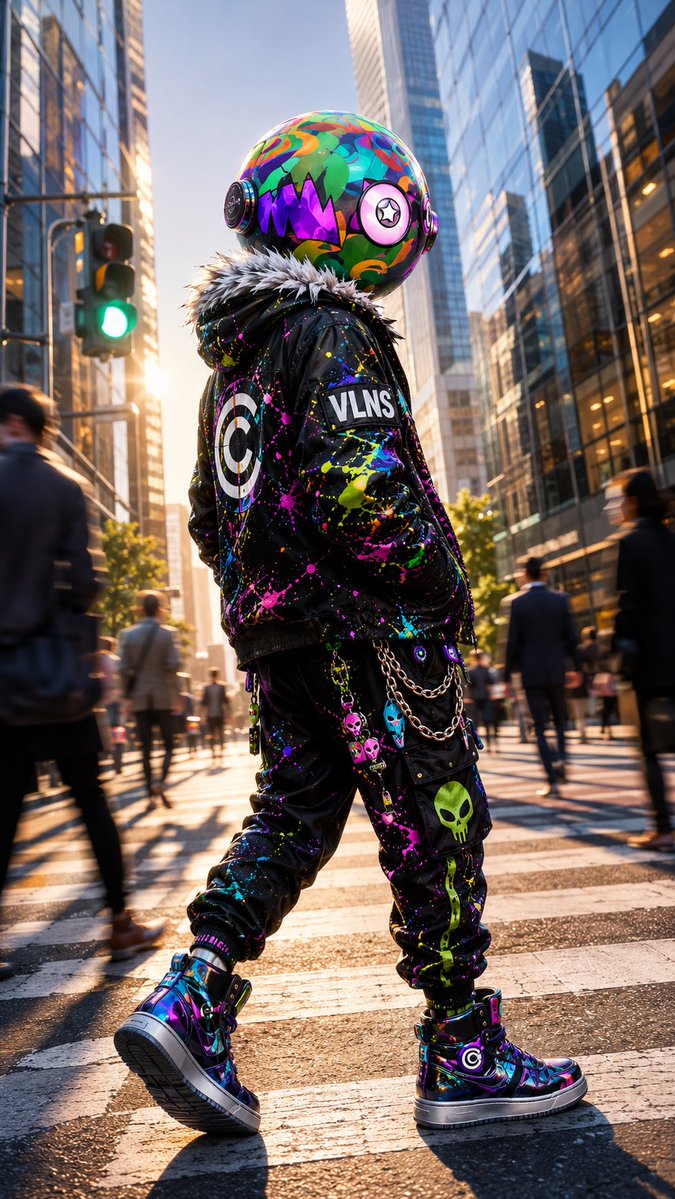
Create a cinematic vertical full-body street-fashion portrait of {argument name="character name" default="VLNS"}, a non-human alien character whose true biological head is a large glossy sphere, walking away in a modern city crosswalk at golden hour. The alien has no human face or skin: the head is a perfectly round, oversized helmet-like biological orb covered in vivid graffiti-camouflage patterns in turquoise, green, orange, pink, purple, and blue, with a jagged black monster-mouth graphic filled with purple triangular teeth on the side, circular ear-disc modules on both sides, and one large pink circular eye emblem with a black star pupil. The character wears a black punk bomber jacket with a thick gray-white faux-fur collar, chaotic neon paint splatter all over it, a large target emblem on the back, and a rectangular sleeve patch reading “VLNS.” Add black cargo jogger pants covered in neon paint splashes and alien/skull graphics, including a prominent green alien skull on the lower leg, plus hanging silver chains and small colorful alien-head charms at the hip. Include high-top glossy iridescent sneakers in purple, blue, and black with thick white soles and circular target logos. Pose the character mid-step from a low rear three-quarter angle, hands in pockets, confident and mysterious, occupying the center of the frame. Set the scene in a busy downtown financial district with tall reflective glass skyscrapers on both sides, blurred pedestrians in suits moving through the crosswalk, a green traffic light on the left, long shadows on wet-looking asphalt, and warm sun flare from the left background. Use photorealistic detail mixed with hyper-stylized fashion editorial energy, shallow depth of field, motion blur on background pedestrians, crisp focus on the character, high contrast, reflective surfaces, vibrant neon color accents against black clothing, no extra readable text except “VLNS,” no human head, no exposed human body parts.
Use this prompt in the VdoBloom image editor.
Opens the image editor with this prompt — add your own photo to generate.