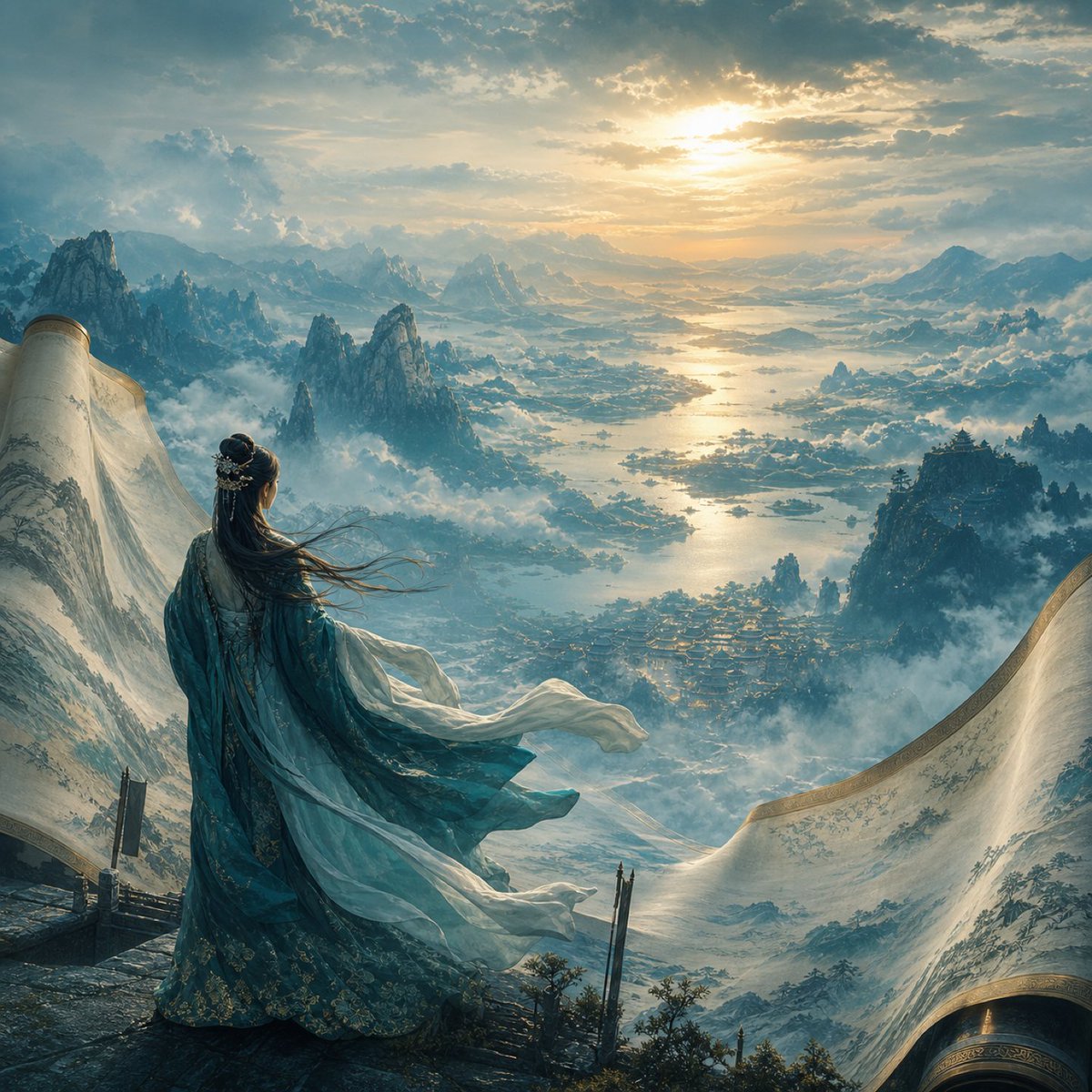
Xianxia Woman Over Misty Mountain Realm
Full prompt
Create an epic cinematic fantasy landscape in a highly detailed painterly-realistic Chinese xianxia style. A lone {argument name="character description" default="elegant ancient Chinese woman viewed from behind"} stands on a high stone terrace at the edge of a mountain cliff, gazing out over a vast mist-filled realm at sunrise. She wears layered flowing {argument name="robe color" default="teal and pale white silk robes"} with ornate gold floral embroidery, long translucent sleeves and scarves streaming dramatically in the wind; her very long black hair is half-up with delicate silver hair ornaments and loose strands blowing sideways. Around her and partly framing the foreground are two enormous unfurled painted scrolls or silk landscape paintings, one curling up on the left and one sweeping in from the lower right, their parchment surfaces decorated with faint ink-wash mountains and gold-trimmed edges, making the scene feel like a living painting. The view below shows a grand mythic valley with countless jagged karst peaks, floating layers of clouds and fog, winding rivers and lakes reflecting the sun, tiny villages or palace rooftops nestled among mountains, distant bridges of water and land, and blue-gray mountain ranges fading into atmospheric haze. The {argument name="time of day" default="golden sunrise"} breaks through dramatic clouds near the upper center, casting warm radiant light across the water while the foreground remains cool blue and shadowed. Use a wide-angle grand scale composition, the woman positioned in the lower left third facing away, strong depth, volumetric mist, soft god rays, intricate fabric detail, ancient Chinese fantasy mood, serene and awe-inspiring atmosphere, ultra-detailed environment, cinematic lighting, no modern objects, no text, no watermark.
Use this prompt in the VdoBloom image editor.
Opens the image editor with this prompt — add your own photo to generate.