AI Twerk Video Generator: Turn a Photo into a Dance Clip
The VdoBloom AI Twerk Video Generator animates a photo into a twerk dance video. Upload a picture, pick a dance energy — Energetic, Smooth, Powerful or Rhythmic — and the AI generates rhythmic dance motion while keeping the person's face, clothing and identity as they were in the original photo. Nothing is filmed and no choreography is involved; the motion is created around the person already in your image.
One detail sets this tab apart from the other dance effects. Every twerk preset ships as a long, structured instruction rather than a few keywords, and each one contains an explicit clause restricting the scene to the person you uploaded: no additional persons or characters may appear. That is written into the prompt itself, so extra figures do not wander into the background and a second dancer is not invented to fill the frame. It also means the preset text is doing a lot of work — when you edit it, you are amending a detailed script rather than filling an empty field, so append your changes instead of deleting the constraints you want kept.
The four energies are genuinely different rather than four labels on the same motion. Energetic runs a high-tempo, high-vibrance take under bright light. Smooth slows things into fluid, graceful movement with soft lighting. Powerful is bold and commanding with a dramatic grade. Rhythmic is synchronised to an implied beat under warm tones, which is the one to pick if you already know the track you are cutting to. There is no reference-video input here — you are not transferring choreography from an existing clip — so the preset, the prompt and above all the source photo are the three levers you have.
Cost is worth stating precisely. Twerk runs on the keyframe pipeline, so its picker holds 16 model variants across four families: Runway, Kling, PixVerse and Vidu. The cheapest is Runway Gen-3 at 10 credits for five seconds at 720p, which is also the tab's default, and a new account is given exactly 10 free credits — one clip, no change. That render plays back in your dashboard with a free-tier watermark over it and the download stays locked until you move to a paid plan, which removes the watermark and releases the file. This is a tasteful-dance tool: uploads must be of adults who have consented to appear, photos of minors must never be used, and generations are moderated under VdoBloom's content policies.
Examples
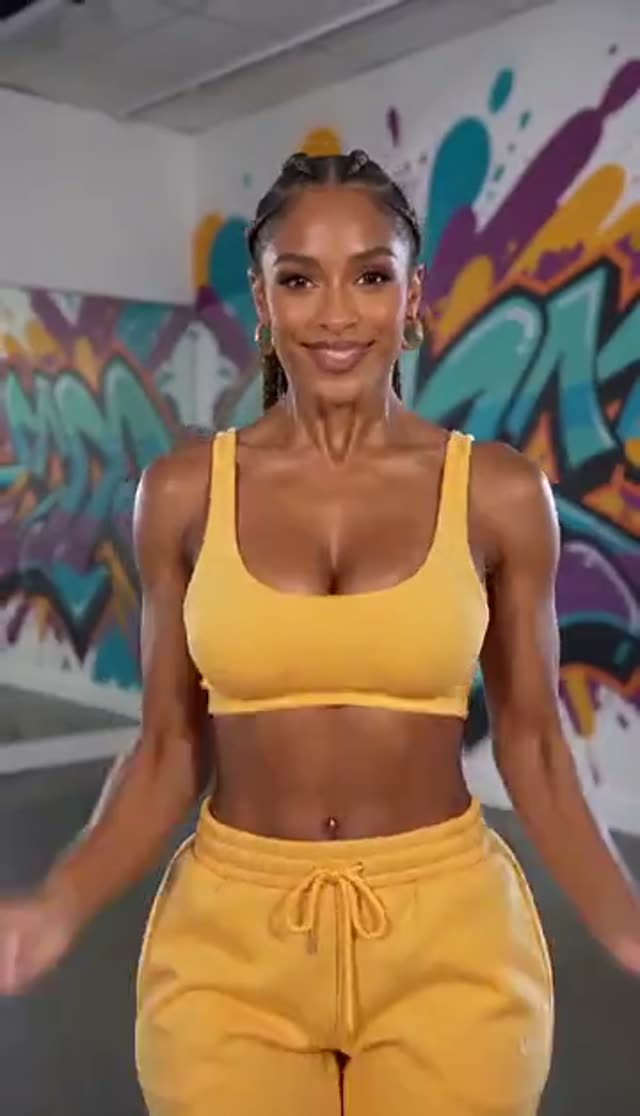
Energetic
Make this with my photo
Smooth
Make this with my photo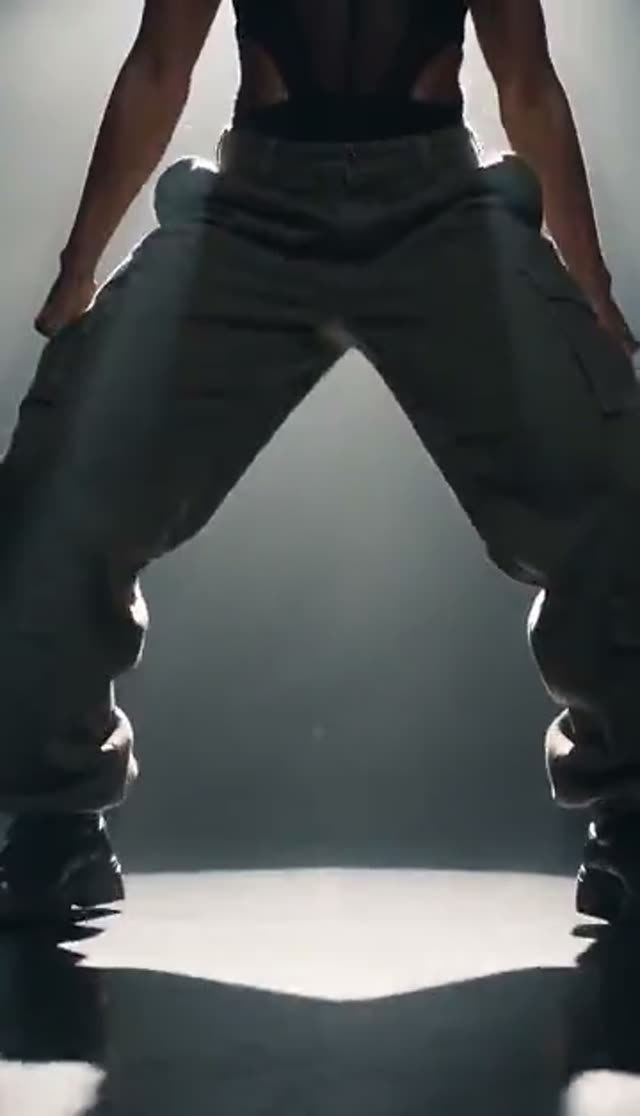
Powerful
Make this with my photo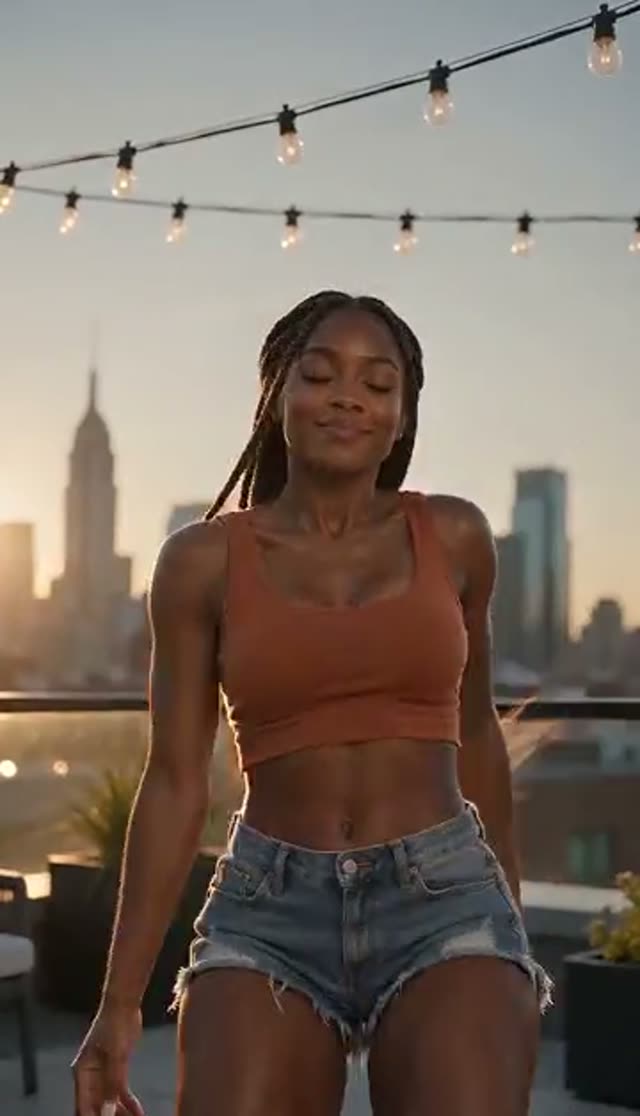
Rhythmic
Make this with my photo
How it works
- 1
Upload a photo
Use a clear full-body or three-quarter shot. The motion is centred on the lower body, so a photo cropped at the waist leaves the model nothing to work with.
- 2
Choose the dance energy
Energetic, Smooth, Powerful or Rhythmic. Each sets tempo, intensity and lighting together — bright, soft, dramatic or warm respectively.
- 3
Extend the prompt if you want
The preset is a long structured instruction you can edit. Add the setting, outfit or camera angle to the end rather than replacing the text, so the single-subject clause stays in place.
- 4
Pick a model and format
Runway Gen-3 at 10 credits is the cheapest on this tab. Then set duration, quality and a 9:16 aspect ratio if the clip is heading to TikTok, Reels or Shorts.
- 5
Generate the clip
Start the render. It finishes server-side in a few minutes for a short clip on a fast model, so the tab does not need to stay open.
- 6
Collect it and add your audio
The result lands in your dashboard. On a paid plan you download the MP4 and drop your track on in the social app itself, which keeps the audio native and attributable.
Why use this tool
Four energies, one photo
Energetic, Smooth, Powerful and Rhythmic each change tempo, intensity and colour grade at once, so re-running the same upload gives you four clips with genuinely different feels.
One subject, written into the prompt
Every preset states that only the person from your uploaded image may appear in the scene — no additional persons or characters. It is a clause in the instruction itself rather than a policy you have to hope holds.
Identity held steady
Facial features, body proportions, clothing and lighting carry across from the source photo, so the clip reads as that person rather than an AI approximation of them.
Beat-friendly by design
The Rhythmic preset generates movement synchronised to an implied beat, which makes it easier to cut against a track without the motion drifting out of time.
Vertical output without cropping
Set 9:16 before generation instead of cropping a wide clip afterwards and losing the head or feet in the process.
Sixteen engines, priced in the open
Runway, Kling, PixVerse and Vidu variants run from 10 credits for a five-second 720p Gen-3 clip up to 48 for Runway Gen-4.5, and the cost is shown before you commit.
Frequently asked questions
How do I make an AI twerk video?
Upload a photo to VdoBloom's twerk generator, choose one of four dance styles — Energetic, Smooth, Powerful or Rhythmic — and generate. The AI animates the person from your photo with rhythmic dance motion while preserving their face, clothing and identity. The clip renders in a few minutes and appears in your dashboard, ready to download once you are on a paid plan.
Is the AI twerk generator free?
Your first clip is covered by the signup grant. New accounts are credited with 10 credits, and the cheapest render on this tab — Runway Gen-3, five seconds, 720p — costs exactly 10. So it is one finished generation, not a trial that keeps giving. On the free tier that clip plays back with a watermark and cannot be downloaded, which is the honest version of "free": you get to see the real output and judge it, and a paid plan is what turns it into a file you can post.
Do the clips have a watermark on them?
Free-tier renders do. The player draws a watermark over the video, and downloading, right-click saving and picture-in-picture are all disabled while your account is on the free tier. A paid plan removes the overlay and unlocks the MP4. For dance content that download matters more than usual, because the clip is nearly always re-cut to music before it goes out.
Do I need to sign up first?
Yes, and it is free — an email address or Google login, no card. The account exists so the 10 free credits have somewhere to sit and so your finished renders can be delivered to your dashboard when they complete. Generation runs on our servers, not in your browser, so there is no version of this that works without one.
Will the dance look natural?
The generator is tuned for rhythmic, physically plausible body movement with smooth motion and cinematic lighting matched to the preset you pick. Results are best with clear photos where most of the body is visible, which gives the model accurate proportions to animate. Tight crops and heavy shadow are the two things most likely to produce stiff or warped motion.
What photo should I upload?
Full-body or at minimum three-quarter framing, sharp focus, even light, and a background that is not visually chaotic. Because the effect is built around lower-body motion, a headshot simply will not work. Avoid strong wide-angle lens distortion and photos where limbs run off the edge of the frame.
How long does a clip take to generate?
A few minutes for a short clip on a fast model. Longer durations, higher resolutions and premium model families all take longer, and queue load shifts the number. The render continues after you close the tab, and the video shows up in your dashboard, so there is no need to sit and wait on it.
Are twerk videos allowed under VdoBloom's content rules?
Dance content is welcome, and the tool is designed for fun, tasteful clips suitable for mainstream social platforms — the presets are written toward clothed, performance-style movement. All generations are moderated under VdoBloom's content policies and can be blocked or removed if they breach them. You may only upload photos of adults who have consented to appear, and photos of minors must never be used with this tool under any circumstances.
Can I post the result on TikTok or Instagram Reels?
Yes, once you are on a plan that unlocks the download. Generate at 9:16, keep it short, and add trending audio in the platform's own editor. Each platform applies its own community guidelines to whatever you upload, so keeping the clip in the tasteful register the presets are built around is the practical way to stay on the right side of moderation.
What if the generation fails or the motion looks wrong?
Run it again before changing anything — a second pass on identical inputs often lands. If it repeats, swap in a photo with more of the body visible and better lighting, then try shortening the clip or lowering the resolution. Changing model family is the next step, and on this tab that means staying inside the keyframe roster: Runway Gen-3 at 10 credits is the default, PixVerse v3.5 and Vidu Q2 Turbo at 18 are the usual second attempts, Runway Gen-4 Turbo and Vidu Q3 Turbo are 20, and the premium end runs through Kling V2.5 Turbo at 40 to Runway Gen-4.5 at 48. Reserve those until the framing already works. If credits were deducted for a video that never arrived, contact support from your dashboard.