Upload a photo or drop it hereJPG, PNG, WebP or HEIC · 10 MB
A full-body photo works best.
Model
Duration
5s
Min 4sMax 15s
Resolution
Aspect ratio
Wide screen: YouTube videos, TVs, laptops and website headers.
Advanced options
Motion or style reference. MP4 or MOV, 480p to 720p, up to 15s total.
MP3 or WAV, up to 15 MB and 30s total.
Example
Twirl
Graceful elegant twirl
Output
5s · 480p
AI Twirl Video Generator: A Dress Spin from a Single Photo
Updated
Short answer: upload one full-body photo, pick Graceful, Playful or Dramatic, and VdoBloom animates that person spinning with the dress or skirt flaring in a 5-second clip on Seedance 2 Mini for 8 credits at 480p. New accounts get 10 free credits plus 2 to 5 more a day from the daily check-in, and free-tier clips carry a VdoBloom watermark.
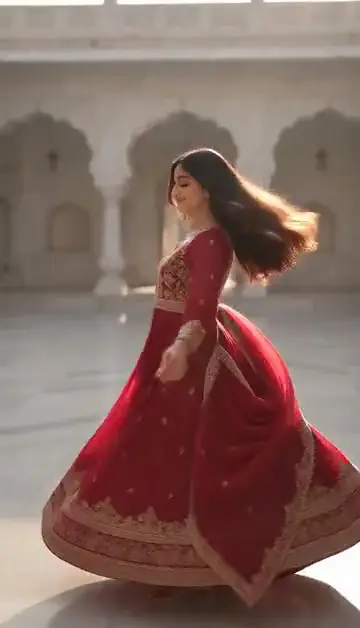
An AI twirl video turns one photo of a person into a short clip of them spinning, with the skirt or dress flaring out and settling again. On VdoBloom you upload a full-body photo, pick Graceful, Playful or Dramatic, and the AI animates the spin with flowing fabric and cinematic light while keeping the face, hair and outfit from your photo. Is it free? New accounts get 10 credits and the default model, Seedance 2 Mini, costs 8 credits for 5 seconds at 480p, so the first twirl is free. ByteDance V1 Pro Fast (7 credits) costs less. It is for dress, saree, lehenga and occasion-wear sellers, prom and wedding outfit posts, dance students and fashion creators.
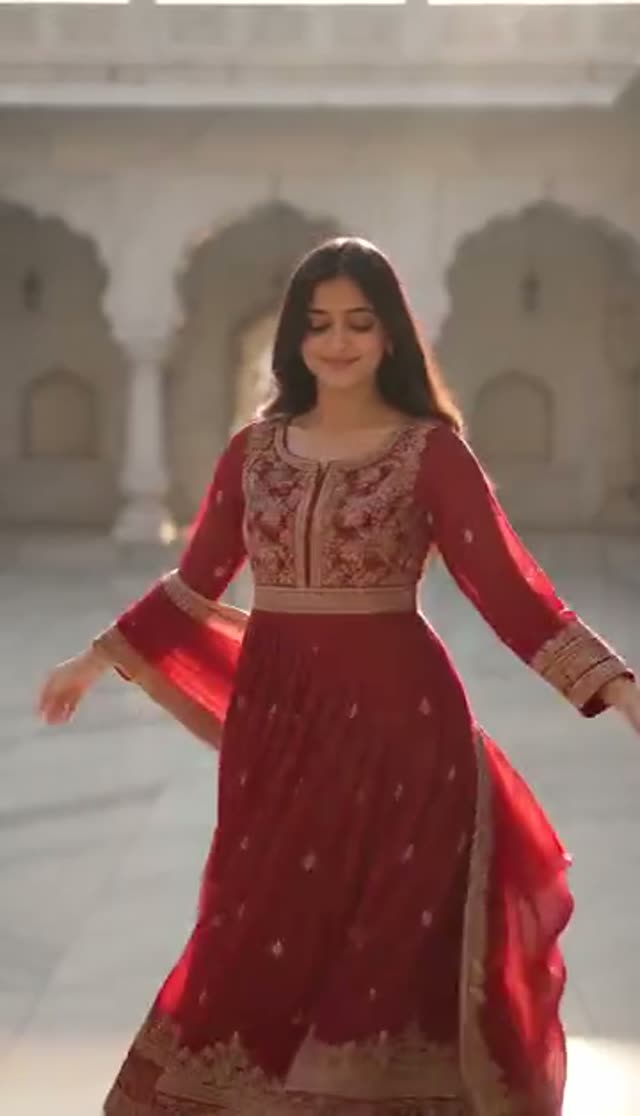
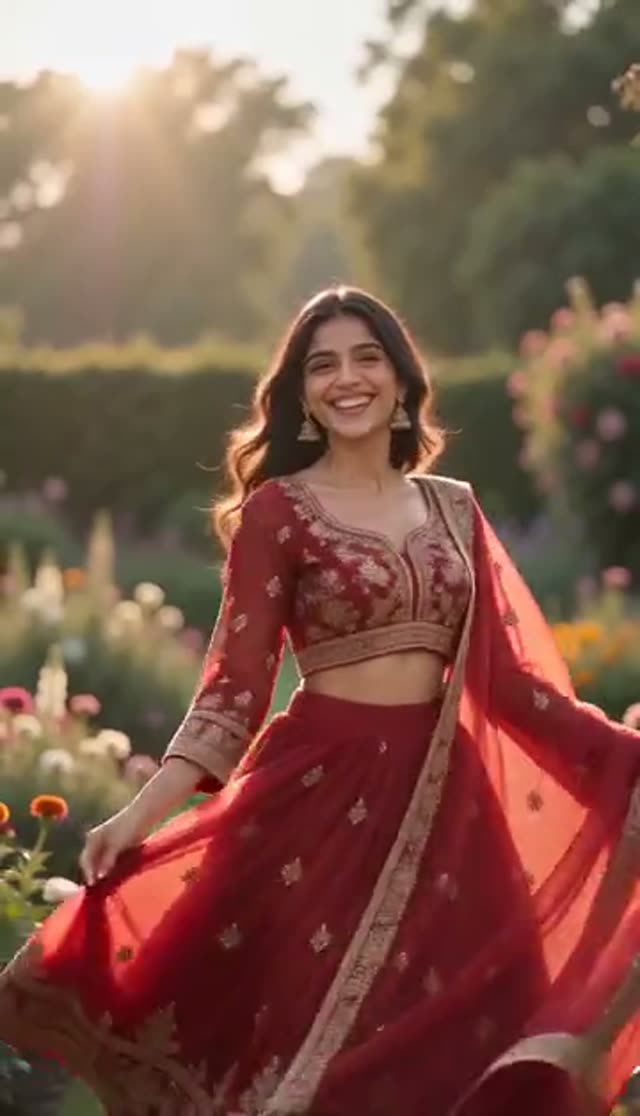
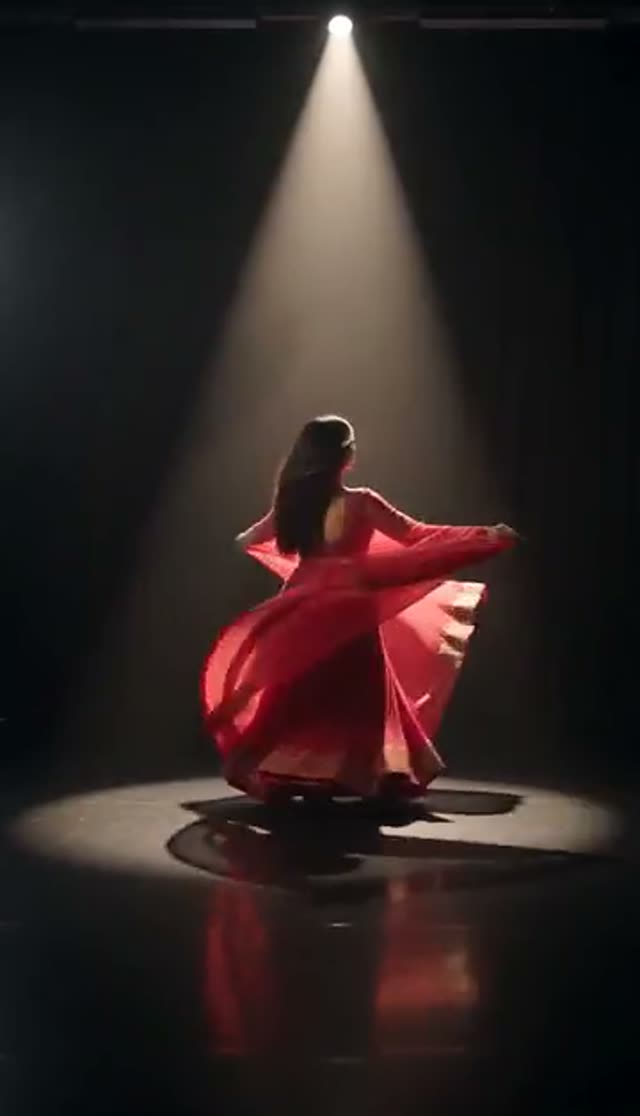
A twirl shows what a still photo cannot: how a garment moves. A pleated skirt opens into a circle, chiffon floats, heavy satin swings late and settles slowly. The three templates handle the spin differently: Graceful is an even, elegant rotation suited to gowns and formalwear; Playful is a quicker, brighter spin with a joyful expression for casual posts; Dramatic slows everything into a cinematic turn that lingers on the fabric.
Twirl is a direct effect, so the full image-to-video roster is available on this tab, from 7-credit drafting models to Runway Gen-4.5 at 48. Credits are taken only once the provider accepts the job and are refunded automatically if a render fails.
How to Make an AI Twirl Video from 1 Photo (Step by Step) | VdoBloom Tutorial
Turn one photo into an AI twirl video with VdoBloom. Pick a template (Graceful, Playful or Dramatic), tick the adults-and-consent box, upload one photo (a full-body photo works best), and create. In this video we make a…
The whole outfit, shoulders to hem, should be in frame. Dresses, skirts, sarees and long coats give the spin the most to work with. If the hem is cropped, there is nothing to flare.
2
Pick a twirl style
Graceful for an elegant rotation, Playful for a fast joyful spin, Dramatic for a slow cinematic turn. Each template plays a preview.
3
Name the fabric and setting (optional)
Edit the prompt: "slow twirl in a light chiffon dress on a garden path, golden hour" behaves differently from the default. Naming the fabric helps the AI weight the motion.
4
Choose model, length and ratio
Seedance 2 Mini loads at 8 credits for 5 seconds at 480p. Switch to 9:16 for Reels, TikTok and Shorts before generating.
5
Generate and check hem and hands
Most clips are ready in a few minutes. A spin puts the hem and hands through the most change, so check those first.
6
Download the MP4
Free clips download with a VdoBloom watermark. A paid plan gives the same MP4 without it.
Why use this tool
Fabric that moves like fabric
The spin is animated with drape and weight, so a stiff A-line skirt flares differently from light chiffon.
Three spin styles
Graceful, Playful and Dramatic are separate prompt recipes with different pace, light and energy.
Your outfit stays yours
The AI animates the person in your photo, so color, print and cut come from your image.
Full model roster
Draft on ByteDance V1 Pro Fast at 7 credits or Seedance 2 Mini at 8 (480p), finish on Kling or Runway Gen-4.5.
Vertical-ready
Pick 9:16, 1:1, 3:4 or 16:9 before generating so the spin is not cropped later.
Refunds on failure
Credits are charged after the provider accepts the job and returned automatically if it fails.
Quick facts: the AI twirl video
The numbers to know before you spend credits. Updated 31 October 2026.
Input
One full-body photo of one person, hem in frame
Templates
Graceful, Playful, Dramatic
Length
5 s by default, 4 to 15 s on Seedance 2 Mini
Default model and price
Seedance 2 Mini, 8 credits for 5 s at 480p (17 at 720p, 16 for 10 s)
Cheapest option
ByteDance V1 Pro Fast, 7 credits for 5 s at 720p
Free credits
10 on signup plus a daily check-in of 2 to 5 credits
Watermark
On free-tier clips; any paid pack or plan downloads clean
Failed renders
Credits refunded automatically
Question
Answer
Input
One full-body photo of one person, hem in frame
Templates
Graceful, Playful, Dramatic
Length
5 s by default, 4 to 15 s on Seedance 2 Mini
Default model and price
Seedance 2 Mini, 8 credits for 5 s at 480p (17 at 720p, 16 for 10 s)
Cheapest option
ByteDance V1 Pro Fast, 7 credits for 5 s at 720p
Free credits
10 on signup plus a daily check-in of 2 to 5 credits
Watermark
On free-tier clips; any paid pack or plan downloads clean
Failed renders
Credits refunded automatically
Is the AI twirl video generator free?
Your first twirl is free: 10 credits on sign-up, no card, and the default clip costs 8. Free output is watermarked, including the download; any paid plan removes the watermark. The Lite pack is 300 credits for $19.50 one-time (credits never expire) or $15 a month (credits reset each cycle).
A full rotation is one of the harder motions for video models. Test the style on a cheap model, then re-run the winner on a stronger one. Credits for a 5-second clip:
Graceful, Playful or Dramatic: the twirl styles compared
The templates are separate prompts rather than speed settings, so each gives a different clip from the same photo. Running all three costs the same as running one three times.
Graceful
Spin:Even, elegant rotation with flowing dress
Lighting:Soft cinematic light
Best for:Gowns, sarees, formalwear
Playful
Spin:Quicker spin, joyful expression
Lighting:Bright light
Best for:Casual dresses, lifestyle posts
Dramatic
Spin:Slow spin that lingers on the fabric
Lighting:Cinematic light
Best for:Hero clips, bridal and occasion wear
Style
Spin
Lighting
Best for
Graceful
Even, elegant rotation with flowing dress
Soft cinematic light
Gowns, sarees, formalwear
Playful
Quicker spin, joyful expression
Bright light
Casual dresses, lifestyle posts
Dramatic
Slow spin that lingers on the fabric
Cinematic light
Hero clips, bridal and occasion wear
Twirl, catwalk turn or fashion walk?
All three animate the outfit in your photo. Twirl is a full spin in place, which is the clearest way on VdoBloom to show how a skirt or dress flares. Catwalk Turn is a runway strut with a single pivot, which shows the sides and back of tailoring and coats. Fashion Walk is a straight walk in four styles, the closest to a classic product video. Many sellers make a walk for the listing and a twirl for social.
Use a full-body photo with the whole dress in frame, pick Graceful for gowns or Playful for casual looks, name the fabric in the prompt and generate. The default clip costs 8 credits.
Is the twirl effect free?
The first clip is, on the 10 signup credits, and the daily check-in adds 2 to 5 credits a day. Free clips carry a VdoBloom watermark.
How do I make an AI twirl video from a photo?
Open the Twirl tab, upload a full-body photo, pick Graceful, Playful or Dramatic, choose a model and ratio, and generate. The AI animates the spin from your photo, usually within a few minutes.
Is the AI twirl video generator free?
Your first clip is. New accounts get 10 free credits and the default Seedance 2 Mini twirl costs 8. ByteDance V1 Pro Fast (7) costs less. Free clips are watermarked and cannot be downloaded.
How much does a twirl video cost?
From 7 credits for a 5-second 720p clip up to 48 on Runway Gen-4.5, with 8 on the default model at 480p. The Lite pack is 300 credits for $19.50 one-time or $15 a month.
What kind of photo makes the best twirl?
A sharp, evenly lit full-body photo with the whole outfit including the hem in frame, taken straight on or at a slight angle, with arms slightly away from the body.
Does it work with sarees, lehengas and gowns?
Yes. Long, full garments give the spin the most to show. Name the fabric in the prompt for more natural movement.
Which twirl style should I choose?
Graceful for gowns and formalwear, Playful for casual and fun posts, Dramatic for a slow, cinematic spin that lingers on the fabric.
Can two people twirl together?
This tab animates one person. For two people dancing, use the Couple Dance tab, which accepts two photos.
The hem or hands look distorted. What should I change?
Make sure the full garment is in frame, name the fabric, and ask for a slower spin. Moving to Kling or Runway Gen-4.5 often helps. Failed renders are refunded automatically.
How long does a twirl video take?
Usually a few minutes. A spin is a whole-body motion, so it can take a little longer than simpler effects, and 10-second clips and premium models take longer still. You can close the tab; the clip lands in your library.
Can I post twirl videos on TikTok and Reels?
Yes, after downloading (free clips carry a watermark). Generate at 9:16 and use the platform's AI-content label where one is offered.