AI Kissing Video Generator: Turn One or Two Photos into a Kiss
The VdoBloom AI kissing video generator turns still photos into a short, cinematic kissing clip. Upload one photo that already shows both people, or switch to two-photo mode and upload a separate portrait of each person. Pick one of four styles (Romantic, Passionate, Sweet or Dramatic), choose a model and the AI animates the kiss while keeping the faces, clothing and lighting from your pictures.
Is it free? Your first clip can be. New accounts get 10 free credits, and the tab opens on Runway Gen-3 at 5 seconds and 720p, which costs exactly 10 credits. Free-tier results carry a VdoBloom watermark; any paid plan or credit pack removes it. The Lite pack is 300 credits for $19.50 one-time (credits never expire) or $15 a month, which covers 30 Gen-3 kissing clips.
It is used for anniversary and Valentine's posts, couple edits for Reels and TikTok, wedding teasers, long-distance relationship clips and fictional character scenes. Use photos of adults who have agreed to appear in the video; prompts are screened before a job runs.
Examples
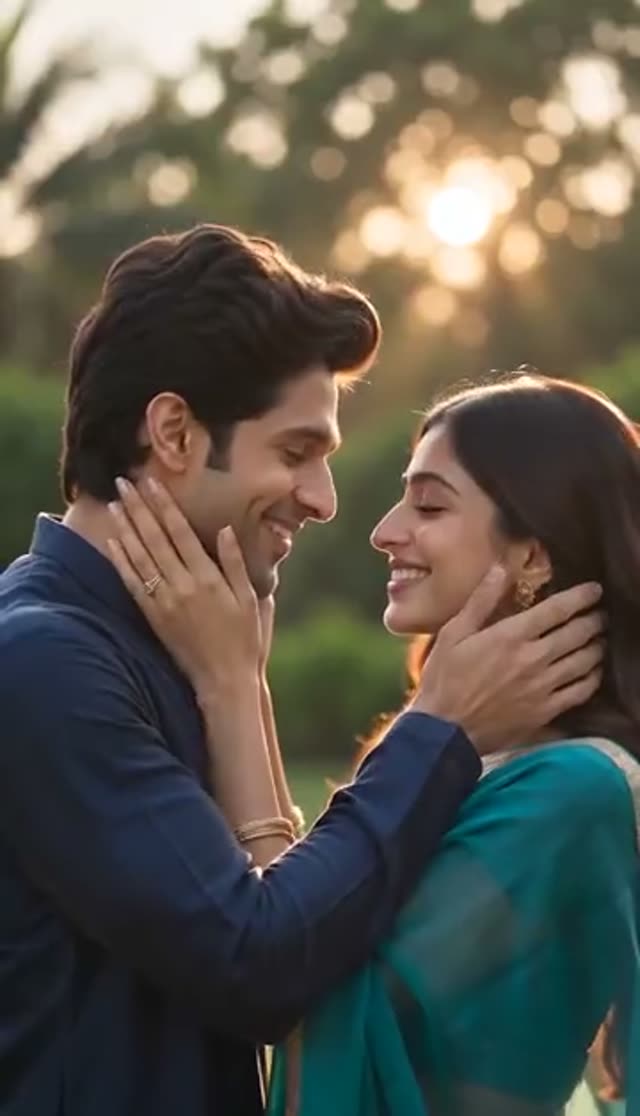
Romantic
Make this with my photo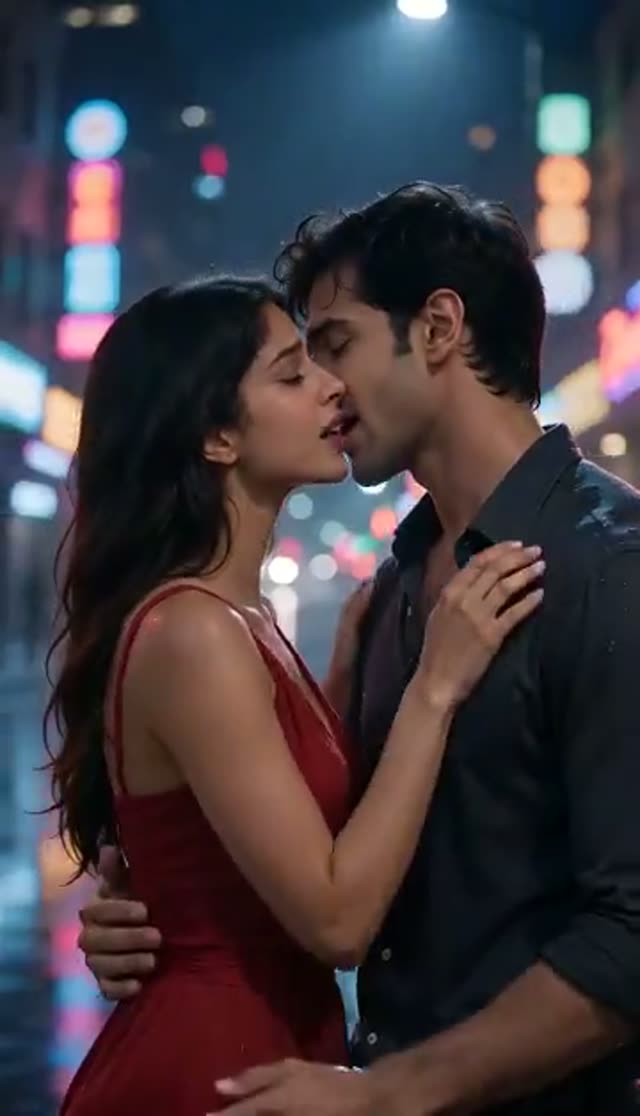
Passionate
Make this with my photo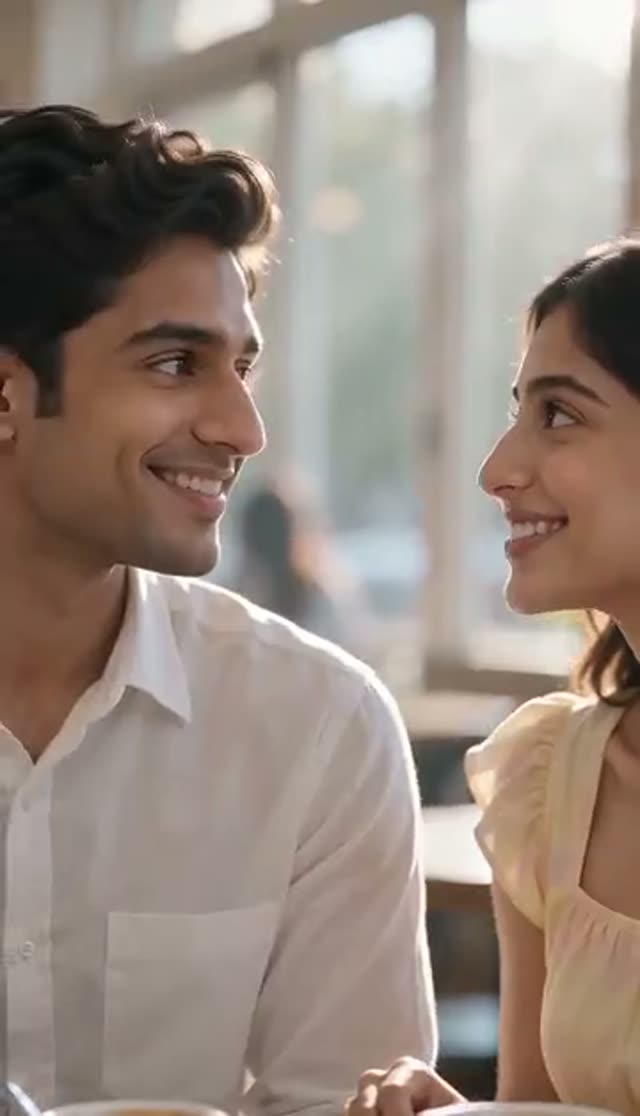
Sweet
Make this with my photo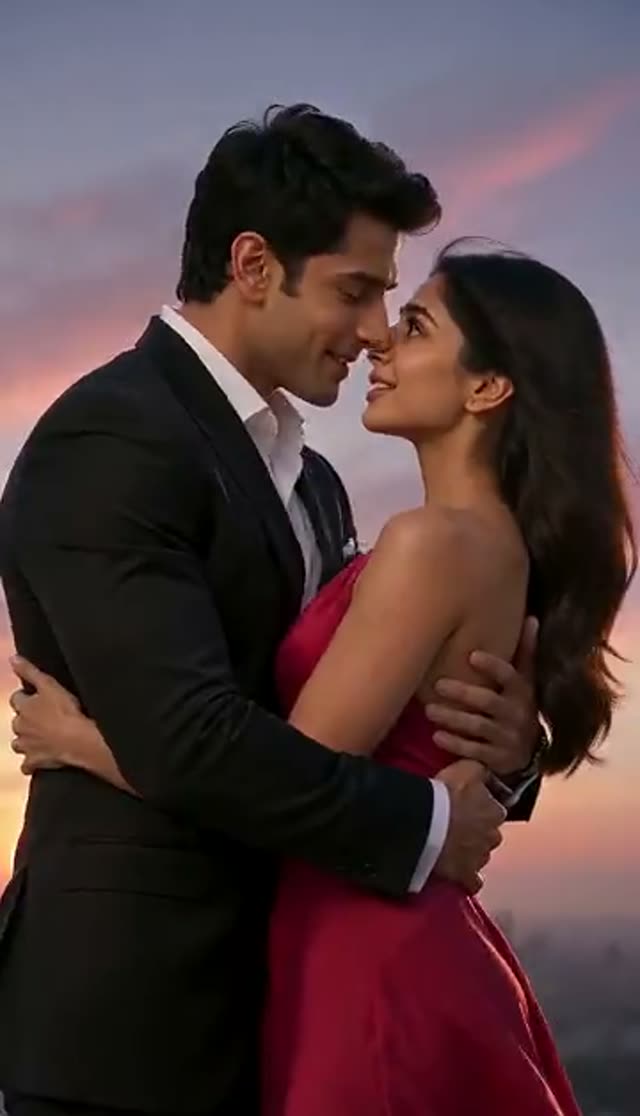
Dramatic
Make this with my photo
How it works
- 1
Choose one photo or two
One photo works when both people are already in the same picture. Two photos lets you bring together people who were never photographed side by side: upload Person 1 and Person 2 separately.
- 2
Upload clear, front-facing photos
Both faces should be visible, sharp and evenly lit. Sunglasses, heavy shadow and tiny low-resolution crops are the most common reasons a face drifts.
- 3
Pick a style
Romantic, Passionate, Sweet or Dramatic each load a different, editable prompt. Add a setting or camera move on top, such as "on a balcony at night, slow push-in".
- 4
Choose model, length and aspect ratio
Runway Gen-3 at 5 seconds and 720p is the 10-credit default. Use 9:16 for Reels, TikTok and Shorts, or 16:9 for a slideshow or YouTube.
- 5
Generate
A keyframe of the two people together is composed first, then the video model animates the kiss. Credits are taken only once the provider accepts the job.
- 6
Review and download
The finished clip lands in My Creations. Regenerate if the framing is off; a second pass on the same inputs often fixes an odd hand or expression.
Why use this tool
One photo or two
Animate a couple photo you already have, or combine two separate portraits into one shared scene with a single toggle.
Faces kept from your uploads
The built-in prompt tells the model to preserve facial features, body proportions, clothing, lighting and identity exactly as in the original images.
No strangers in the shot
The same prompt states that only the people from your uploads may appear, which stops the model adding extra characters to a two-person moment.
Four distinct styles
Romantic (warm golden hour), Passionate (tighter, higher contrast), Sweet (airy and playful) and Dramatic (hard key light, orbiting camera).
Keyframe step included in the price
The composed still that places both people together is part of the job; you pay only the video model's rate shown before you generate.
Private by default
Uploads and results stay in your own library and are not published to a public gallery.
Which model should I use for an AI kissing video?
Kissing runs VdoBloom's keyframe pipeline, so the picker shows the four model families that pipeline supports: Runway, Kling, PixVerse and Vidu. Credits below are per clip.
- Runway Gen-3 does not offer 1080p at 10 seconds.
- Draft on Gen-3, then re-run the prompt that worked on a premium model.
| Model | Clip | Credits | Good for |
|---|---|---|---|
| Runway Gen-3 (default) | 5 s / 10 s at 720p | 10 / 20 | First tests and most everyday clips |
| Runway Gen-3 | 5 s at 1080p | 20 | Sharper 5-second version |
| Vidu 2.0 | 4 s at 720p | 15 | Short story or status clips |
| PixVerse v3.5 / Vidu Q2 Turbo | 5 s at 720p | 18 | A second look at a tricky photo pair |
| PixVerse v4 / Runway Gen-4 Turbo / Vidu Q3 Turbo | 5 s at 720p | 20 | Mid-range quality |
| PixVerse v5 | 5 s at 720p | 25 | Expressive faces |
| Kling V2.5 Turbo / Vidu Q3 | 5 s at 720p | 40 | Smoother, more natural motion |
| PixVerse v6 | 5 s at 720p | 45 | Newest PixVerse release |
| Runway Gen-4.5 | 5 s | 48 | Final, highest-effort render |
What a kissing video costs
Worked examples using the Lite pack (300 credits, $19.50 one-time or $15 a month):
| Clip | Credits each | Clips from 300 credits |
|---|---|---|
| Runway Gen-3, 5 s, 720p | 10 | 30 |
| Runway Gen-3, 10 s, 720p | 20 | 15 |
| PixVerse v5, 5 s, 720p | 25 | 12 |
| Kling V2.5 Turbo, 5 s | 40 | 7 |
| Runway Gen-4.5, 5 s | 48 | 6 |
Is the AI kissing video generator free?
Yes for one clip. Every new account gets 10 free credits, which is exactly one 5-second 720p Runway Gen-3 kissing video at full quality. Free-tier videos show a VdoBloom watermark and the clean download is part of any paid plan or credit pack. There are no daily free credits, but one-time pack credits never expire and no subscription is required.
One photo vs two photos
With one photo, the model works from a single picture that already contains both people, so the background and pose stay close to the original. This usually gives the tightest likeness.
With two photos, a WAN 2.7 keyframe step first composes both people into one still frame, matching scale and light as well as it can, and only then is the kiss animated. That is what lets two portraits taken years apart, or in different cities, end up in one coherent shot. Photos shot at a similar distance and in similar light blend best.
The four kissing styles
Each preset loads its own full prompt. You can edit any of them before generating.
| Style | Look | Camera |
|---|---|---|
| Romantic | Warm golden-hour light, shallow depth of field, tender mood | Gentle push-in that settles as they kiss |
| Passionate | Tighter framing, richer contrast, a hand to the face or neck | Slight handheld drift |
| Sweet | Soft daylight, pastel tones, smiling, foreheads together after | Steady, wider frame |
| Dramatic | Strong directional key light, faint haze, film-ending feel | Slow orbit, widescreen |
Prompt ideas to try
Add one of these to the end of any preset:
- Under a streetlight in the rain, reflections on wet pavement, slow push-in.
- On a beach at sunset, wind in their hair, warm backlight.
- In a snowy park at night, fairy lights in the background, soft focus.
- Wedding reception dance floor, guests blurred out of focus, camera orbits slowly.
- Anime-style illustration of the same couple, pastel colours.
Tips for a better kissing video
Most failed or odd-looking clips trace back to the input photos.
- Use photos where each face fills a good part of the frame and nothing covers it.
- In two-photo mode, pick pictures with similar lighting and similar framing (both head-and-shoulders, or both half-body).
- If your only copy is small or blurry, run it through the AI image upscaler first.
- Say what you want the camera to do; a named camera move beats a vague "cinematic".
- Regenerate once before changing anything else: results vary between runs.
Limits and content rules
Clips are short (4 to 10 seconds on most models; PixVerse v6 reaches 15 and Vidu Q3 and Q3 Turbo 16). Hands and lips in close contact are the hardest part for any video model, so expect to regenerate now and then. Models outside the Runway, Kling, PixVerse and Vidu families (for example Seedance or Veo) are not offered on this tab because the keyframe pipeline cannot hand off to them.
Everyone in your photos must be an adult, and you should only use pictures of people who have agreed to it. The tab is built for tasteful, romantic scenes; prompts are screened before a job runs and a request can be refused under VdoBloom's content policies.
What people make with it
Common uses for AI kissing videos:
- Anniversary, Valentine's Day and birthday surprises for a partner.
- Couple edits and "us" trends for Instagram Reels and TikTok.
- Wedding save-the-date teasers and reception slideshow moments.
- Long-distance couples who have few photos together.
- Fan art and storyboards for fictional or illustrated characters.
Frequently asked questions
How do I make an AI kissing video from a photo?
Open the kissing tab, upload one photo with both people or two separate portraits, pick a style, choose a model and generate. A 5-second Runway Gen-3 clip at 720p costs 10 credits and usually lands in My Creations within a few minutes.
Is there a free AI kissing video generator?
VdoBloom gives every new account 10 free credits, enough for one 5-second 720p kissing video on Runway Gen-3. Free-tier results carry a watermark; any paid plan or credit pack removes it.
Can I make two people kiss from two separate photos?
Yes. Switch to two-photo mode and upload one portrait of each person. A keyframe step composes them into one frame before the kiss is animated, so the result looks like a shared scene rather than two cut-outs.
Will the people still look like themselves?
The tab's prompt instructs the model to keep facial features, proportions, clothing and lighting from your photos. Likeness is best with sharp, front-facing, evenly lit pictures; small or shadowed faces are the usual cause of drift.
Which AI model is best for kissing videos?
Start on Runway Gen-3 (10 credits). For more expressive faces try PixVerse v5 (25); for smoother motion Kling V2.5 Turbo (40); for a final high-effort render Runway Gen-4.5 (48).
How long can the video be?
Runway Gen-3 makes 5 or 10 seconds, Runway Gen-4 Turbo and Gen-4.5 add 8 seconds, Vidu 2.0 makes 4 seconds and Vidu Q3 can reach 16. The length options change with the model you pick.
Why can't I choose Seedance or Veo on the kissing tab?
Kissing runs a keyframe pipeline that hands off only to Runway, Kling, PixVerse and Vidu. Other models are hidden so a job cannot fail after the keyframe step.
Can I make an anime or cartoon kissing video?
You can describe a style such as anime or illustration in the prompt, and illustrated characters can be used as input. Results vary more than with real photos, so expect to regenerate.
Do I need permission to use someone's photo?
Yes. Only use photos of adults who have agreed to be in the video. Uploads stay in your private library, prompts are screened, and generations follow VdoBloom's content policies.
What happens if the generation fails?
Credits are only taken once the provider accepts the job, and failed jobs do not consume credits. If a clip looks wrong, regenerate, then try clearer photos or a different model family.