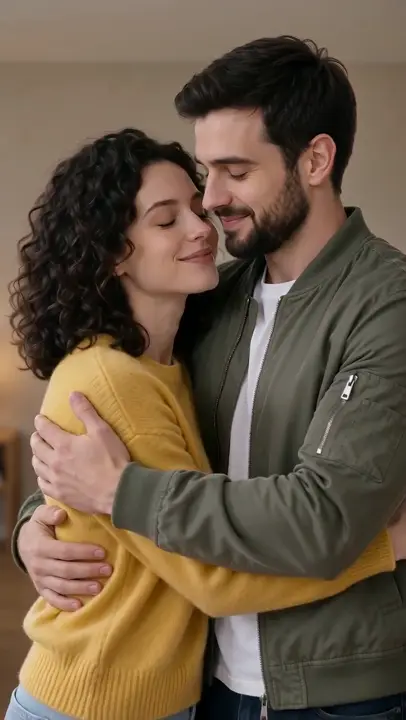
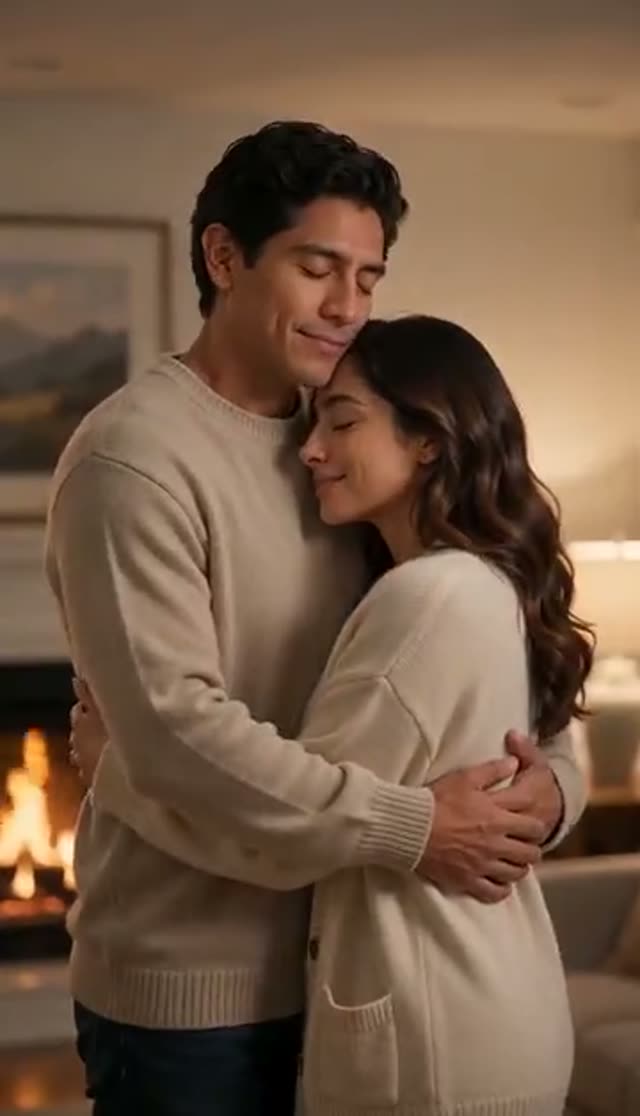
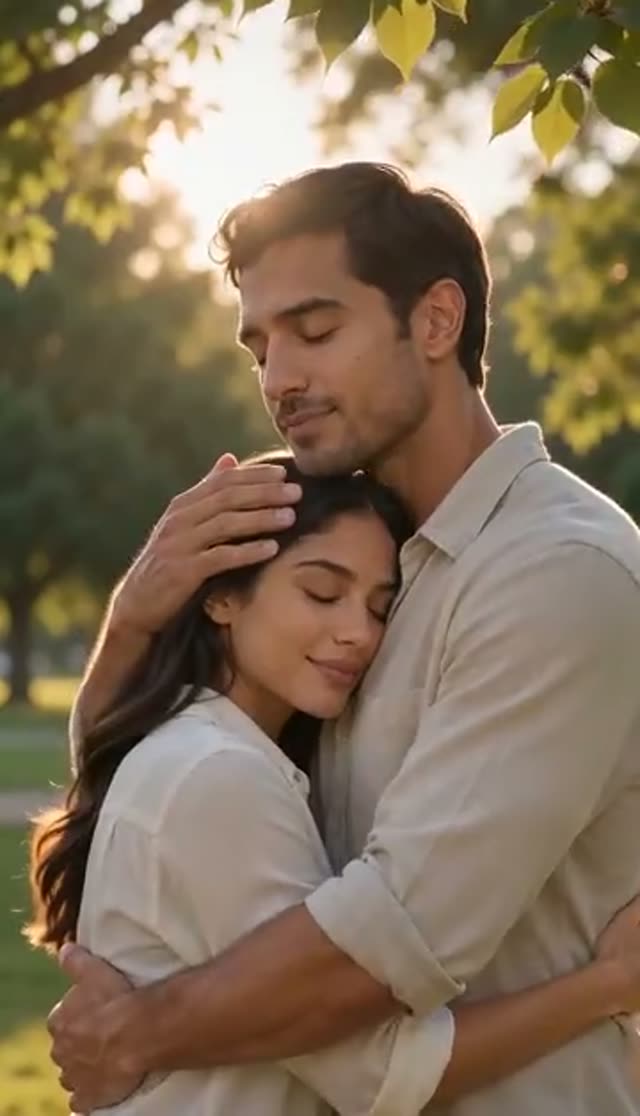
AI hug video to remember a parent who passed away
Set the photo count to two, upload a recent photo of yourself and the clearest photo you have of your parent, and pick the Gentle or Warm style. The AI places you both in one frame and animates a 5-second hug (10 credits on Runway Gen-3). Restore a faded or scratched photo first with Restore Old Photos (5 credits), check the face still looks like your parent, and tell family the clip is AI-made before you share it.
How do I make an AI hug video from two photos?
Open the hugging tab, set the photo count to two, upload a portrait of each person, choose a mood and generate. The AI composes both people into one frame, then animates the hug. A 5-second Runway Gen-3 clip costs 10 credits.
Is there a free AI hug video generator?
New VdoBloom accounts get 10 free credits, enough for one 5-second 720p hug video on Runway Gen-3. Free-tier videos carry a watermark that any paid plan or credit pack removes.
Can I make a hug video with only one photo?
Yes. In one-photo mode the AI generates a partner who hugs the person in your picture. If your photo already shows two people, edit the prompt to describe them hugging each other.
Can I make a hug video of someone who has passed away?
Many people use the Gentle or Emotional mood for exactly this. Use a clear, restored photo, keep the setting quiet, and check with close family before sharing.
Can I hug my younger self with AI?
Yes. Use two-photo mode with a current photo and a childhood photo. Similar framing and lighting between the two pictures gives the most believable result.
Which model is best for an emotional hug?
Test on Runway Gen-3 (10 credits), then try PixVerse v4.5 (22) or v5 (25) for more expressive faces, or Kling V2.5 Turbo (40) for smoother movement.
Does it work with old scanned photos?
Yes, but creases, grain and low resolution carry into the video. Upscale the scan first with the AI image upscaler, or photograph the print in even daylight.
What is the best app to make an AI hug video from an old photo?
Pick a tool that lets you clean up the photo before animating it. On VdoBloom you restore the print with Restore Old Photos, then make the hug on the same account and the same credits. A default 5-second clip costs 8 credits.
What is the best AI hug video generator from two pictures?
Look for one that composes both people into a single frame before animating, so the two faces come from your own photos. VdoBloom does this with a WAN 2.7 keyframe step, then lets you choose any image-to-video model for the motion.
How do I make an AI hug video for my mom and me on Mother's Day?
Upload one photo of each of you in two-photo mode, choose the Warm or Joyful mood, add a homely setting, and export in 9:16 for sharing. The default clip costs 8 credits, which the free signup credits cover.
Can I make an AI hug video free online?
Yes, once. The 10 free signup credits pay for one 5-second 720p Runway Gen-3 hug clip in the browser. Free-tier clips carry a watermark. A daily check-in adds 2–5 credits a day.
Which app makes realistic AI hugging videos?
Realism depends mostly on the photos and the model. Use clear half-body photos with matching light, then try PixVerse v5 (25 credits) or Kling V2.5 Turbo (40 credits) for more natural faces and body motion. Hands and crossed arms are still where clips most often slip.
What is the cheapest AI hug video maker?
On VdoBloom the lowest-cost hug clip is 8 credits (Seedance 2 Mini, 5 seconds, 480p). You buy credits once, with no subscription, and one-time pack credits never expire, so you only pay for the clips you make.
Can I make my pet hug me?
There is no pet template; the hug prompts are written for two people. You can edit the prompt, but results with animals are less predictable.
How long does a hug video take?
A few minutes. The keyframe is built before the video model starts, so it is a little slower than one-stage effects. You can leave the page; the clip appears in My Creations.
Are my photos private?
Yes. Uploads and results stay in your own library and are not published. Use photos of adults who have agreed to it; prompts are screened under VdoBloom's content policies.