Box Burst Product Ad Generator: The Set Builds Itself
The box-burst ad starts on a plain kraft box that trembles and bursts open; your product rises out while a pedestal, backdrop panels and lights fly in and lock into place around it.
It ends on a still hero shot of your product, label and logo intact. A nature variant grows stones, moss and flowers instead of a studio.
Examples
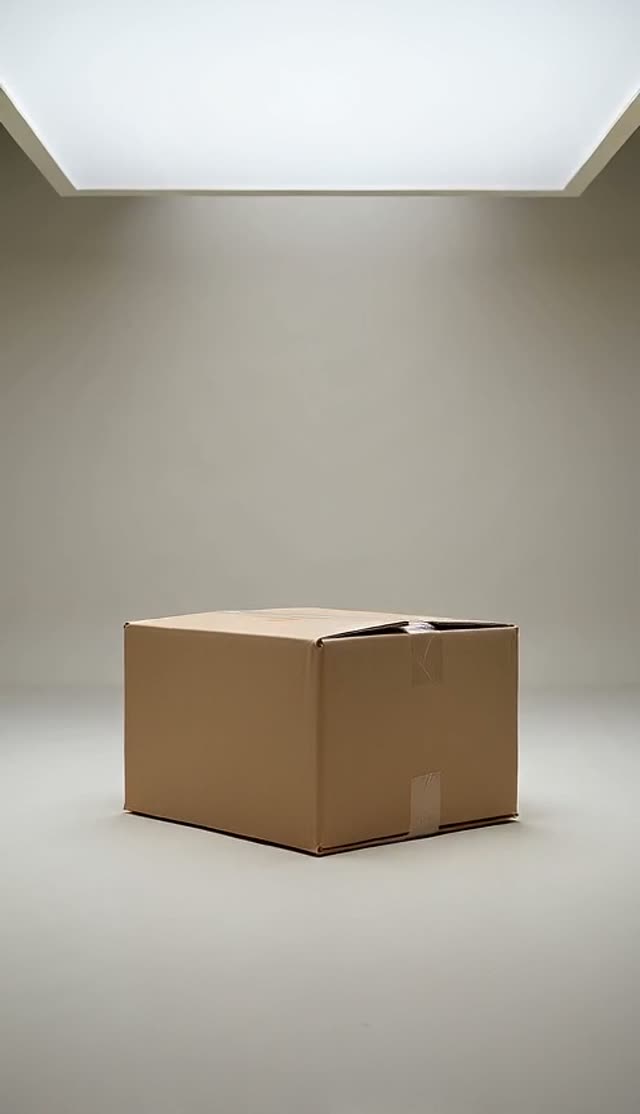
Studio Self-Assembly
How it works
- 1
Upload a product photo
A clean shot on a plain background works best — labels and logos are kept as they are.
- 2
Pick the set
A studio set that builds itself, or a natural set of stones, moss and flowers.
- 3
Generate the ad
The box bursts, the product rises and the scene assembles around it, ending on a hero shot.
Why use this tool
Product never redrawn
Every prompt locks the product’s shape, colours, label and logo so the hero shot is your real product.
One continuous move
A slow push-in runs through the whole burst and assembly, the pacing that keeps self-assembly ads watchable.
No stray text
Prompts forbid extra captions and watermarks; add your own copy in the edit.
Frequently asked questions
Will my label stay readable?
The prompt locks the product’s shape, colours, label and logo. Clean, well-lit product photos keep small text sharpest.
How much does one clip cost?
Each clip is priced by the video model and settings you pick — the exact credit cost is shown on the Create button before you generate, and that is the amount charged. The preset opens on the cheapest model and resolution that gave good results in our tests, and you can switch to a higher-quality model from the same picker. If a render fails, the credits go back to your balance automatically.