AI Inflate Effect: Blow Anything Up Like a Balloon
The main object in your photo inflates — round, glossy, stretched smooth — then lifts off and floats out of frame while the background stays put.
Cars, toys and products look especially funny puffed up.
Examples
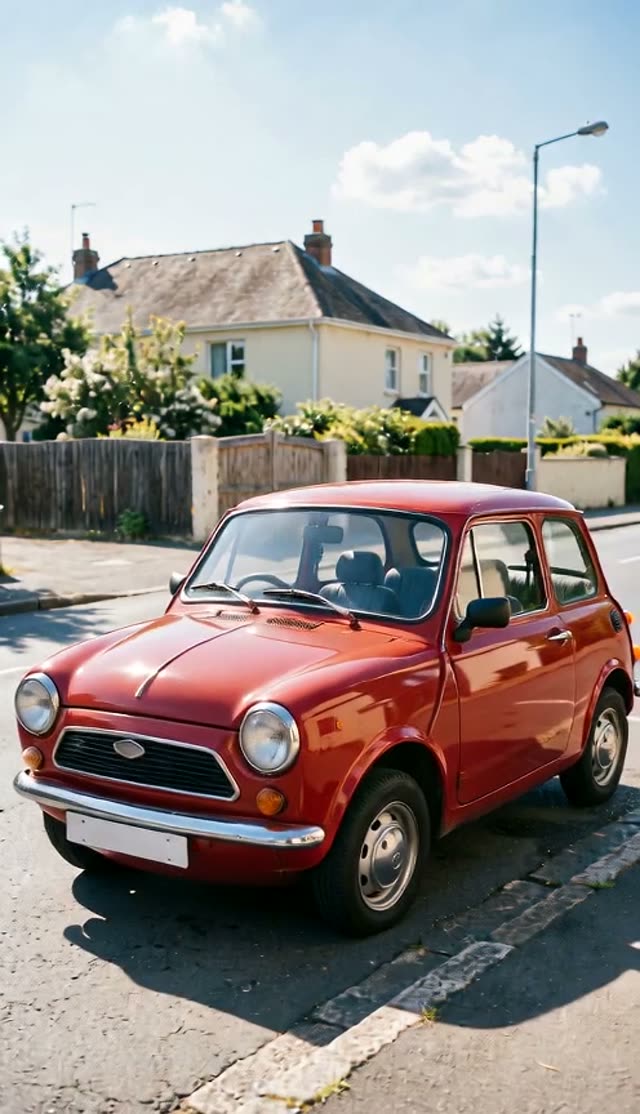
Inflate It
How it works
- 1
Upload a photo of the object
A single clear subject — a toy, mug, car, shoe, statue or pet — on a simple background.
- 2
Generate
The photo is the first frame; only the effect happens, with the camera and lighting locked.
- 3
Try other models
Every image-to-video model works on this tab, so you can compare the same effect across models.
Why use this tool
Physics, not a filter
The object deforms with believable material behaviour — foam squish, wax drips, balloon stretch — while the rest of the frame stays still.
One action per clip
Each preset does exactly one thing, the rule that keeps short effect clips clean.
Playful by design
Explosions are confetti, crushes are cartoonish, nothing is gory — safe for brands and family accounts.
Frequently asked questions
Which photos work best?
One obvious subject with some space around it, shot in even light. Busy scenes confuse which object should react. Products, toys, food, cars, statues and pets all work well.
How much does one clip cost?
Each clip is priced by the video model and settings you pick — the exact credit cost is shown on the Create button before you generate, and that is the amount charged. The preset opens on the cheapest model and resolution that gave good results in our tests, and you can switch to a higher-quality model from the same picker. If a render fails, the credits go back to your balance automatically.