Your Name Animated: Neon, Gold, Chalk or Written in the Clouds
Type a name and pick a look — a neon sign flickering on letter by letter, shiny gold 3D letters landing on a reflective floor, chalk lettering, or giant cloud letters forming in front of a drone at sunrise.
No photo needed. The name is dropped into the prompt in quotes with a rule that it is the only text in the frame.
Examples
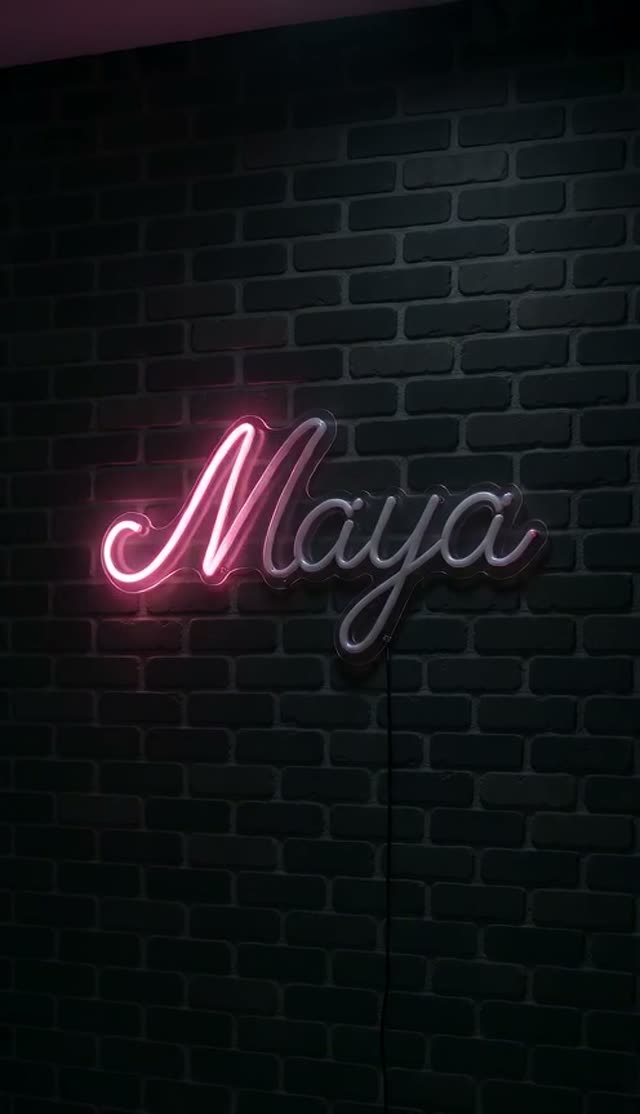
Neon Sign
How it works
- 1
Type the name
One or two short words spell most reliably.
- 2
Pick a style
Neon sign, gold 3D letters, chalk lettering, clouds from a drone, or writing in the sand.
- 3
Generate
The name is placed into the prompt in quotes, which is how video models are told to render exact text.
Why use this tool
Exact-spelling prompts
Each template states that the name is the only text in the frame, spelled exactly — fewer stray letters.
Five looks
From a flickering neon sign to letters formed by clouds and mist in a drone shot.
Intro-ready
Short clips that work as channel intros, birthday posts or profile videos.
Frequently asked questions
Can I animate a longer phrase?
Yes, but accuracy drops as text gets longer. One or two words give the cleanest spelling.
What if a letter comes out wrong?
Text is still the hardest thing for video models. Short names spell best; if one letter is off, re-run it or try another style.
How much does one clip cost?
Each clip is priced by the video model and settings you pick — the exact credit cost is shown on the Create button before you generate, and that is the amount charged. The preset opens on the cheapest model and resolution that gave good results in our tests, and you can switch to a higher-quality model from the same picker. If a render fails, the credits go back to your balance automatically.